


Creators: Due to background reprocessing of files, approvals and file security checks may be delayed. Thanks for your patience.

Puschi999
Members
-
Joined
-
Last visited
Everything posted by Puschi999
-
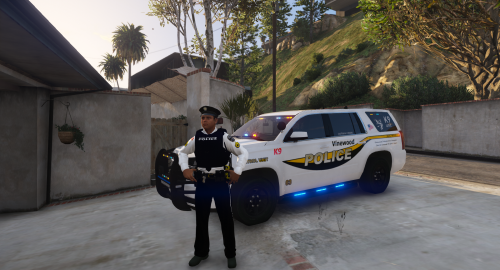 Hi Guys,Welcome to my Vinewood PD pack.I did it as a package and combined the vehicle texture with the matching player Ped.Contains textures for 3 different vehicles,2016 FPIS2016 FPIU2015-2017 Tahoethe tahoe I have added a window texture for more realism for a k9 vehicle (the window texture does not fit other than the vehicle texture on every tahoe!) Detailed installation information with pictures for the easy installation of the Ped are included I hope you enjoy my work, and respect the time I put in and do not upload them anywhere else or change them publicly. (changes for exclusively private purposes are of course ok)Please do not ask for other driving to expand the pack, it's just a "district police" it is intended as a mini pack and should also remain as I have imagined. About a few stars, I would be happy, about praise / attached criticism, I am available in case you publish my work or parts of it on youtube in the form of let's play, please link to me example for suitable vehicles the tahoe with matching window template is from here (screenshot tahoe)
 -
 this is really strange actually it should work now, but sometimes put your problem in the forum under help maybe someone has an idea, I've done it again with me, my own file downloaded and installed normally and it worked
- 26 comments
- 5 reviews
-
my way is the standard way for the pad, I do it myself and everyone else, you know, the first one where my way does not work so it can not be that it works. do you have a modified s_m_y_cop ped on patchday9ng.rpf? otherwise install it on the patchday9ng in the same way, if you have my ped properly installed then it should go.But then you also need patchday9ng.rpf in the mods folder if you do not have it, then you find the ped with s_m_y_cop_01 with the search function
- 26 comments
- 5 reviews
-
-
I know the ped, have just looked briefly but no longer found, was probably removed by the author
-
my installation method is only for the city police so s_m_y_cop_01_I know from albos dlc pack that you need to insert the file to the ped to tell the game what you've been uploading as it behave and should work so the meta, fileare they all renamed and right inside?
- 26 comments
- 5 reviews
-
I do not use albos mod dlc pack myself, so I can not comment on that, but from the base my ped is suitable if everything is installed properly.
- 26 comments
- 5 reviews
-
Yes, of course. in principle, you can use it to replace any ped in the game, if you know where you put it. if you install everything correctly, it is synonymous in albos mod dlc pack
- 26 comments
- 5 reviews
-
do you need help with the installation? do not understand exactly what you want, could you please express yourself clearly do not understand the phrases like "bums me out" because it is not my main language
- 26 comments
- 5 reviews
-
this looks more like a problem with the installation.did you unpack the download file correctly?did you insert everything correctly?do you have the car in two places twice inserted the files interfere with each other?maybe you still have old + hi.ytd date from the predecessor in it?is a vehicle file missing?I strongly believe that it will be at one of these points
-
 I like it well, nice logo clean work!I just do not like the license plate so much, from the font type and the distribution, is there a real model for it?I personally would like XXYYXXX or XXXXX better on the SA EXEMPT.
 -
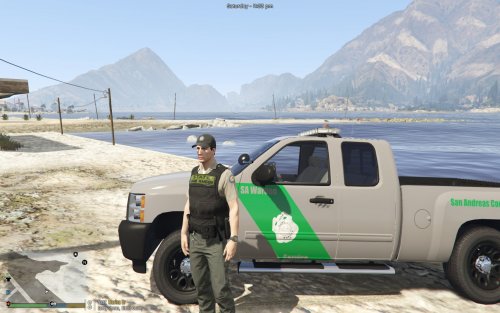 very good work, but you should still invest a little time in the placement of your texts and badges. the badge on the doors leans over the door's bumper, and the "service" on the door is gaping on the door, and the under half bounces off almost invisibly. your logo on the tailgate is overlapped by the model lettering. are just little things that you can fix pretty quickly and make your job even better! otherwise continue like this
 -
die entpackten Download Dateien geben die Installation doch vor wie es in die verschiedenen Ordner vom GTA V Verzeichnis hinein muss! ein Plugin nach dem anderen und immer schauen ob alles geklappt hat, nie gleich mehrere auf einmal wenn man unerfahren ist, wenn dann was schief läuft, (falscher Ort oder falscher Ordner) hast du keine Ahnung an welcher Datei es genau gelegen hat. der Police Scaner zum Beispiel benötigt nach der Installation beim spielstart auch noch ein paar eingabe Informationen an fenstern die aufspringen beim ON Duty gehen, dabei komme doch auch Meldungen links unten über der mini karte hoch welches Plugin geladen hat. hoffe konnt helfen
-
Thank you for all your answers, now I have a good picture of what the differences and tasks of the units are!For me as a German, the American criminal justice system is a huge mess, so many units and organizations on city, country and federal and many also overlap in their jurisdiction. In germany, we have far fewer different organizations and the responsibilities are clearly regulated. we have in uniform on stiff also only the police, from the respective state, which differs from the uniform and vehicle design only minimally from the other federal states, they are responsible everywhere in the country and in the city, in america there are metropolitan police because Several counties often joined forces.In germany / europe, for example, there is no sheriff or uniformed state police or so many federal units with so many different uniform / car designs.
-
hello, I have a question where I can not get away because of missing cover, I wanted to know what the difference between the georgia state patrol (state trooper) and the officers of the georgia department of public safety (state officer) or MCCD called me and I do not knows what the abbreviation means, because no logical translation.Would be nice if someone can help me
-
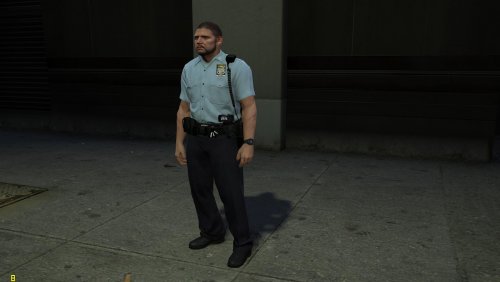 no, the shirt neckline, the buttons and the patch, of course, as well as the color of the watch is the same as the shirt. maybe the wrong dimensions inserted, determines a trifle, actually you always do perfect work
- 15 comments
- 4 reviews
-
The short-sleeve texture of the female pad is shifted and does not fit over each other! otherwise great work
- 15 comments
- 4 reviews
-
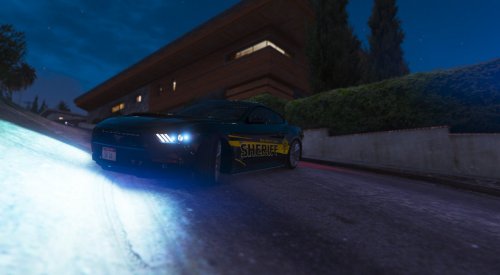 the texture is mirrored wrong and wrong placed, there are also missing details!
 -
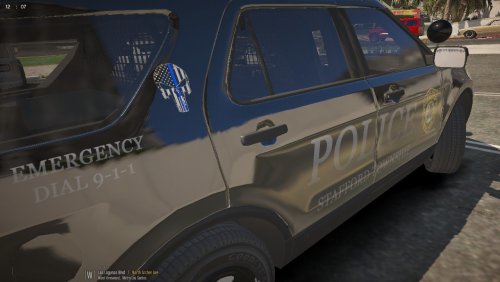 For your first job, I think the result is quite good. have the texture well adapted to the vehicle, all texts are sharp and clearly legible. a good first job!I'm looking forward to your development
- 4 comments
- 1 review
-
I'm looking for a file, I'm looking for the uniform shirt file to be exchanged, which carries the "lspd" policeman under the jacket.from all other units (lscs, bcso, sahp) I found the date to the shirt under the jacket but at lspd I seem to be blind maybe someone of you know the exact location of the file
-
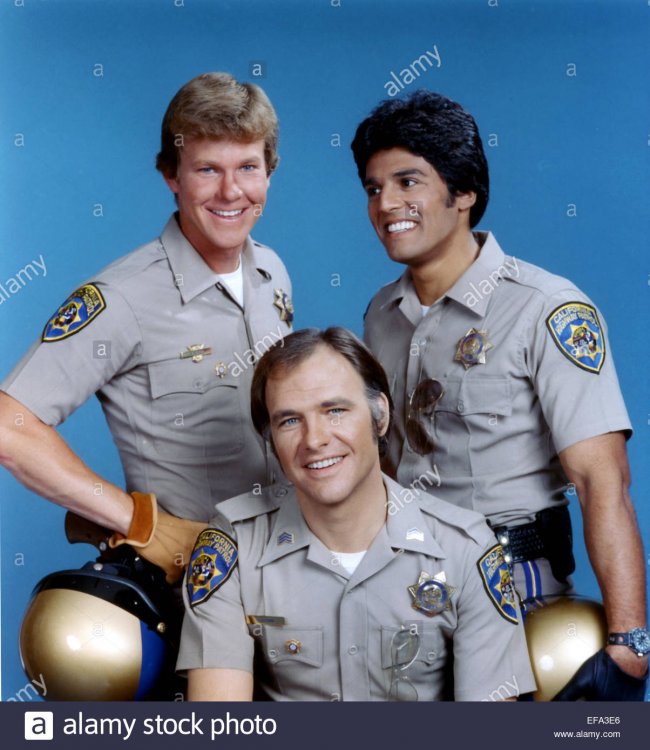
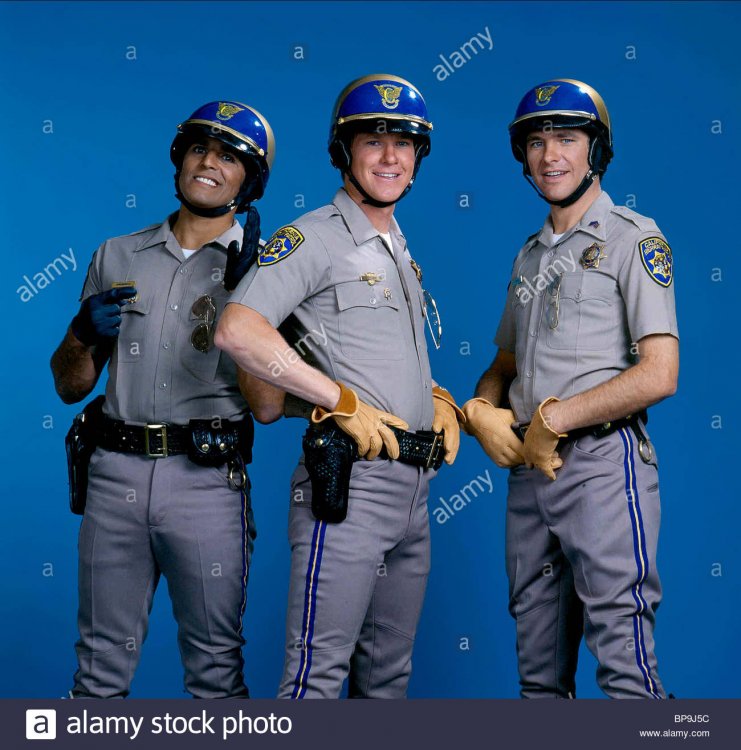
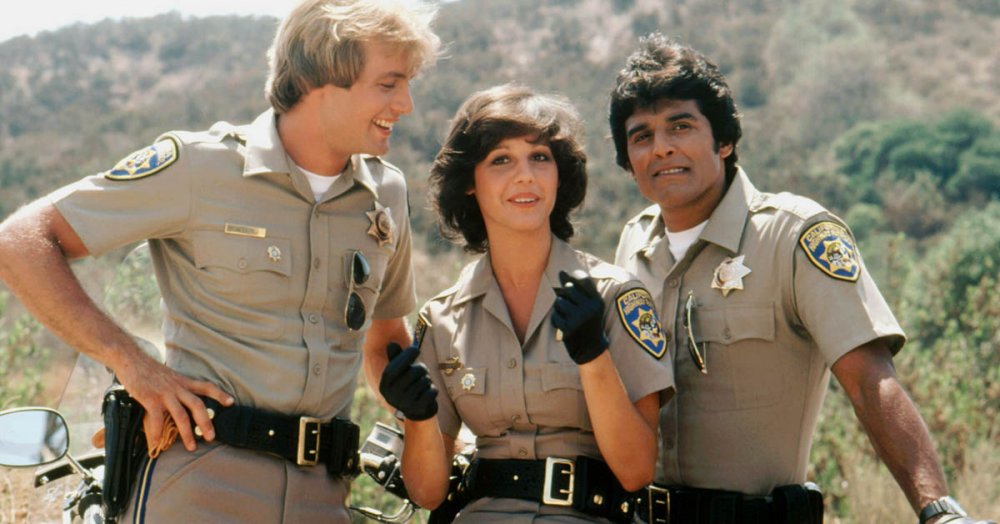
That's probably what you're looking for the most, the uniform has changed only in the datail, so it is difficult to assign the photos to vintage.hope could help you a bit


-
I'm looking for a file in eup, and I'm looking for the uniform shirt file to be exchanged, which carries the "lspd" policeman under the jacket.from all other units (lscs, bcso, sahp) I found the date to the shirt under the jacket but at lspd I seem to be blind maybe someone of you know the exact location of the file
-
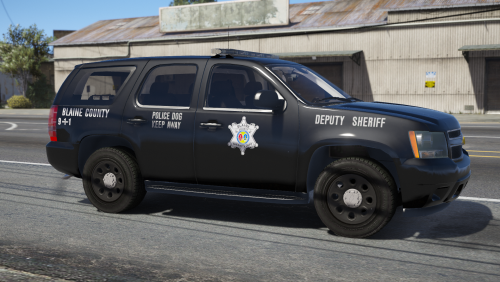 Do not sound condescending now, but is it possible that your texture comes from a slightly different form of @BradM (Richland) Blaine County package?the guess is I'm the logo used and the color difference between your used font in the texture
- 6 comments
- 1 review
-
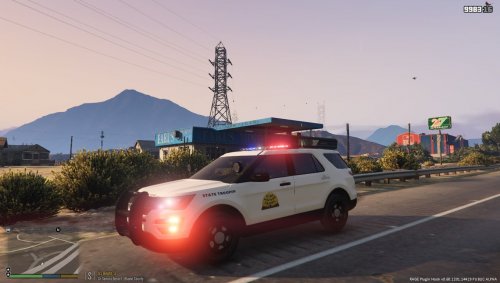 why no license plates?
 -




.thumb.png.e1a6ceba31074911dd5f1b6d5201c4d3.png)