
Puschi999
Members
-
Joined
-
Last visited
Everything posted by Puschi999
-
-
hallo, du hast nichts falsch gemacht! das Problem ist Skripthook V was aktuell nicht mit LSPDFR und dem RAGE funktioniert wegen dem update. du und ich auch müssen aufs update von Skripthook V warten, leider
-
hello, I am also affected by the scripthook v problem, and wait for the update! but apparently there is no one who can tell how long that will take. Now I want to reset my game to the previous version, but have no real idea how. (also conditionally that I do not speak perfect English and many technical terms must first read or understand from the context and I have to look up the technical terms in the RAGE menu all) So it is state, GTA V has pulled the update and installed, RAGE plugin hook is synonymous the latest version on it (v1290).Can someone tell me in simple English without me not everyday terms of technical terms what I have to do so I reset everything so that I can finally play again, eternal gratitude included
-
-
-
-
perfect thank you
-
hello people, i am looking for the county name of this sheriff. I need some information about this departmend for the purpose of a player / pad project! I am grateful for every tip
.jpg.7f8248fe8858287e486e3e0cbede0852.thumb.jpg.92153d63f26ba6edc9ef815d46e8b26f.jpg)
-
-
.thumb.png.7db4ff792de167922a0ae818e4ff748a.png) Do you mean the same uniform combination in the shade with just another sleeve logo and sheriff star?
Do you mean the same uniform combination in the shade with just another sleeve logo and sheriff star?- 22 comments
- 2 reviews
-
I have read That's why I thought, I'll do something to honor your work I also adapted it a bit to your eup package so that they harmonize better
- 22 comments
- 2 reviews
-
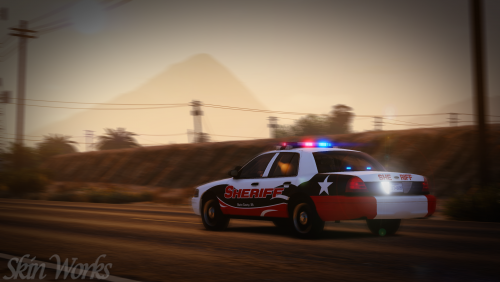
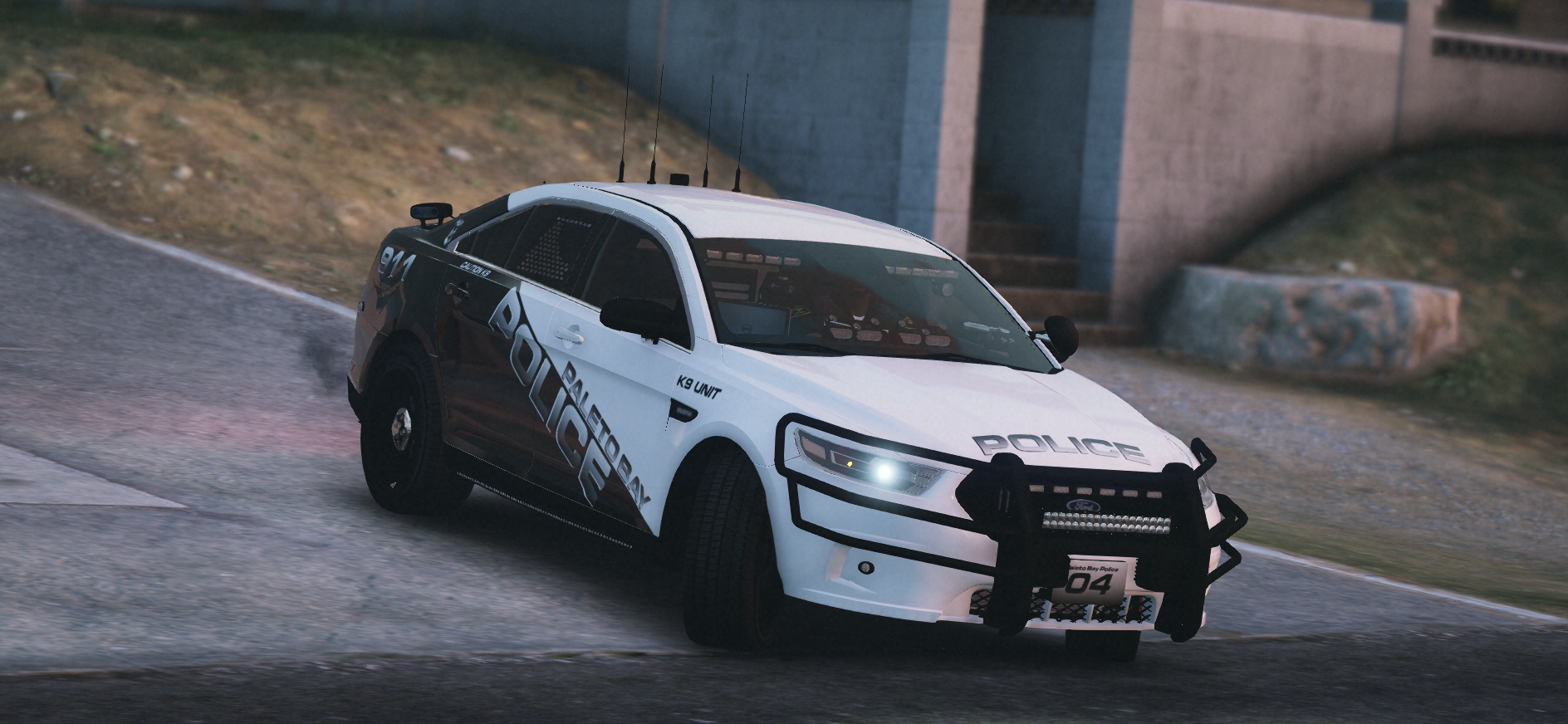
 read the text correctly, it refers to the vehicles that can be seen in the photos! The templates of the vehicles are the most widely used, and fit on most models! If you have little idea you should not complain
 -
hi Guys,I've thrown something together here and want to share it with you!The uniform is set on the Pasco sheriff's office, I know the star is not quite right and a few details are not correct, it's the game and the Ped owed!special thanks goes to @PBSO Guy for my idea for this packagehave fun
- 22 comments
- 2 reviews
-
-

- 1
-
-
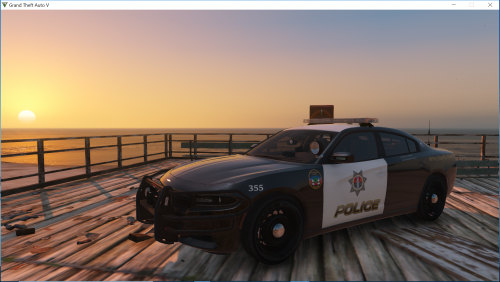
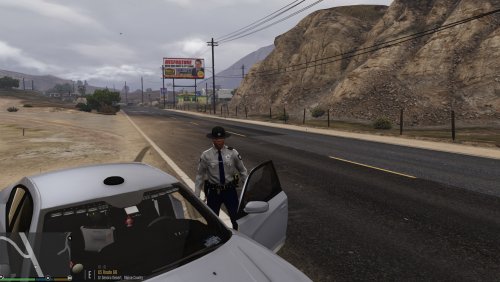
hi Guys,Now I introduce you to the realization of my latest idea,The San Andreas County Police,I was thinking about doing something new as always only Blain / LS County sheriff or LSPD variations and it came out a merger! I have no idea if there is a similar device in America. (maybe we get a few names of similar PD / SD units in the comments together)I have made my texture on sheriff 1-2 and police b / 4 to have SA County Police present in all of LS / Blaine County to be able to call as many different vehicles as possible for even more reality!The vehicles in the pictures are currently not available for download, if the questions arise, I'm not the author of the vehicles and have no idea if and when they may be downloadable again!the templates of the cars I have built the textures on are included in the folder !!I hope you have fun with this new unit in the game.Leave a few stars down there if you like it !!You do not have the right to upload these textures again or otherwise publish in a kind and white. you want to make youtube.com video with my texture, no problem! please link to me <-
-
 very good and clean work! everything fits together very nice package. 5 stars more than deserved !! looking forward to more of you and maybe in the future, continue to work well together
- 6 comments
- 2 reviews
-
-
- 1
-
-
-
are you still planning a ped model? the eup texture looks pretty good, but so alone in the uniform while the peds in other uniform spawn is somehow silly right ?! should be only an idea offense, no criticism
- 6 comments
- 2 reviews
-
-
- 1
-
-
-
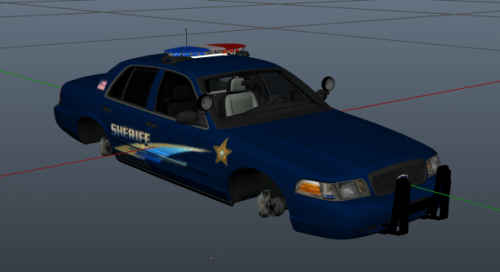 just as you have added the textures, I assume that you are not the author of the texture or parts of it. the textures are not at all fitting and totally bad and wrong placed, you did not pay attention to the special features of the single vehicles, let alone the correct reflection of the vehicle pages. if it's your first work, it's at least a start. keep practicing diligently and you will quickly make progress, if you have any questions you can send me a PM or ask the community, here are great textures machetes on the go that will definitely help you !!
- 3 comments
- 8 reviews
-
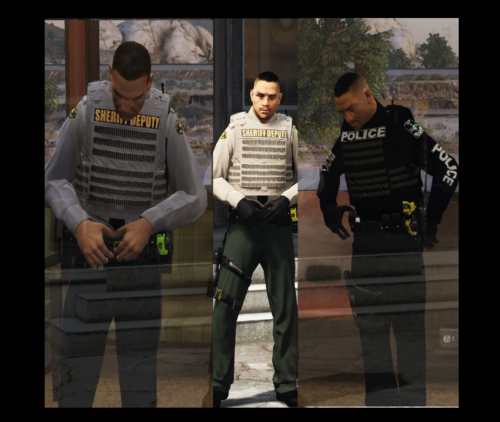 very good package, a nice extension and improvement of your existing packages.
- 12 comments
- 5 reviews
-
-
- 1
-
-
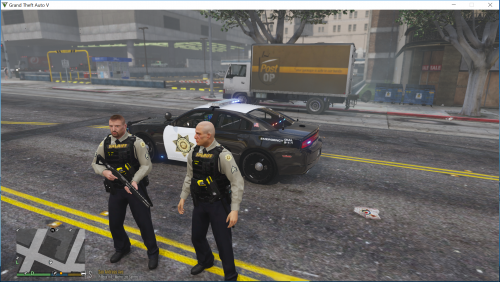 Unfortunately, there is no female police / sheriff ped in the quality. that's the problem! you could take the original female sheriff carakter and visually adapt it to my ped, but also looks stupid. you can do it like me, by renaming the existing data of mine, so the s_m_y_sheriff to s_f_y_sheriff and make them on the female ped on it. then it fits visually because only peds in the same uniform spawn. hope could help you
- 19 comments
- 2 reviews
-
hello troopercharles, is it possible that you gave the wrong pants texture to the blaine county sheriff in the textures folder? because on your pictures the trousers are dark blue / blue and in the folder an olive green. should not be a criticism, I just noticed
- 12 comments
- 5 reviews
-
-
- 1
-
-
-
that is from jj.dawkins. but is no longer available for download, unfortunately
- 19 comments
- 2 reviews
-

.thumb.png.7db4ff792de167922a0ae818e4ff748a.png)
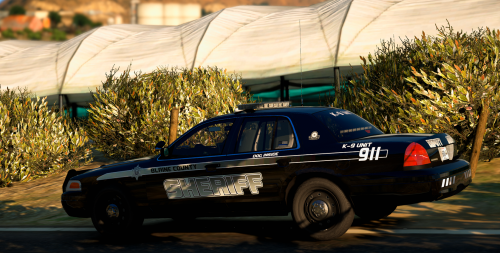
.jpg.7f8248fe8858287e486e3e0cbede0852.jpg.34b4bf98cbf1623bcd36969dcb29b181.jpg)