


McFaceGaming
Members
-
Joined
-
Last visited
Everything posted by McFaceGaming
-
 Either way, captain 14's cars use the same templates as most vics, chargers, and tahoes anyways. I know from experience because I did the exact same thing. Now should there only be textures? Yes. However your point about ELS is irrelevant as lcpdfr.com even has a "NonELS" Models section, where people (11john) still post and get their models downloaded.
 -
Wrong. Non-ELS Is used in FiveM.
-
-
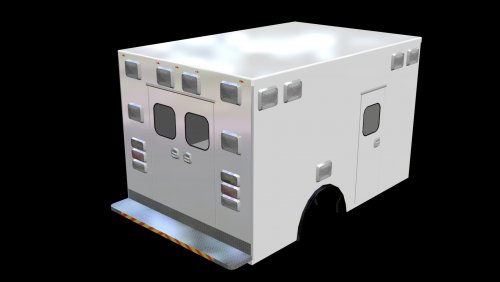
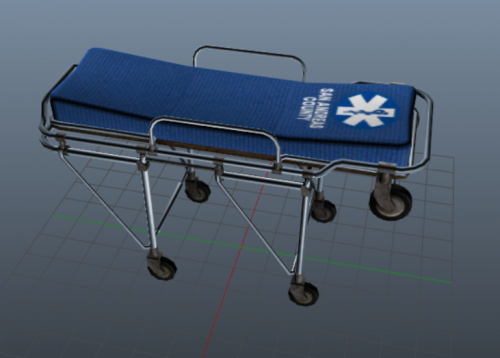 So I've noticed you are developing some ambos, and I can already tell they will look nice. Cant wait to see them!
 -
 I figured it out, sorry!
 -
Only problem with this is that it is backwards (Facing right on the left view) How can I flip it around?
-
 Skins themselves look good, but maybe make it "San Andreas State Police" Instead?
- 1 comment
- 2 reviews
-
 Glad you like them! Anything that could be changed to make them better?
 -
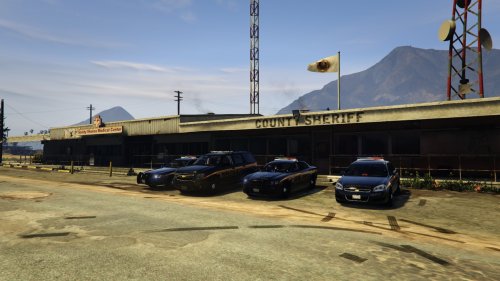
Hello! This is a Blaine County pack I have been making the past few days. It works for any vehicle that uses these templates. Comments and Feedback encouraged! V V V
-
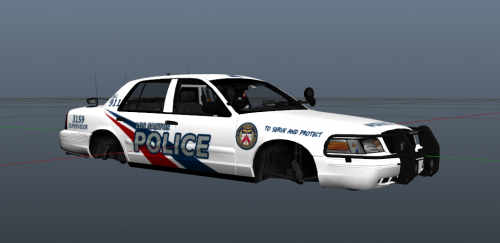 Y U No Friend Meh.
 -
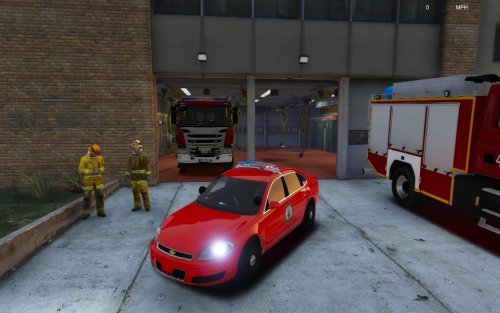 Could you move the badge into the front door instead of the middle of both doors? Also maybe some sort of stripe somewhere on the vehicle.
- 9 comments
- 3 reviews
-
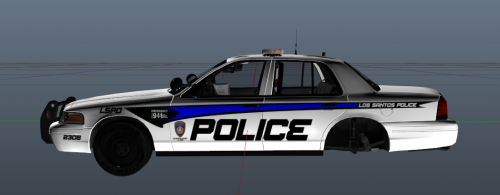
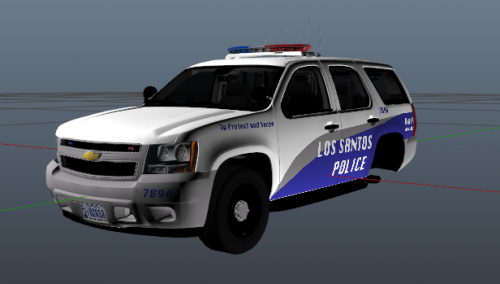 Los Santos Police Pack. My second pack I have released. I personally like this style MUCH better than black and white. Leave Feedback and suggestions, please! V V V Other Skins Made by Me:
 -
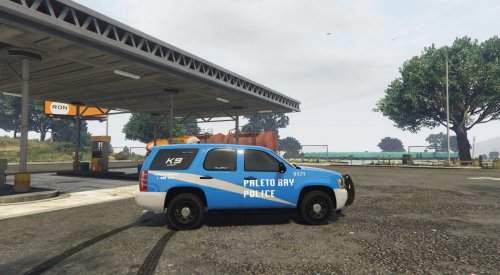 @PumaBreath would you mind if I used that screenshot for the skin? Also, is that in FiveM or LSPDFR?
- 9 comments
- 4 reviews
-
-

- 2
-
-
Downloading them as we speak! Any thing you'd like to suggest for these? Do you prefer the chevrons or the normal grey bumper that all but the CVPI have?
- 9 comments
- 4 reviews
-
-
- 2
-
-
Ill take a look at them! Thanks. Gotta wait till I'm Home to Download them though.
- 9 comments
- 4 reviews
-
-
- 2
-
-
-
Hey parvixal, would you like to request some vehicles and I could start working on them. I'm glad you like them, anything thing that needs work on/changed
- 9 comments
- 4 reviews
-
-
- 2
-
-
Hello! Today I present you my first skin pack to be released. I've made about 3, all of which I scrapped due to how they look. This one might have some flaws and issues, but we can work them out together, and make it a pack that we all like. If you would like to request more/different vehicles, feel free to do so. Currently I have a few more planned, and this pack will be updated with them as they come out. I used Captain14s LSPD pack, but experiment and see what else these can work with. Also so forgot to mention, I'll be posting in game screenshots when i get around to it, hopefully tonight! *NOTE* The charger has a tiny issue with the fenders, Ill get on that in a little bit! VEHICLES USED After poking around, this vehicle pack uses the same templates, and as such, the skins work with this pack too, if you'd like ELS compatibility.
- 9 comments
- 4 reviews
-
-
- 2
-
-
-
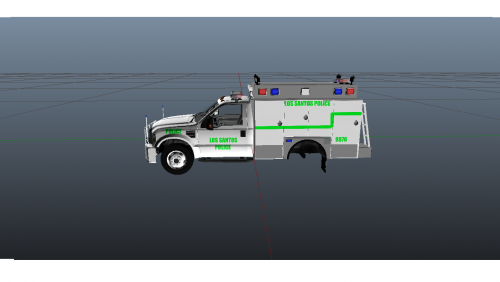 Yeah definitely take your time with these. With time comes quality, and with quality comes happy people. Dont feel defeated, treat it as a learning experience.
 -
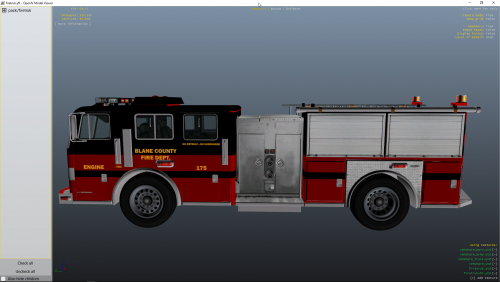 I like it, maybe one for like Paleto bay or whatnot? Maybe a different color too?
- 3 comments
- 3 reviews
-
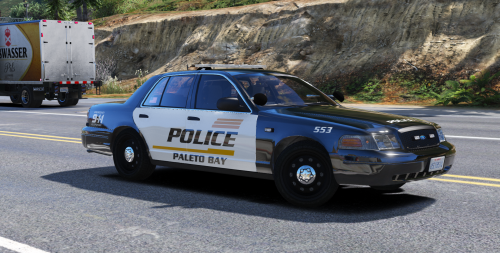 Good looking skins, next time could you make it a pack instead of 3 separate installs?
- 7 comments
- 1 review
-
-
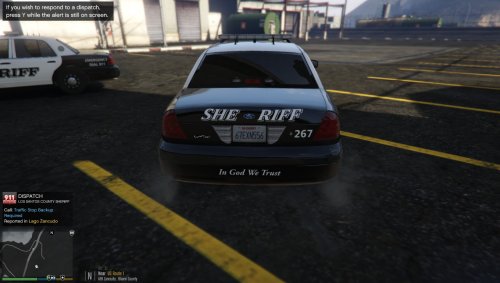 Yeah im going to agree with Providence. Once you get some experience, just start doing more and more complex skins
 -
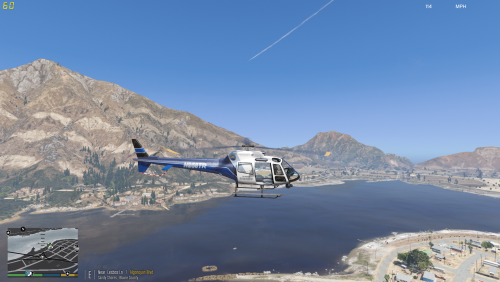 Always nice to mix up the skin on the helicopter, good job. Not anywhere near San Diego, so I cant verify how similar it is, but ill take your word for it!
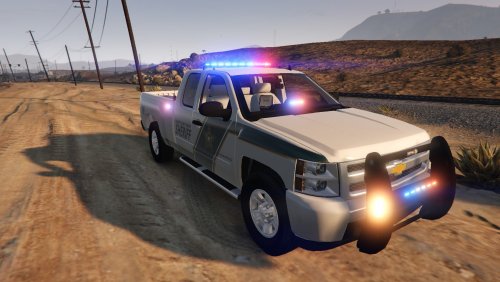

.thumb.jpeg.902ebd2956f8efa12e268986dbde70c5.jpeg)
