
Director Justified
Members
-
Joined
-
Last visited
Everything posted by Director Justified
-
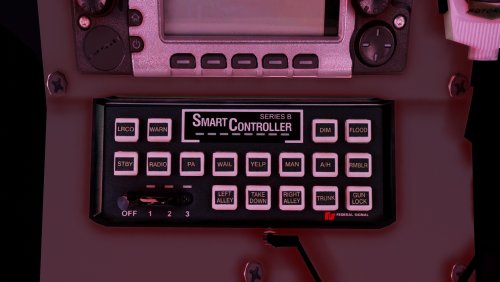 Love this siren, I'd definitely would like to see a rumbler version of this if possible
- 58 comments
- 13 reviews
-
 Oh, I read it wrong
 -
Can you send the template to this?
-
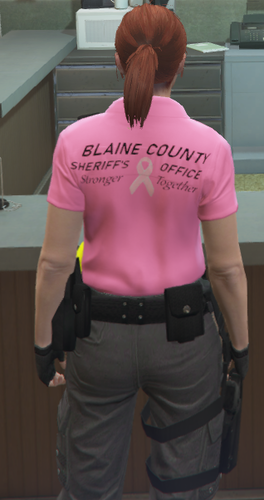 Lookin really good!
 -
-
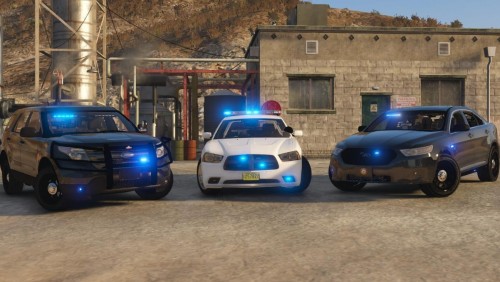 This is hands down one of the best all blue lighting packs I've seen. Everything is perfect, I would love to see more marked models like the charger but for your first release this looks like pro work. 10/10 Awesome job on this
- 10 comments
- 2 reviews
-
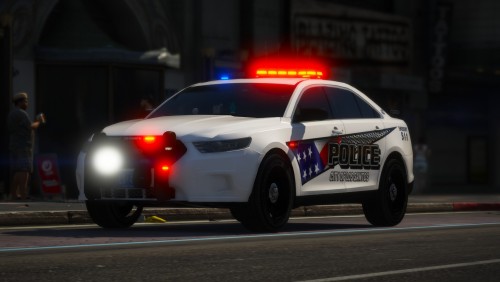 This is an amazing pack, I've never thought that I'd like using Valor bars. In this, I've created a skin texture based from yours, would I be able to upload those skins, *Giving you credit of-course*
- 37 comments
- 24 reviews
-
Just a problem myself and others have experienced. For people that use ELS on controller it's the same a the default Police Computer and even in the INI file it still will not change. The key on controller is DPadRight. Is this a bug?
-
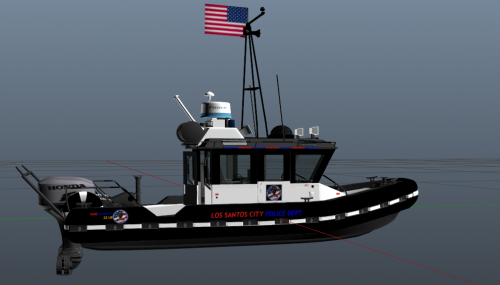 This is the boat
 -
Kinda my first go at this, LSPD *Port Authority* and SAHP *Wildlife Trooper* Let me know how I did and enjoy!
-
-
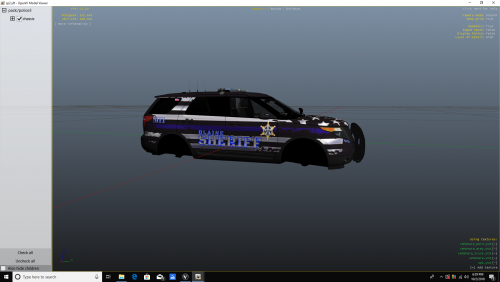 I'm not a fan of the white textured vehicles but this is 10/10 hands down, I would though like it if instead of a white texture, add on a second black color and make the letters either white or blue
 -
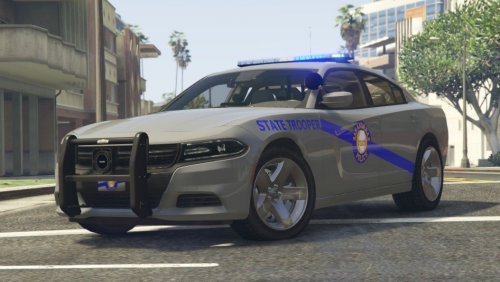 Hands down 10/10, this is a very awesome pack, I though would like you to add red/blue lighting oppositions but man, amazing pack, keep up the good work!!
- 33 comments
- 12 reviews
-
 Really really really nice, was wondering could you add a charger and also do a vic with the old new bern skins.
 -