Him1250
Members
-
Joined
Everything posted by Him1250
-
Nope, no alternative.
-
 *shitty slicktop
 -
No, you cannot.
-
From the album: Blue Line Gaming Community
From earlier tonight. Played with Griswald and SpikeTerm. -
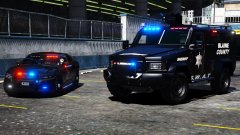 Yeah...bearcat looks fugly with those "lights"
 -
I'd be lying if I said I'm surprised. Specifically the FPIS wasn't really a popular model for PD's to buy compared to the FPIU. The FPIU basically offered everything the FPIS has but the FPIU has more trunk space, higher visibility among other things.
-
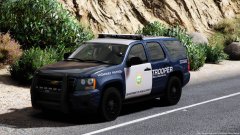 Holy hell, I actually like this..
 -
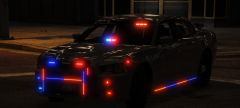 I think you're missing a few details. Needs a freedom and mini-freedom on it.
 -
It really depends on the community. FiveM requires a 2nd CLEAN V directory (can be named something like Grand Theft Auto V MP) but it uses a separate location for 'mods' per say such as an ENB or different metas. The community you join should give you a server IP to join after you get accepted ect. Feel free to PM me or add me on discord if you want some more help/info.
-
-
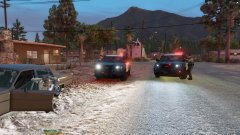
From the album: Blue Line Gaming Community
From earlier tonight. -
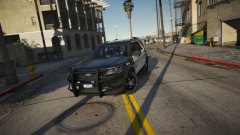 That looks awesome! Assuming the lights on the trunk move with it?
 -
I agree but good luck getting that to happen.
-
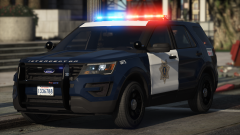 Send me a message on Discord and I can try and help you fix the crashing when you're adding stuff. Looks good btw bby
 -
-
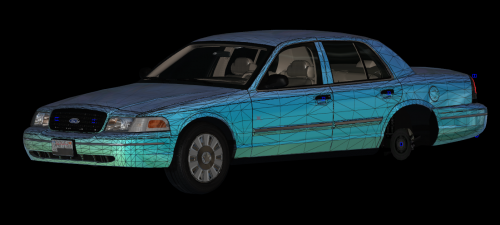 Awesome!
 -
You should use 3ds max to actually model the lightbar then Zmodeler 3 to convert it. You have to use Zmodeler 3 regardless because that's the only program that allows vehicles to modeled for V.
-
It's locked and cannot be done.
-
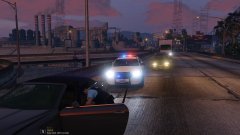 heeee's back!
 -
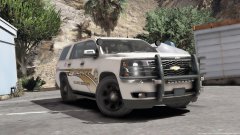 Oh god..
 -
-
-
-
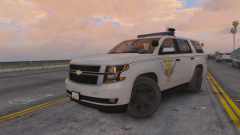 holy fuck those tires are yuge.
 -