



lanklu911
Members
-
Joined
-
Last visited
Everything posted by lanklu911
-
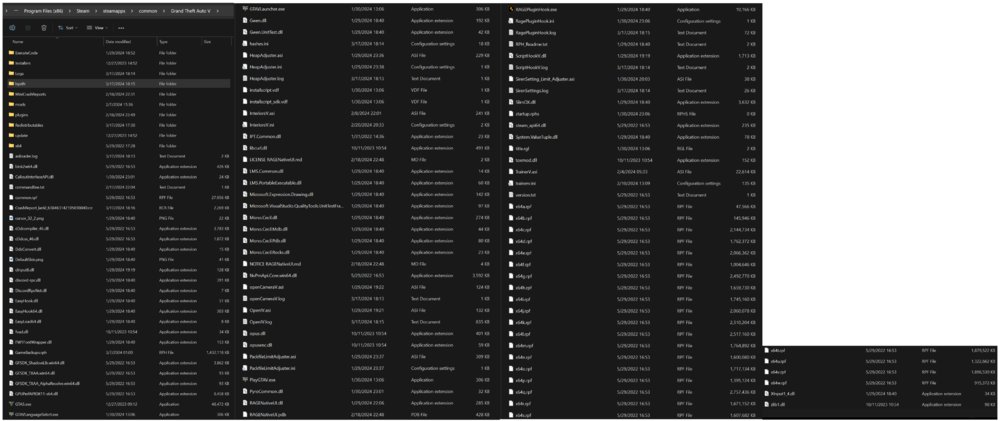
I'm able to start up GTAV and load LSPDFR, but when I go on-duty it crashes. I tried all my usual quick fixes, but nothing. I checked to see after the latest GTAV update if there's an LSPDFR update, but nothing so far...looking for any help. Here's my log and file directory... RagePluginHook_17032024_231006.log
-
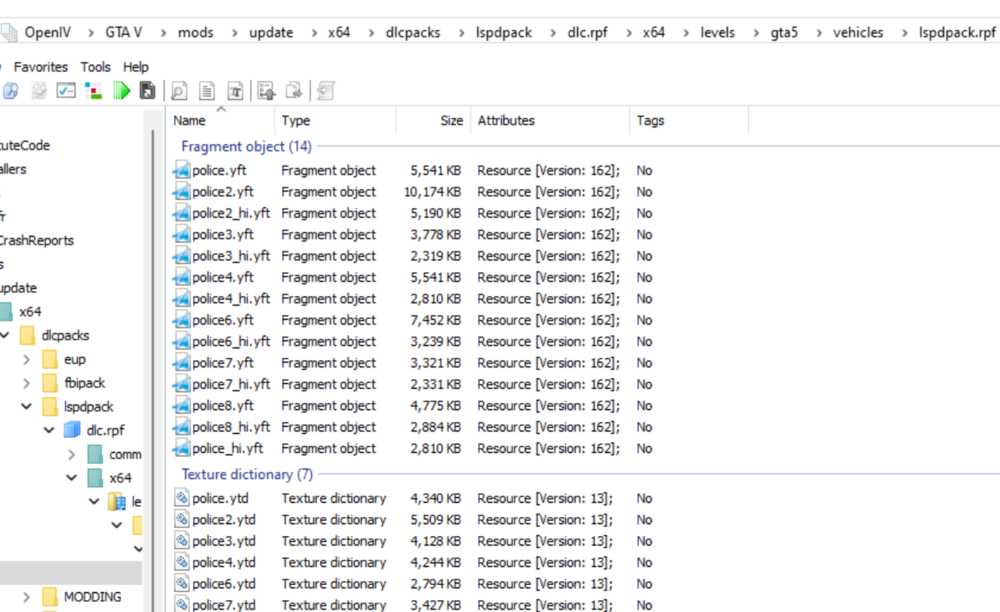
I just changed the name in my files...I have mine saved as a DLC pack, so yours will be different. Just remember to change your carvariations.meta and vehicles.meta files too.
-
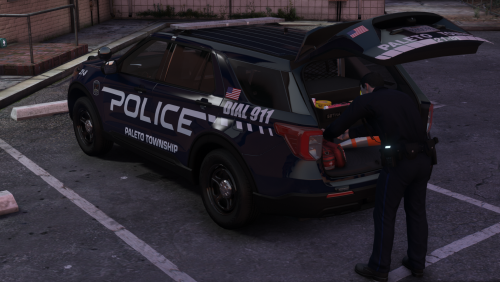 Awesome pack...but I noticed on the Utility that the taillights are offset...other LEDs and headlights are fine.
 -
I see you mentioned reading this: However, I would just change your "police5" to another name in your files. This should fix your problems. It fixed mine. I didn't have liveries either and now they spawn after changing my vehicle name to police8 (I have 6-7 used).
-
.thumb.png.2af710f88c9155386bf927046ebc6aa0.png) I agree...would like a RB version.
I agree...would like a RB version. -
I would suggest going over the technical modding wiki created: https://www.lcpdfr.com/wiki/lspdfr/04/modding/doc/ (below links are what you're looking for within the modding wiki) Zones/neighborhoods: https://www.igta5.com/map
-
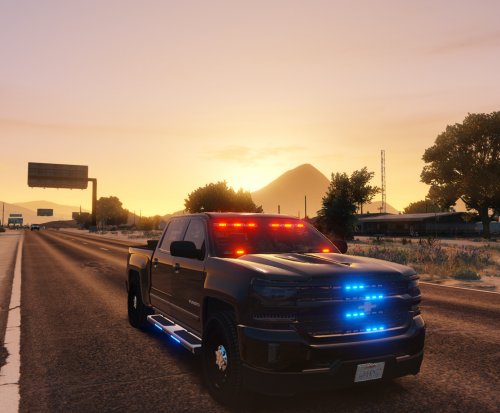 Awesome unmarked Silverado @Joshua M! The lighting options allow for flexibility for when you're undercover. Update: I changed the rating (3/5) due to the recent "updates" with no explanation to what was updated.
- 57 comments
- 3 reviews
-
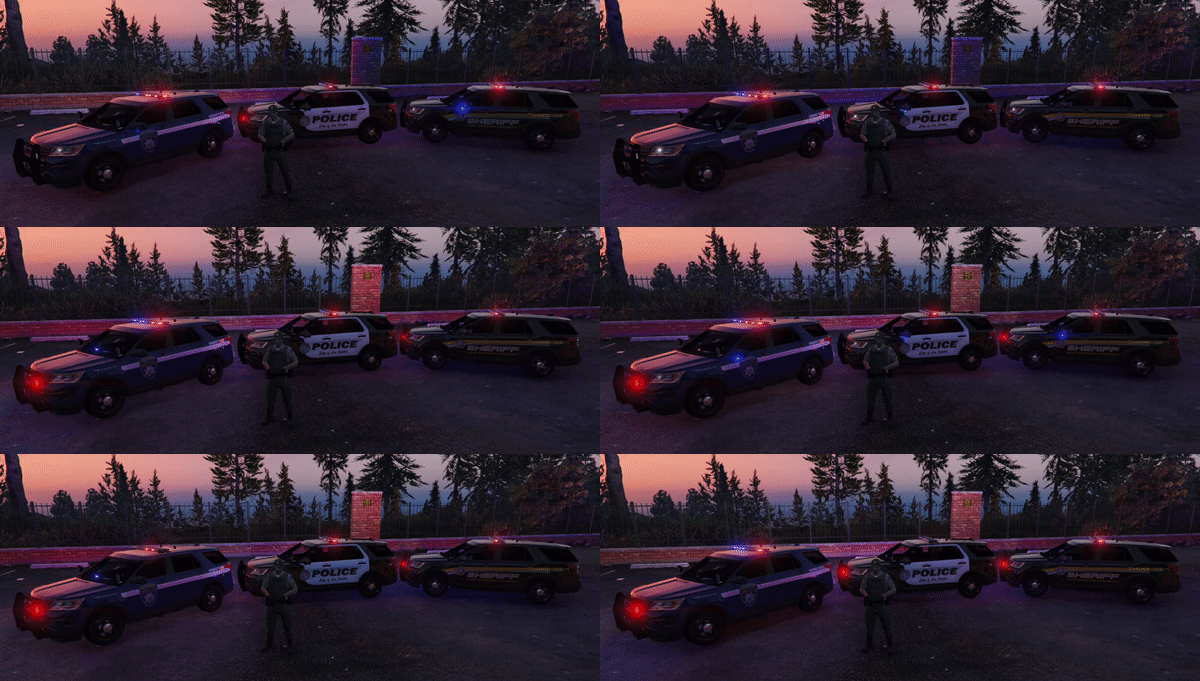
Great unmarked Silverado! Everything works for me in single player. The only issue is a paint glitch...see attached image from the front bumper. When changing colors this area does not. Thanks.
- 57 comments
- 3 reviews
-
Any update on this? I have the latest LSPDFR (0.4.1). After the game loads everything is reset. Including "keep vehicle running" and "walk style" which I always have to change.
-
Any update on this? I have the latest LSPDFR (0.4.1). After the game loads everything is reset. Including "keep vehicle running" and "walk style" which I always have to change.
-
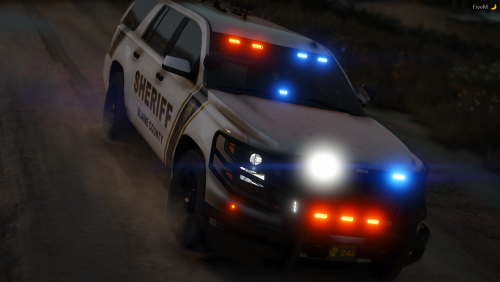 Is anyone else having issues with the lights? I have sirens, but no lights and vehicle functions like a police vehicle. I've installed the carcols and even attempted to rename the "id_value." I've also replace the carvariations.meta and vehicle.meta files. I renamed multiple things and tried it over 6 times with edits. Nothing seems to work. I did notice that the lights were steady burn in the sky when moving the camera. I'm guessing this is linked to the carcols. I've installed them in: Grand Theft Auto V\mods\update\x64\dlcpacks\MODDING\dlc.rpf\common\data ... See attached.
- 18 comments
- 3 reviews
-
-

- 1
-
-
 The Paleto Bay (discount store) robbery callout doesn't allow entry into the store. The robber complied, but I couldn't enter and arrest him. It didn't cause a game crash, but maybe a glitch with this particular callout. Thanks for all that you do!
- 1,081 comments
- 166 reviews
-
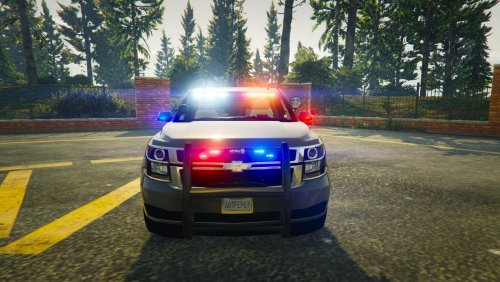 What should the siresettings in carvariations be for the FBI2 (SUV)? I changed it to "1," but there are no light reflections on the buildings. I previously install the other FBIpack, but I like this SUV better. Any help would be appreciated. Thanks.
- 24 comments
- 14 reviews
-
 Anyone having issues...try this gameconfig.xml file. It worked for me. https://www.gta5-mods.com/scripts/add-on-car-crash-fix-gameconfig-xml-working-september-2017
- 779 comments
- 187 reviews


.thumb.png.2af710f88c9155386bf927046ebc6aa0.png)
