SeikaPuppy
Members
-
Joined
-
Last visited
Everything posted by SeikaPuppy
-
 That would be good to add to the files when downloading it on here so just a heads up.
- 40 comments
- 12 reviews
-
I don't know where your ELS is but there isn't one for this file. This shouldn't hold a ELS title when it does not even have one.
- 40 comments
- 12 reviews
-
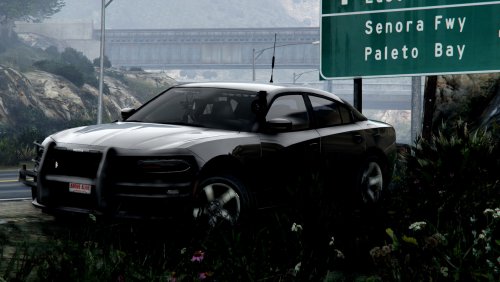 Just seems stupid you mark it as a FHP when its a NY and just to me feels like you are taking someone elses stuff.
- 15 comments
- 13 reviews
-
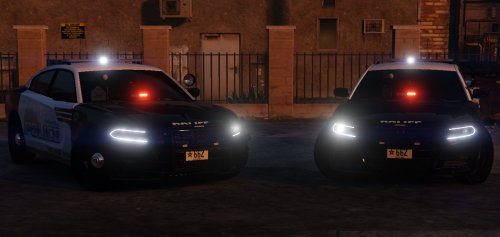
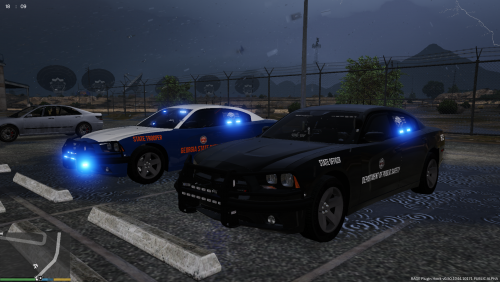 Not a bad set of cars but did find some issues. When i turn the lights on they reflect with red lights but no red lights on the car. Also wanted the NightHawk but dont see that one in the mods list when i downloaded it but other then that its good. If you could help me with the NightHawk would be greatly helpfully since i like that one more then the pure black one.
- 46 comments
- 10 reviews
-
Got cars working by following aldo in the addon cars that are not default.
-
-
-
Most of the ones without a meta file in the download so im trying to figure out how to put them in with their own slot.
-
-
And it didnt work.
-
The same ones into eat folder? So multiple files in different locations?
-
Got it his videos are so helpfull just dont know how to add multiple cars like that.
-
so do i just add the .xml, .ytf and the ytd files into it?
-
Was about to try and put them in patchday14 since my cruiser in there works perfectly.
-
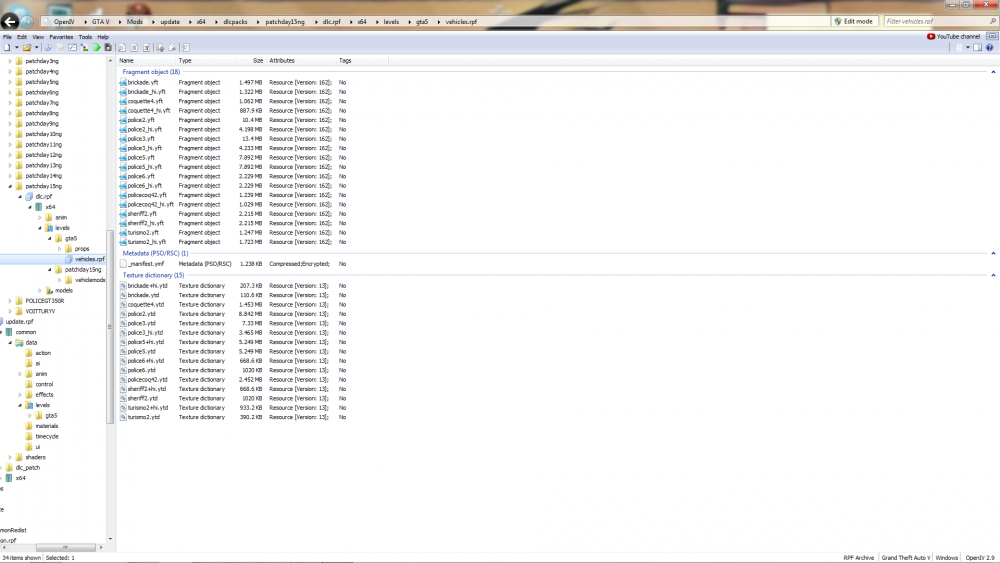
Any of the car mods I download from this site and put into OpenIV dont seem to work. If i can get some help with this that would be great. Below is a pic of where the cars I downloaded and put the .yft and .ytd.