Takashi.pc
Members
-
Joined
-
Last visited
Everything posted by Takashi.pc
-
-
 For the traffic break, the police officer is holding a red glowing stick (i dont know how to call it), is there a way to get it? It looks good
- 221 comments
- 63 reviews
-
![[WIP] Project Florida](//s3-gallery.int-cdn.lcpdfrusercontent.com/monthly_2018_10/small.20181024191302_1.jpg.dddf5992a9c17687097478ce89e25988.jpg) I love the rotating lights. You could be the first to make Japanese Police!!
I love the rotating lights. You could be the first to make Japanese Police!! -
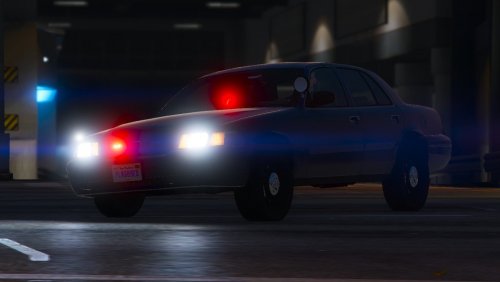 I think that is some problems with the light gumball thing, there is a small part of it covered by a gray layer. Diffuse Tint has been changed already to 0x00FFFFFF used simple trainer to clean but still wont work
- 8 comments
- 3 reviews
-
-
Hello, before I was using a mod here called "Spawn weapons with gadgets" I guess? Inside, there is a file for weapons.meta. It is very useful for me because my weapons (Combat pistol, carbine, pump shotgun) will be equipped with flashlights when spawn weapons. But the problem is: I don't have the file after my computer resets!! If anyone got the file link, please post it below, thank you.
-
What do you mean? You cant find the settings of Mk2?
-
Okay thank you
-
Thank you @Pazzi, let me try But I can't see fbi available, only fbi2 and others, do I need to add anything by myself? Cuz I guess it won't be called by backup menu, but I am using Custom Backup
-
Hello everyone, I am thinking of this problem for a long time but I can't find any solutions online so I need some help here. Of course, I am using LSPDFR but this is a GTAV based problem. I installed fbi2 as an undercover cop car (Japanese style based), and it is under the traffic unit division. But every time when I call backup, SWAT team are spawn in those cars. I want those to be changed to hwaycop or anything else. That is just an example, beside fbi2, I want to change fbi, police4, ambulance and much more. I think it should be changed within the vehicles.meta?? Thank you
-
-
No problem, great to hear that :)
-
 Overall Very Good, @LarryLottaRafs, you need to install the vehicles.meta, find it online and you will fix the problem.
- 17 comments
- 5 reviews
-
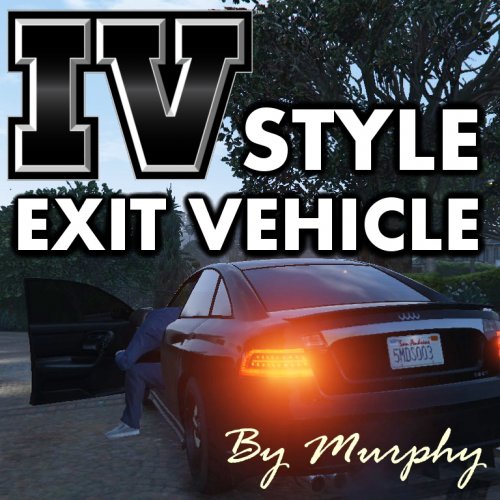 What if I am using the KTFDO mod? (Keep The F****** Door Open)
 -
Heyyy, what problem are you facing?
-
-
 I have a serious problem after installing this pack. When I call backup (default LSPDFR Backup or Custom backup), all of the police lights are not on (but there is siren) . But if I start a pursuit callout, spawned police cars will have lights and siren on. Please help me. I have installed all ELS correctly. Thanks @BradM
- 206 comments
- 94 reviews
-
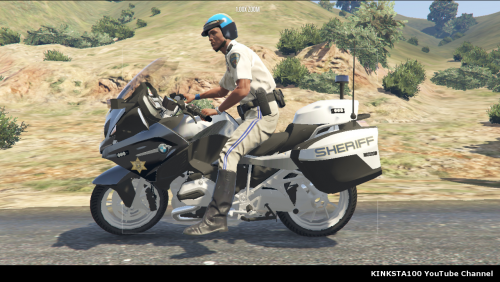 I still cannot pullover from all of your suggestions, please help @kinksta thanks! Looking forward to seeing your update
- 30 comments
- 7 reviews
-
-

- 1
-
-
-
It is great pack but how can I make my lights brighter? Every time I use Make Visual Great Again or other visualsettings, the red light will become orange and the blue will become white blue, please help!!
- 206 comments
- 94 reviews
-
 Both packs look perfect, but I have a simple question, how to have add-on police car slot? I have tried some videos for this tutorial but it is still not working (maybe I have some mistakes), can you make a tutorial?? Thanks Love this pack soooo much!
- 147 comments
- 65 reviews
-
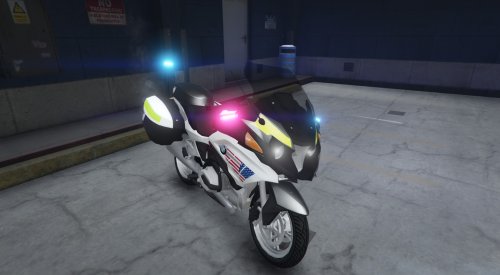
So do you have an idea how to change it? In the video of the pack, I always see there's a red light in the front is on no matter how you change the light, like the BMW R1200RT, beside that I think it is all fine, thanks.
-
Hello Bob, can you try to upload some photos of the problem or record a video. Although I'm new to ELS, I will try my best to help
-

![[WIP] Project Florida](http://s3-gallery.int-cdn.lcpdfrusercontent.com/monthly_2018_10/small.20181024191302_1.jpg.dddf5992a9c17687097478ce89e25988.jpg)