




MichaelV
Friends of LSPDFR
-
Joined
-
Last visited
Everything posted by MichaelV
-
Serving the City of Liberty City since 2011
-
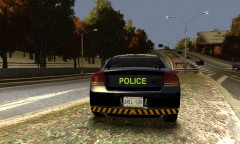 Probably will be released by Monday night (if not sooner)
-
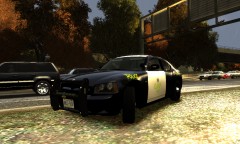 Almost done.
-
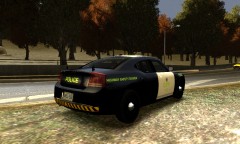 Fact: I worked almost 2 whole days on this pack
-
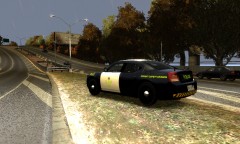 Hint: There are a lot of cars.
-
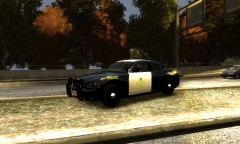 Part of my HUGE OPP pack
-
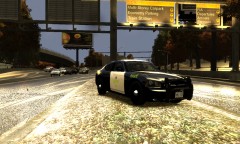 My OPP Fleet: 2
-
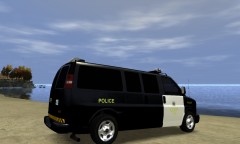 Oh, Do you like?
-
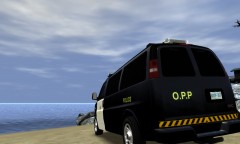 Still don't know...
-
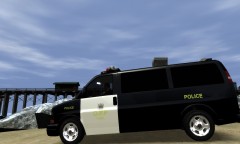 I don't know what I should write here anymore...
-
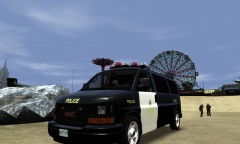 Looks Good?
-
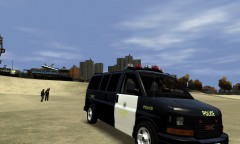 My New OPP skin pack
-
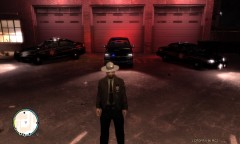 My Fleet of EPIC AWESOMENESS x9000
-
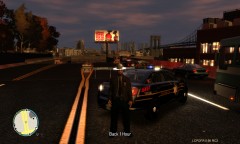 Road Closed
-
-
From the album: LCPDFR Patrols
-
-
From the album: LCPDFR Patrols
-
From the album: LCPDFR Patrols
-
From the album: LCPDFR Patrols
-
From the album: LCPDFR Patrols
NickieB's Charger, EPIC -
Oh, It worked for me.
-
Or you can use the commandline method. Create a notepad file called "commandline" and put it into the GTA IV root folder. Then type the following in the note... -norestrictions -nomemrestrict -percentvidmem 100 -availablevidmem 18.0 -refreshrate 60
-
Please start your own topic and don't highjack others.
-
@Slimory IKR.
-
Thanks!
-
-
I would love to see them. I was watching an episode of COPS and I loved how cool it looks.
-
-
From the album: LCPDFR Patrols
-
From the album: LCPDFR Patrols
-
From the album: LCPDFR Patrols
-
From the album: LCPDFR Patrols
Thanks to corleone for the awesome Savana -
-
Aren't you logged in right now...?
-
No way of changing that. Or, you could just ride alone.
-
Where will you be uploading it, here or GPM?
-
Also, you need a texture that will work with a purticular car. If you use an EVI Tahoe, with a Bugs texture, it won't work.
-
I don't think so.

