viperwolf
Members
-
Joined
-
Last visited
Everything posted by viperwolf
-
.thumb.png.05d552a38af56de0d58e16c2f862adc5.png) Thank you very much for the explanation, i really appreciate it.
Thank you very much for the explanation, i really appreciate it. -
I asked this before and posted in ExplosionFX area, which was wrong. I was not paying attention. Still though, Im confused where to install these bc the path seems identical and file names are identical. Also, there is no existing firefx.dat file in this location. FireFX Installation Path: GTAV/mods/update/update.rpf/common/data/effects FireFX Chaos Installation Path: GTAV/mods/update/update.rpf/common/data/effects
-
 OK thank You
 -
I have a question about Explosion fx, fire chaos fx, and fire fx. All three seem to replace the same file which would just cause them to override each other? Also in the read me it says we need LML, so we cant manual install? thanks in advance.
-
 MarkedOne quote: "Alright, I have found a temporarily solution for those who wants to use the EUP decals. The first step is to start GTA V through steam or whatever platform you are on. Make sure to NOT launch RagePluginHook yet. Next step is to wait until the rockstar social club displays your name in the top right corner and shows you as "online". Wait until your displayed name disappears and after that IMMEDIATELY start RagePluginHook. After that all the decals and Insignias should show up on your current character. Keep in mind that you will have to start GTA like this until this issue gets fixed, wich can be annoying sometimes but still better than nothing I guess." CREDIT TO MARKEDONE ----------------------->Page 88
- 2,349 comments
- 237 reviews
-
 Im sure you did this, but just in case. Make sure the XML file name matches and installed in the correct place. Also, make sure the vehicle are indeed ELS vehicles.
- 2,695 comments
- 238 reviews
-
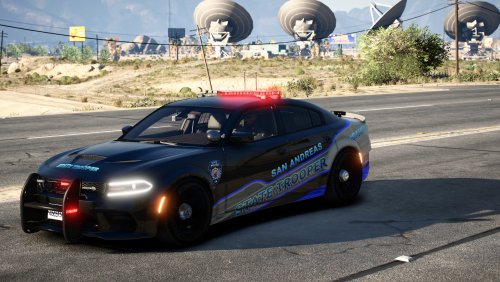 Beautiful Vehicle, and it has take-downs and Traffic Advisory.Plus the Vehicle meta included is awesome! Really good job!
 -
-
-
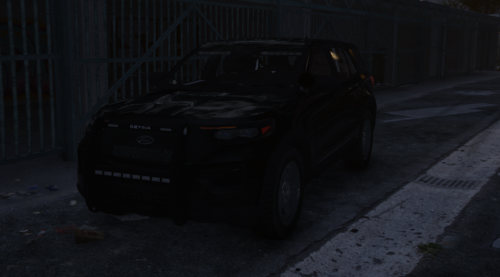 The lights are working fine for me. Would it be hard to add takedowns?
 -
Trying this, thanks for the work you put into it.
-
 Thank you for the updates to Super callouts and Events. Did you remove a few things, it seems some are missing from the new INIs? Should we have SuperEvents.DLL and SuperEveents2.DLL ? I just deleted the old one bc that is what your readme says to do.
- 219 comments
- 22 reviews
-
 If you tap Y the player will leave the door open. If you hold Y, the player will close the door after getting out.
- 262 comments
- 21 reviews
-
-

- 1
-
-
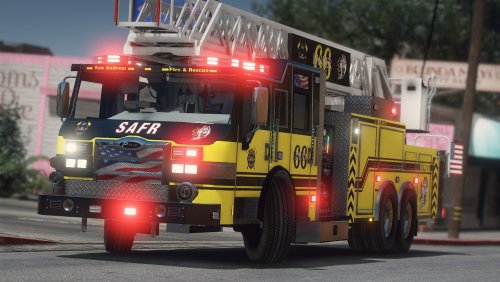 Is there a vehicles gadget + xml included for the ladder to work? I did not see one listed. The truck looks great!
- 38 comments
- 4 reviews
-
-
 Ive asked so many people to help me with carcol ID problems, noone wants to. Ive tried finding videos for this with no luck. Now you come out with this, and makes want to try and understand again. I know what it does and why it would work, but I have no idea what to look for or what to change. Anyone know of a vid tutorial dealing with this?
- 341 comments
- 19 reviews
-
-
 Awesome mod!!!!!! If anyone has the EUP bug where your character stops talking. It also effects this mod(for me anyway), just go into the megaphone menu and change voices.
- 118 comments
- 17 reviews
-
-
- 1
-
-
-
-
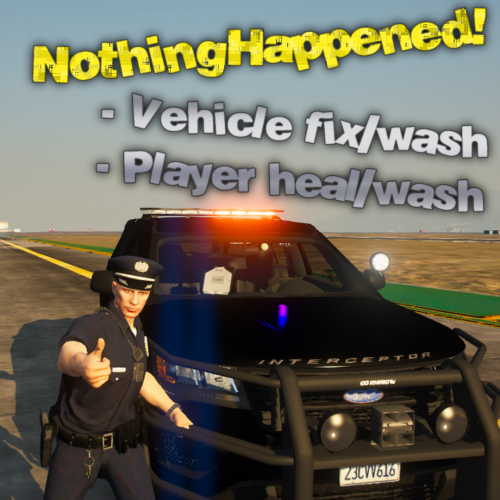 Works great! Is there a way I can implement a command line in the ini to only take care of the vehicle?
 -
This callout is what Ive been looking for, normal (well you know ) random events on patrol. I hope you continue to update and move forward, great callout. Donation coming soon!!!!
- 219 comments
- 22 reviews
-
-
-

.thumb.png.05d552a38af56de0d58e16c2f862adc5.png)