
SpikeTerm
Members
-
Joined
-
Last visited
Everything posted by SpikeTerm
-
Thanks a lot for the incite, all of you. I have another question for you though... Sometimes the installation 'read me' file says to install this meta.file or other files similar If I install all of the correct files including vehicle handling will it fix my problem? Also, do you know of any cars that work perfectly from gtavmods.com?
-
Stevethegamer has many real life cars in his game When I put a lot in, they always would drive around invisible and not appear until I got close up Why is this? Keep in mind I didn't correct vehicle meta files, ect. Can someone explain to me
-
 I've been getting tired of ducking and going into stealth mode randomly Thanks
- 161 comments
- 23 reviews
-
-

- 1
-
-
-
Wait is the smart radio a prank? Or was it actually released today?
-
-
-
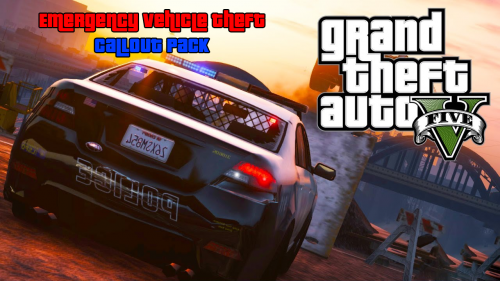 Nice callouts! I like that you didn't include military vehicles, that would not be realistic.
 -
For uniforms you will need to download: https://www.gta5-mods.com/player/emergency-uniforms-pack Then, click default menu key. I believe it is F11 (I changed mine to F8) You can add a uniform before going on duty via. F4
-
 Helpful in pursuits. Would you ever make the spikes look like real stop sticks?
- 131 comments
- 20 reviews
-
-
-
-
-
-
With ragehook: Click F4 | Type: ForceDuty With Simple trainer: Click F3 | Go to vehicle spawning| Emergency vehicles| You can choose from police, police2, police3, ect.
-
-
-
-
-
-
 The LSPDFR community is looking for some highway call-outs. You are satisfying this request, thanks.
- 221 comments
- 63 reviews
-
-
- 1
-
-
-
? Also when I press Z it makes the mini map large, what file do I need to change to stop this?
-
I am aware of that. Police smart radio of course Also...Some coastal callouts






.gif.ef71e5660a9974a47d7678c5aa25d9ea.thumb.gif.e29002164b287fddeca8c59836e258bc.gif)