AverageDoe
Members
-
Joined
-
Last visited
Everything posted by AverageDoe
-
-
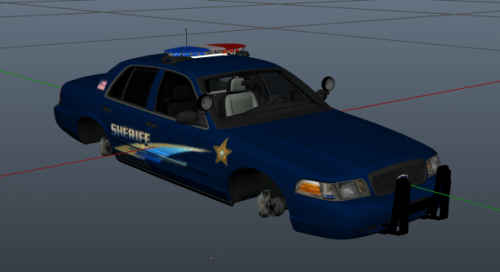 Just no. Please, no. 1. Why is the stripe going in different directions? 2. Why did you not adjust anything to make it look nice with the car? 3. Why make this specific skin if there's a lot already out there. Forget it, why should I download this instead of all of the other better skins and models that are on lspdfr.
- 3 comments
- 8 reviews
-
-

- 1
-
-
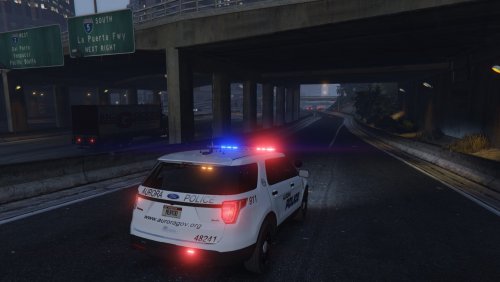 It's nice, but I don't like it. Maybe it's too simple, maybe it's the vehicles you chose, but I don't like it.
 -
-
-
-
.thumb.png.d0f71c90602e0e045ee4210afb0e0071.png) Solution to your bugs. Bug 1, Covers the V and E Just in between the I and the V in "fugitive" add more spaces so that they aren't shoved under the door handle. So instead of "Fugitive," do "Fugi_____ve." (_ are spaces ) Bug 2, Not symmetrical It's fixable and it can be fixed. Like right here, take the center of one of those and position it right in the door Crack in the back and there you go, it's symmetrical. Maybe work on this texture more. Add on to it like badges, stickers, whatever. Make it look nice and neat. Don't go overboard with it tho.
Solution to your bugs. Bug 1, Covers the V and E Just in between the I and the V in "fugitive" add more spaces so that they aren't shoved under the door handle. So instead of "Fugitive," do "Fugi_____ve." (_ are spaces ) Bug 2, Not symmetrical It's fixable and it can be fixed. Like right here, take the center of one of those and position it right in the door Crack in the back and there you go, it's symmetrical. Maybe work on this texture more. Add on to it like badges, stickers, whatever. Make it look nice and neat. Don't go overboard with it tho. -
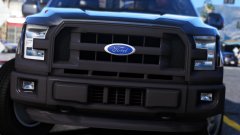 I think I just fainted when I saw this...
 -
-
-
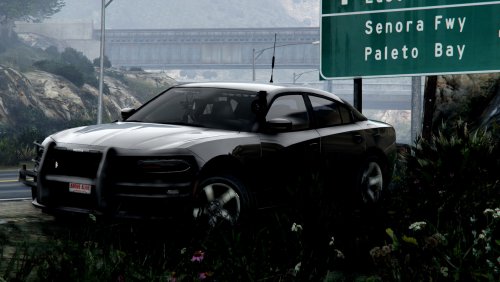 Honestly, who cares if its accurate or inaccurate. I can care less about what the interior looks like, what rambar it uses. I'm just here to enjoy LSPDFR. It's not like this charger will every be produced in real life and used on patrol. I love this model either way.
- 15 comments
- 13 reviews
-
-
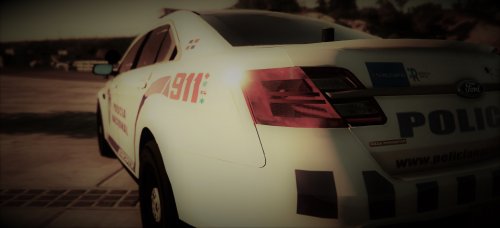 1. Isn't this a reupload or something? 2. I would recommend exporting the image out of photoshop in .PNG format instead of uploading the PSD file since you can't use a PSD for textures 3. Put what vehicles this texture works on. 4. Maybe make a lore friendly version if you would like to get this to gain more views/downloads, 4a. Lore friendly is making the text say "Los Santos Police" or something like that instead of a real life city or state.
 -
I also use that but there are too many bad fonts and the good ones are hidden in the depths of the fonts lol.
-
Sooo, my photoshop basically got reset for some reason since I clicked one button and from that, I lost all of my fonts and now I'm starting with the default ones. I know that there are a few nice ones in it, but I lost all of my nice skinning fonts. I looked online and no luck since I downloaded them about a year ago. Anyone got any good fonts that I would be able to download and use?
-
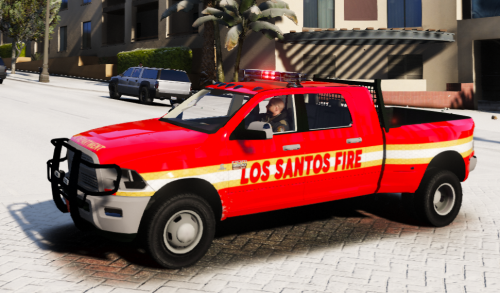 Maybe a version without the rambar? Looks a bit goofy with it on not gonna lie.
- 2 comments
- 3 reviews
-
-
-
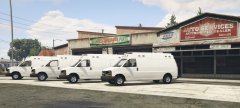 All that I can think of is SAMR or AMR.
 -
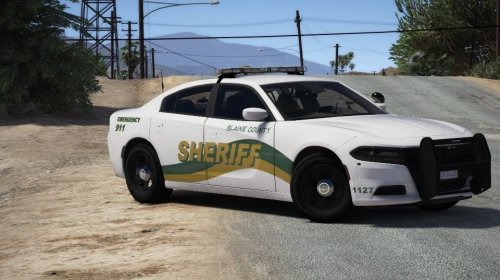 Pretty good. I see potential in this pack. Keep on expanding.
 -
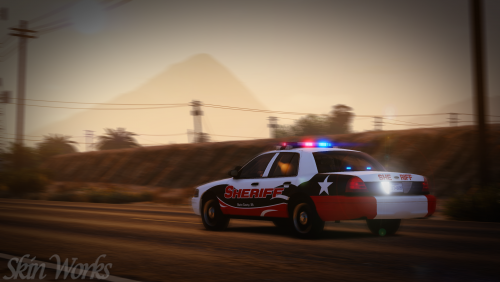
 So. Much. Blur. Where's the car lol?
 -
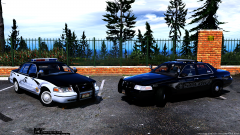 Can we just take a second to admire the Yankton plate on a Blaine County Sherrif car.
 -
-
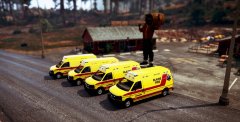 Can I have it :3
 -
I don't understand people and their "Terror Attacks." Honestly, what's so "religious" about screaming Allahu-akbar...

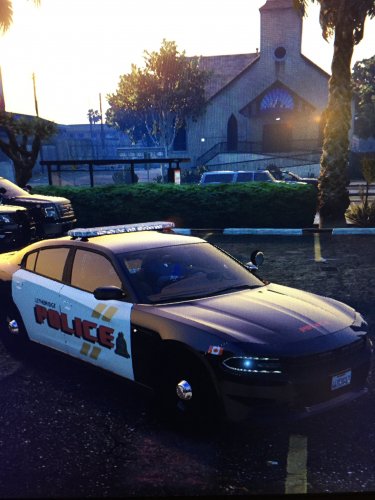
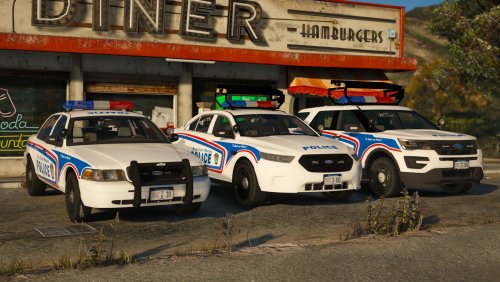
.thumb.png.d0f71c90602e0e045ee4210afb0e0071.png)