
PB420
Members
-
Joined
-
Last visited
Everything posted by PB420
-
 i like when sombody comes up with somthing new instead of ripping off other designs these are great dude good job
 -
-
 you would copy the lines in the read me and replace them with the vehicle lines inside the meta file under whatever vehicle your replacing all after exporting the meta to desktop and opening it with notepad+
- 12 comments
- 10 reviews
-
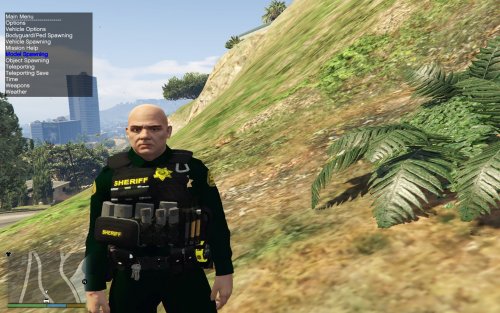 zipties on the vest are really cool and the first time ive seen them good job man
- 43 comments
- 5 reviews
-
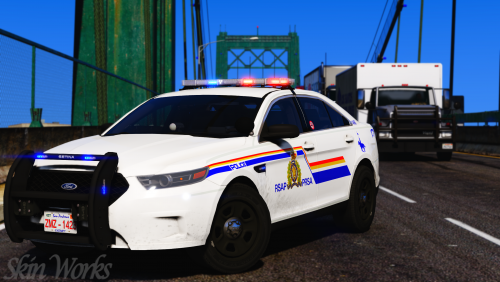 as a canadian from the BC region i cant tell you how similar this is to the real thing you blew me outta my chair dude
- 11 comments
- 9 reviews
-
-

- 1
-
-
-
-
thanks for hooking me up with that cvpi sound mod link bud i gave your siren a test in my game although its super clear and crisp its way way to loud for me maybe try releasing a quieter version or something i love the horn though that was bang on another problem i had also was i only got two tones? im not sure if thats normal or not? either way good job man
- 20 comments
- 3 reviews
-
 Thanks to the blaine county sheriffs office for there help in catching this eluding vehicle being chased from the mountains around paleto bay
 -
-
https://www.gta5-mods.com/vehicles/mtl-flatbed-tow-truck
-
-
where oh where is that car sound from sir are you using some kinda crown vic sound mod i must have that in my game
- 20 comments
- 3 reviews
-
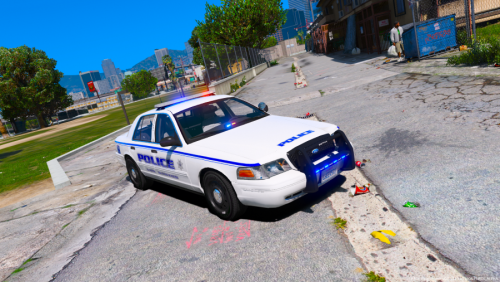 trunk decal is f*cked i would just completly delete that texture and the rest is good to go
- 1 comment
- 5 reviews
-
-
- 1
-
-
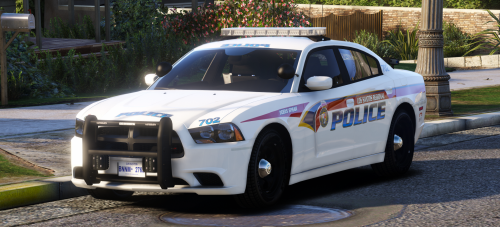 fantastic love the skin use it on all my models but threw your three pack into my fleet with the FPIS and FPIU perfect combo......:)
- 8 comments
- 12 reviews
-
-
- 1
-
-
type vehicles.meta into the search bar of openiv when you locate it click twice on the result it will lead you to the folder containing vehicles.meta drag and drop the one that came with the download
- 12 comments
- 10 reviews
-
-
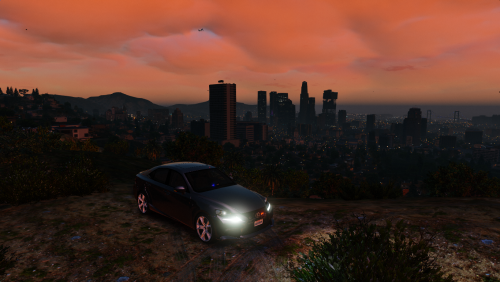 ELS is a frame hogging pig so are most of the vehicles with there half million poly count non-els and siren mastery is the way to go
- 4 comments
- 4 reviews
-
love your choice of car and skin! i use this skin on almost all my vehicles it fits across many
- 8 comments
- 12 reviews
-
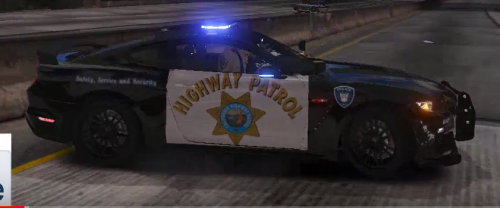 i was mainly speaking about the low quality he was running the game at i dont give a rats ass where the pic is from that was not my point sombody was trying to say he scaled the picture down when clearly hes running the game at the lowest settings possible and now is making textures and not to mention one of the worst on this entire site
- 19 comments
- 9 reviews
-
AMD stuff RX series graphics card
-
Does that make sense to you like at all? say that to yourself a couple times thats the game being run at 1024x768 why the f*ck would sombody take a screenshot from a youtube video and then lower the quality several times over i want you to go find a youtube video using 4k graphics then come back and post it on here downgraded to make it look like 800x600 with no AA or FX or shaders
- 19 comments
- 9 reviews
-
-
- 1
-
-
you should not be making car textures if you yourself are playing on the lowest settings humanly possible.............
- 19 comments
- 9 reviews
-
-
- 1
-
-
-
 thanks alot buddie