
OfficerMike32
Members
-
Joined
-
Last visited
Reputation Activity
-
 OfficerMike32 got a reaction from kikons78 in Your best LSPDFR 0.4 screenshots?
 -
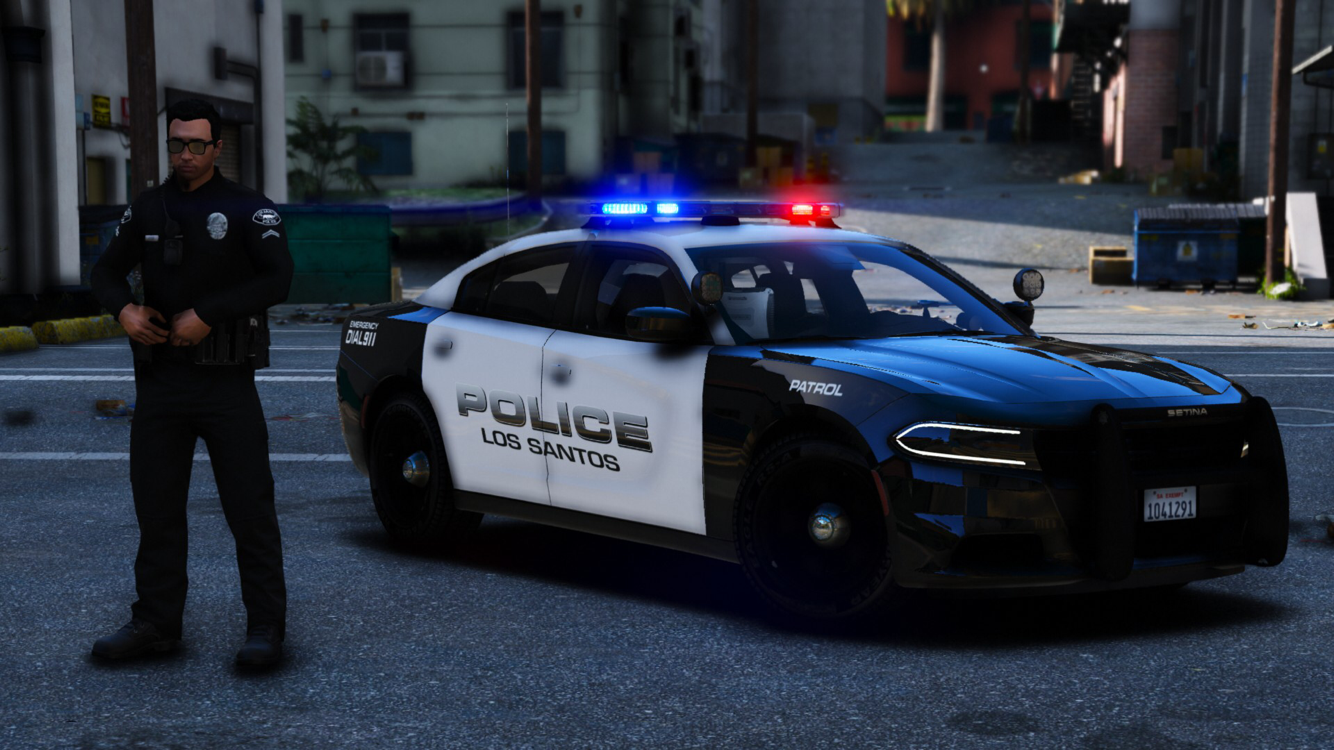
OfficerMike32 got a reaction from kikons78 in Your best LSPDFR 0.4 screenshots?Life on the beat
-
OfficerMike32 got a reaction from SCIONTEK in Your best LSPDFR 0.4 screenshots?Life on the beat
-
OfficerMike32 reacted to Sam in Announcing Mod-RDR.comIt's an exciting time for all of us here at LCPDFR.com with the debut of Red Dead Redemption II on PC just a week away.
When the first RDR game came out on Xbox 360 and PS3, we were inundated with requests to develop a police mod for it, which unfortunately was never to be. Now though, with RDR on PC finally just around the corner, we're really excited for the possibility of doing so.
So, it's in that spirit that today we announce the launch of a whole new website, Mod-RDR.com, dedicated solely to all things RDR. We've been working on Mod-RDR ever since the news that RDR was coming to PC broke, and will be hosting all of our RDR specific modding content there.
We hope to see you on www.mod-rdr.com, which you can log into with your LCPDFR.com account, as we prepare for our next adventure into the Wild West.
Sam.
-
OfficerMike32 got a reaction from Xcore in Your best LSPDFR 0.4 screenshots?
-
OfficerMike32 got a reaction from Noiz in Your best LSPDFR 0.4 screenshots?
-
OfficerMike32 got a reaction from Noiz in Your best LSPDFR 0.4 screenshots?Life on the beat
-
OfficerMike32 got a reaction from LMS in Your best LSPDFR 0.4 screenshots?Life on the beat
-
OfficerMike32 got a reaction from Carrythxd in Your best LSPDFR 0.4 screenshots?
-
OfficerMike32 got a reaction from Carrythxd in Your best LSPDFR 0.4 screenshots?Life on the beat
-
OfficerMike32 got a reaction from GrandTheftPD in Your best LSPDFR 0.4 screenshots?
-
OfficerMike32 got a reaction from eBakedPotato in LSPDFR 0.4 - Coming February, 2019I’m super hyped for 0.4! I just wanted to thank the LSPDFR Dev team for creating such a badass modification I don’t care how long it takes for the update as a Dev myself (not on the LSPDFR team) I understand how much testing goes into this to ensure we can have a smooth mod and fun experience!
-
OfficerMike32 got a reaction from Steele1925 in LSPDFR 0.4 - Coming February, 2019I’m super hyped for 0.4! I just wanted to thank the LSPDFR Dev team for creating such a badass modification I don’t care how long it takes for the update as a Dev myself (not on the LSPDFR team) I understand how much testing goes into this to ensure we can have a smooth mod and fun experience!