



OfficerMike32
-
Joined
-
Last visited
Everything posted by OfficerMike32
-
From the album: OfficerMike32’s LSPDFR 0.4 Screenshots
-
From the album: OfficerMike32’s LSPDFR 0.4 Screenshots
-
From the album: OfficerMike32’s LSPDFR 0.4 Screenshots
-
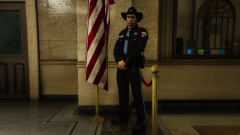
From the album: OfficerMike32’s LSPDFR 0.4 Screenshots
-
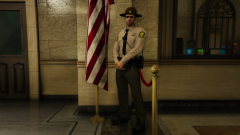
From the album: OfficerMike32’s LSPDFR 0.4 Screenshots
-
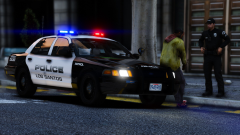
From the album: OfficerMike32’s LSPDFR 0.4 Screenshots
-
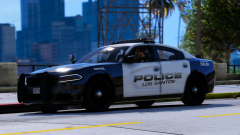
From the album: OfficerMike32’s LSPDFR 0.4 Screenshots
-
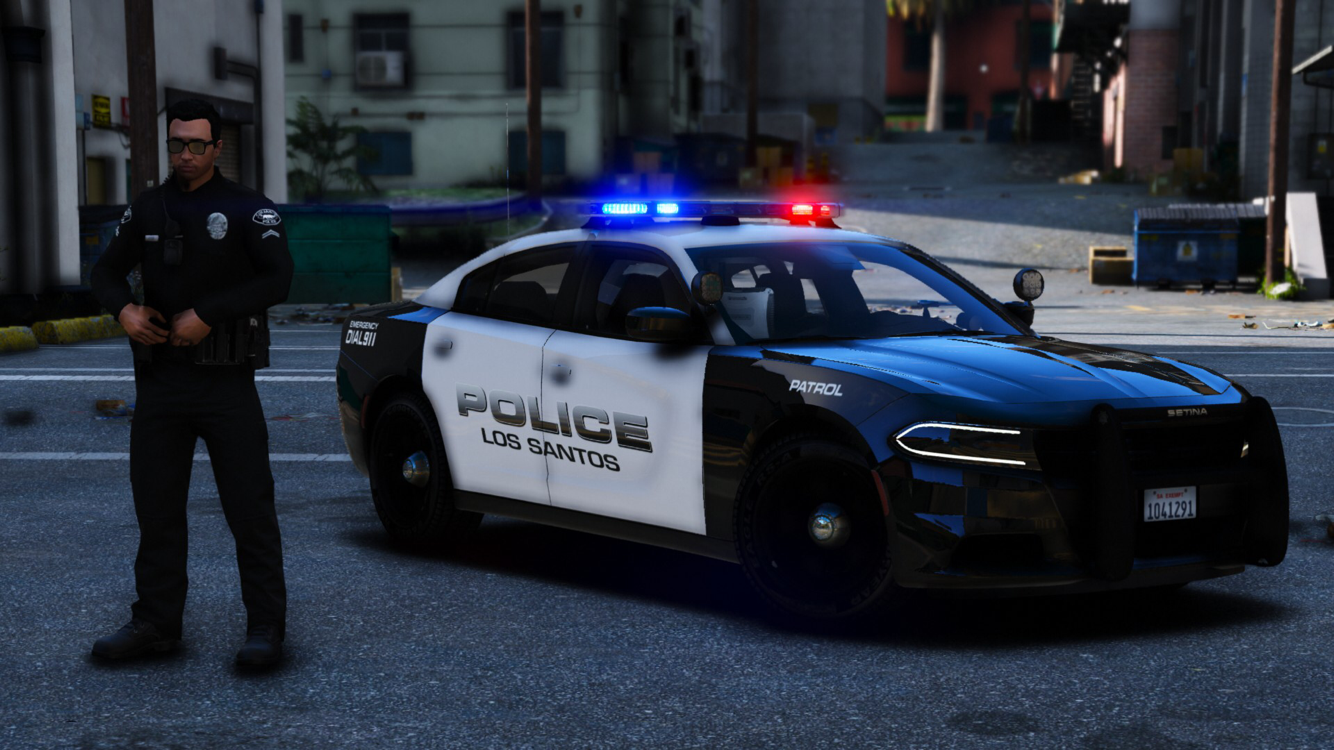
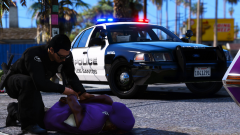 RobertTM created the cars and I’m not sure who made the livery but it’s in the vehicle texture files.
 -
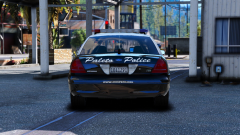
From the album: OfficerMike32’s LSPDFR 0.4 Screenshots
-
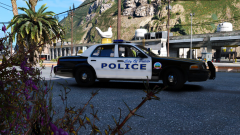
From the album: OfficerMike32’s LSPDFR 0.4 Screenshots
-
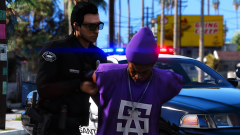
From the album: OfficerMike32’s LSPDFR 0.4 Screenshots
-
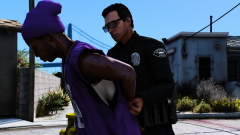
From the album: OfficerMike32’s LSPDFR 0.4 Screenshots
-
From the album: OfficerMike32’s LSPDFR 0.4 Screenshots
-
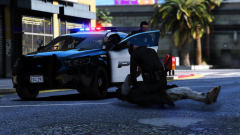
From the album: OfficerMike32’s LSPDFR 0.4 Screenshots
-
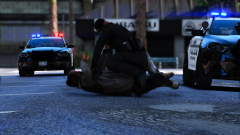
From the album: OfficerMike32’s LSPDFR 0.4 Screenshots
-
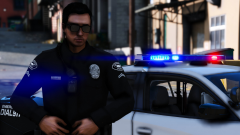
From the album: Uniform mods
-
A few uniform/ vehicle texture packs I’m working on.
-
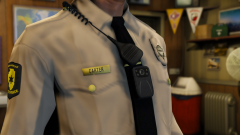
From the album: Uniform mods
-
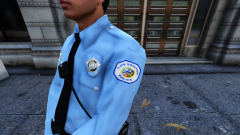
From the album: Uniform mods
-
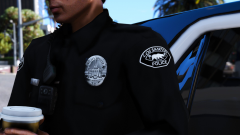
From the album: Uniform mods
-
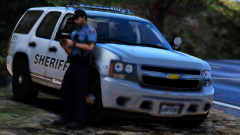
From the album: Uniform mods
-
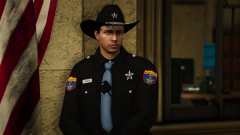
From the album: Uniform mods
-
I’m super hyped for 0.4! I just wanted to thank the LSPDFR Dev team for creating such a badass modification I don’t care how long it takes for the update as a Dev myself (not on the LSPDFR team) I understand how much testing goes into this to ensure we can have a smooth mod and fun experience!
-
Found it thank you Sam. 👍🏻
-
Does anyone know where the location of the IAA earpiece is in open iv? I can’t seem to find it the reason I’m looking for it is so I can make the earpiece black.


