


coolx102491
Members
-
Joined
-
Last visited
Everything posted by coolx102491
-
 All i've done is uninstalled a few plugins that arent updated for 0.4 (mostly albo's) I havent removed anything that would interfere with vehicles as far as I know. I'll try changing the settings and get back to you. Just a guess because it happened after I installed 0.4. Most likely my end im sure. Just uploaded a video of the problem. Forgot the mention its the same with all the models. CVPI, charger marked, charger slicktop. I'll be damned. 0, 13, and 6 didn't work but I tried 7 for light settings and now it works. Thank you good sir.
- 325 comments
- 53 reviews
-
@Sentinel55 I noticed in the new LSPDFR update that the charger has had problems with the running lights flash and the rear lightbar. The front running lights dont flash and in the state two config the yellow directional doesn't light all the way to the left. Is that a problem on my part somehow or?
- 325 comments
- 53 reviews
-
-
Awesome model man. Just curious if you had plans for the 2013 CHP explorer? That year specifically because of the bottom fog lights. Thanks mate.
- 325 comments
- 53 reviews
-
Wow. Thats pretty much the only word to sum up this car. Wow. The light setup is just amazingly accurate and I was flabbergasted when the yelp changed the flash pattern. Amazing model man. Just wow
- 325 comments
- 53 reviews
-
-

- 2
-
-
Here you go, police.xml No shit Giordano that actually worked. ive spent weeks trying to fix this and I just had to click 4 things. Thank you so damn much I'll be damned, I uninstalled the Asi's and reinstalled them from openiv and its working. Thank you for the help!
-
Thats only the last two pictures showing they work....
-
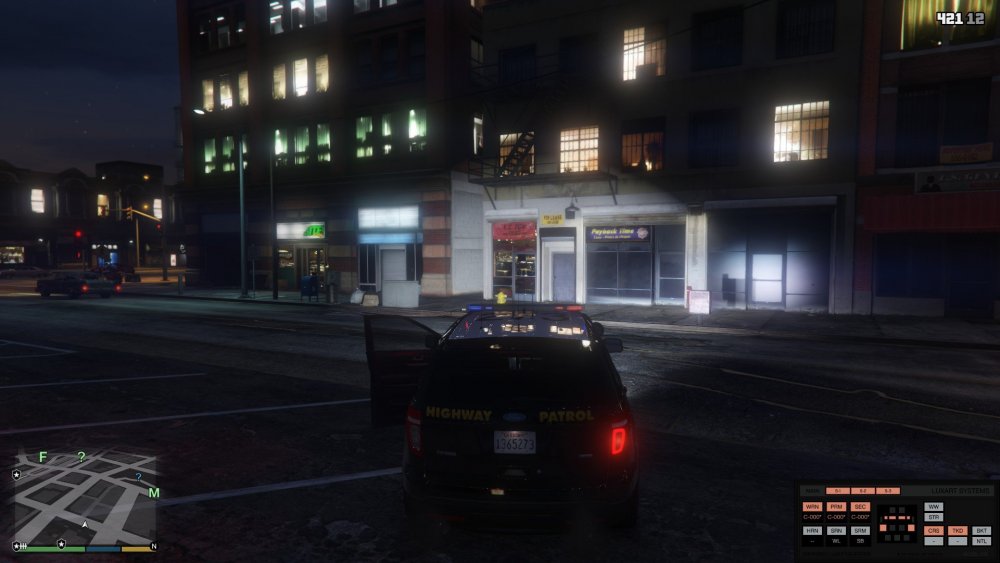
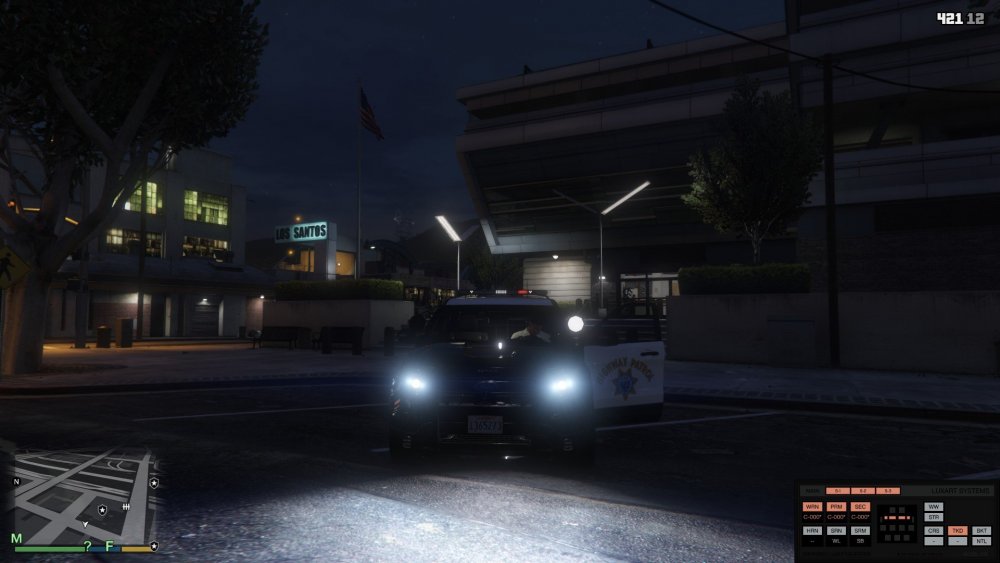
Been almost 2 months now and i still haven gotten a fix. I've reinstalled gta as a whole with only LSPDFR, Scripthook, Advancedhook, and ELS. I've tried all kinds of ELS vehicles, I've tried different rage versions, scripthook versions, and even openIV versions, nothing. I'm really at a loss as to how this isnt working when it was fine just before. As you can see the tail and headlights flash but no lightbar. The spotlight and the cruise lights works (As pictured below). Yes, I have all the necessary files, yes i've tried reinstalling everything. At this point I feel like my only luck will be contacting Lt.Caine but all know that wouldn't work. Sidenote- the lights are currently dim at the moment because I just reinstalled gta again (for the 3rd time) and haven't installed any brightenor mods but I assure you, thats not it. Is there anything else someone can suggest?
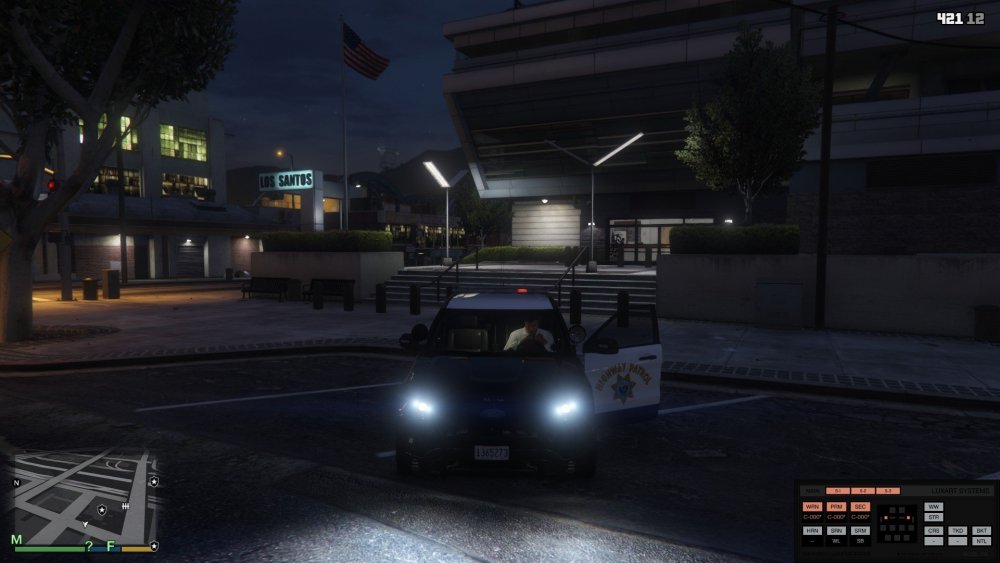
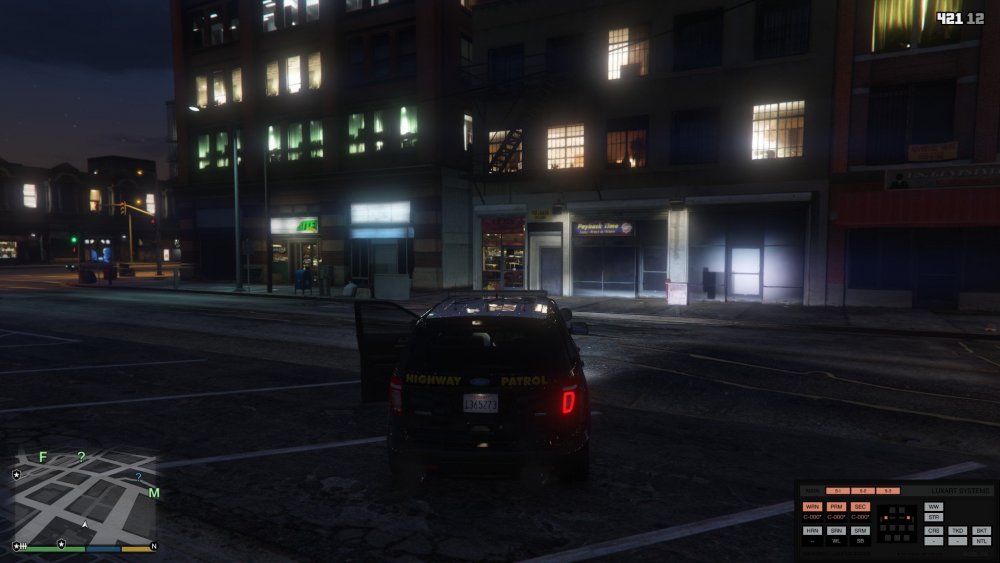
-
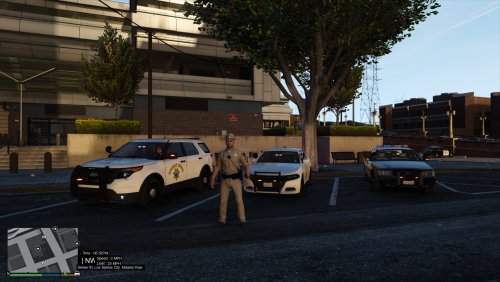 I haven't left it. I've actually been doing the opposite actually. The past few months I haven't been able to even play GTA because of all the complications with my mods (Which im sure is due to openIV). My entire ELS system wasn't even working for weeks EUP too. I got ELS working but not EUP and a few other essentials so I gotta focus on my actual game so I can test the changes before I upload the new files. Sorry for the delay, its just as frustrating for me. Glad to see people actually enjoy my mod tho 🙂
- 25 comments
- 1 review
-
Do you have any duplicate Rage files in your main GTA file? Also have you tried running rage as an Administrator?
-
I'm sure its a problem with openiv. Ever since the new update i've been having all kinds of problems. ELS hasn't worked for the past month It started working today and I haven't done anything Getting caught up with this thread again since i'm still having problems, what should I have in my dlcist?
-
Believe me, i'm not a expert modder but I know enough to know its not that lmao.
-
Sorry for the late reply, but no. You cant change the lighting for the bike besides the wigwags and taillights.
- 25 comments
- 1 review
-
Got the same problem
-
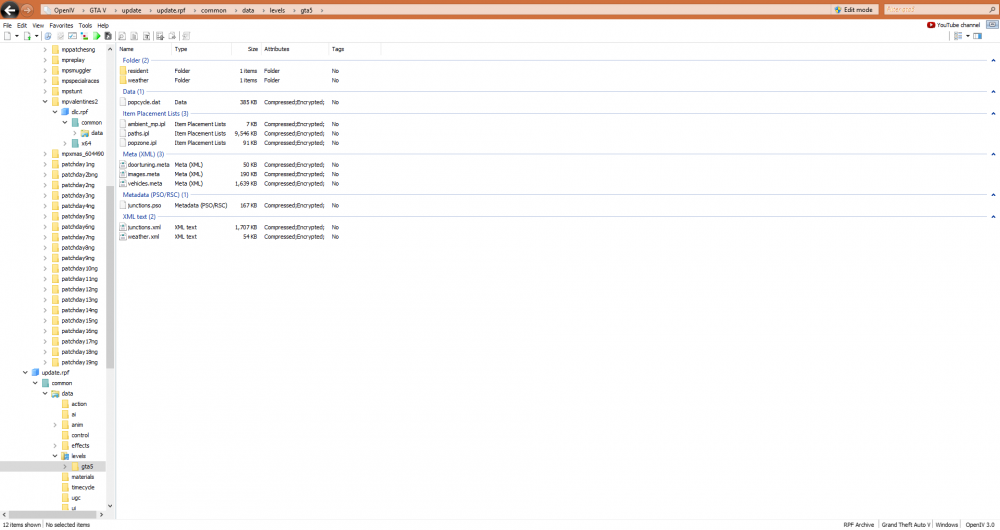
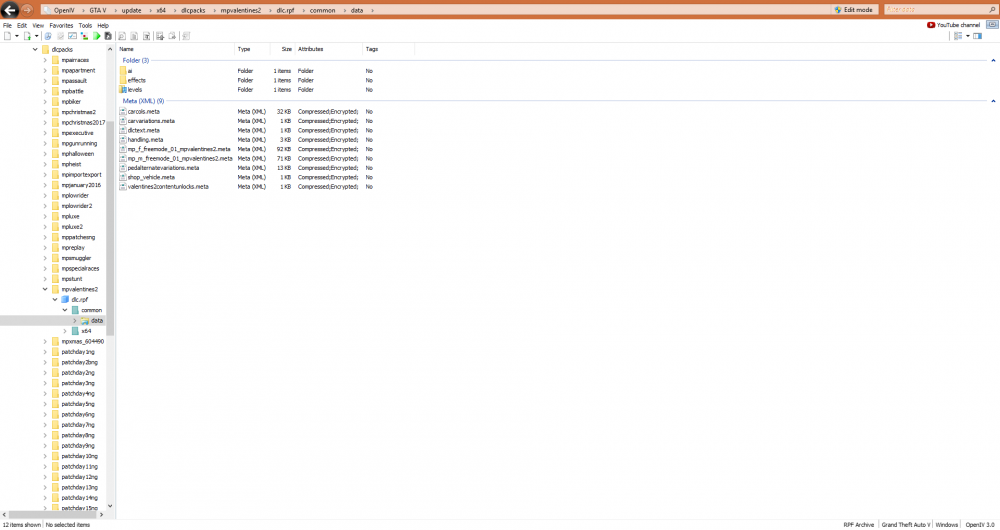
Didn't work 😞 In openIV Update>update.rpf>common>data Didn't work either
-
Yes I have all the required files. I’ll try updating the gameconfig when I get back home today
-
I’ve tried the newest version and I tried older versions too. Thought gta v mod support would be proper since it’s regusrding the ELS mod.
-
Just did, still the same thing. The cruise lights turn on as normal and the spotlight turns on and works as well. Just when I turn on the main lights nothing works. Seriously frustrating
-
I've reinstalled my entire game- twice.
-
I've taken a break from GTA for a while and returned. I hopped into gta after updating rage, scripthook, and my game to find out none of my ELS vehicles were working. The tail & headlights are flashing but no lightbars for ANY vehicles. Spotlight works but no lightbar. I reinstalled GTA and all the standard LSPDFR mods but its still not working. Anyone know whats wrong? I haven't changed anything nor have I found anyone else having this problem. Update, EUP is showing I don't have EUP Law and order installed as well.
-
 ELS vehicles haven't worked since the new openIV update, anyone else? J 3 times turns on the wig wags in front and taillights but no lightbars or interiors.
- 2,699 comments
- 240 reviews
-
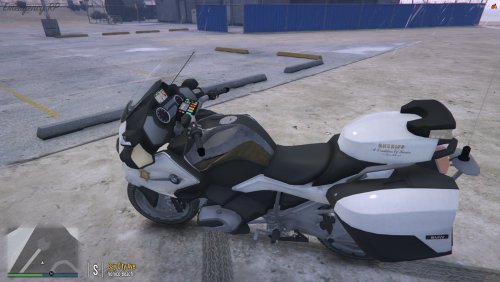 Been waiting for a LASD texture for this bike and here it is, Awesome quality!
 -
cool thanks, not familiure with making textures so i'm not sure how difficult or easy different vehicles were lmao.Any chance you do bike...? I have a LAPD and CHP texture but still can't find a LA County sheriff motorcycle texture. Thanks


