
TheMonotoneScone
-
Joined
-
Last visited
Everything posted by TheMonotoneScone
-
If they lock this thread then that means 0.4 has been released
-
I predict that it drops sometime between the 15th-28th
-
No, LSPDFR is a RPH plugin and I find it VERY unlikely that that will change with 0.4
-
From the album: MonotoneScone's Screenshots
-
From the album: MonotoneScone's Screenshots
-
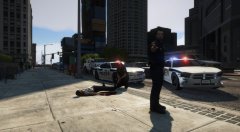
From the album: MonotoneScone's Screenshots
-
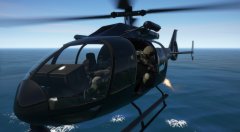
From the album: MonotoneScone's Screenshots
-
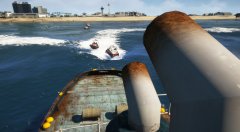
From the album: MonotoneScone's Screenshots
-
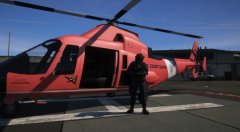
From the album: MonotoneScone's Screenshots
-
From the album: MonotoneScone's Screenshots
-
1 question about the new MP character customization: Tattoos?
-
Some older weapons have the glitch where they'll randomly stop being animated. Some of jridah's older weapons have been fixed in his redone weapon pack and I think the M9 is possibly one of them.
-
From the album: MonotoneScone's Screenshots
-
From the album: MonotoneScone's Screenshots
-
From the album: MonotoneScone's Screenshots
-
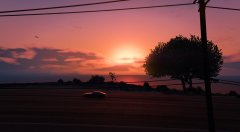
From the album: MonotoneScone's Screenshots
-
-
-
I get what you're saying, but this is dlc. It's not $8k for the game, it's only $30 if you want the game. They have $8k dlc because they know that there are people out there willing to pay for all that and they're going to let them because they want all that cash. It's the same with skins. As long as the game itself isn't hundreds of dollars and other people can't buy stuff that'll ruin the gameplay for others, I don't think this is too horrible a thing. Everyone's greedy. If it doesn't affect you just let them be.
-
I'm not sure if this was mentioned and I missed it or not but will there be more callouts this time? I would like to have something more than just pursuits to respond to in stock lspdfr.
-
There's an unofficial fix in the RDE discord, it's not a guaranteed fix but it does it for most people
-
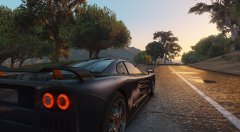
From the album: MonotoneScone's Screenshots
-
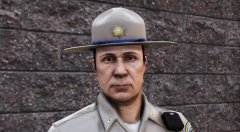
From the album: MonotoneScone's Screenshots
-
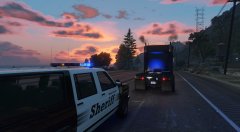
From the album: MonotoneScone's Screenshots
It could also be 1996 but in this context it was '06 -
From the album: MonotoneScone's Screenshots