
gameboyeg
Members
-
Joined
-
Last visited
Everything posted by gameboyeg
-
-
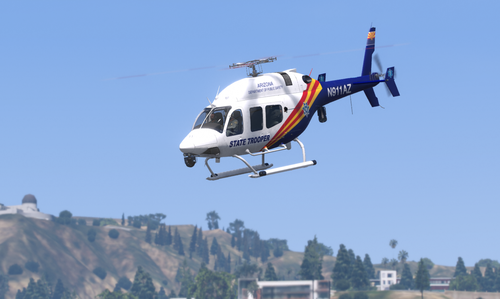 Excellent!
 -
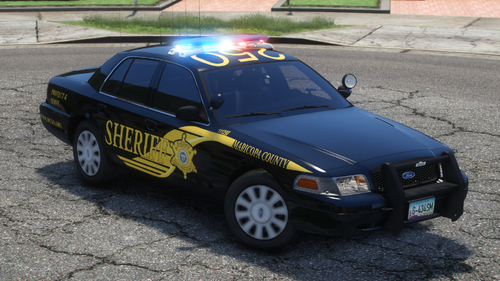 Perfect addition to go with you Tahoe livery! Should have made a pack.
 -
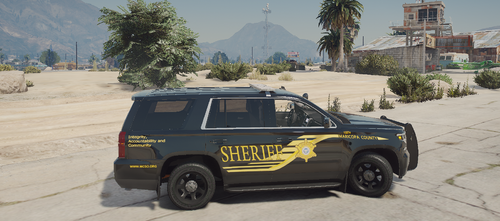 Glad you took the time to create this!
 -
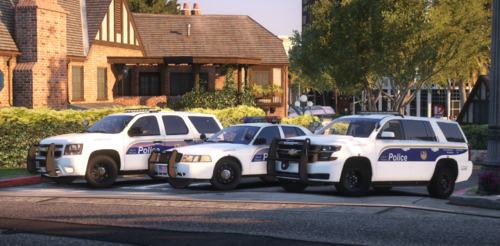 Love the various vehicles! Keep it up!
 -
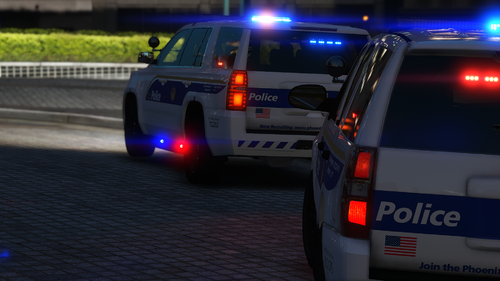 Love it!
 -
-
-
-
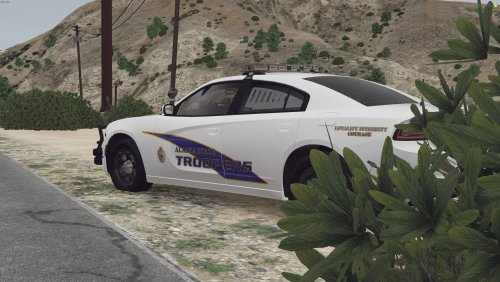 A great Alaska pack! Highly recommend! https://youtu.be/cvvV_RW4Ts0?si=kXo9QtR22sTbTw-e
- 1 comment
- 1 review
-
 Not true. I am currently using this mod. Even in LCPP. Works perfectly fine.
- 211 comments
- 28 reviews
-
-
-
-
-
-
-
-
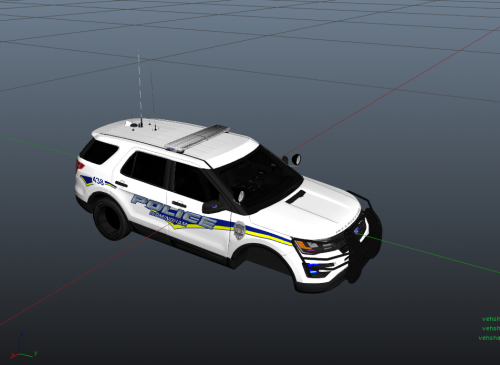 Beautiful livery!
 -
-
-
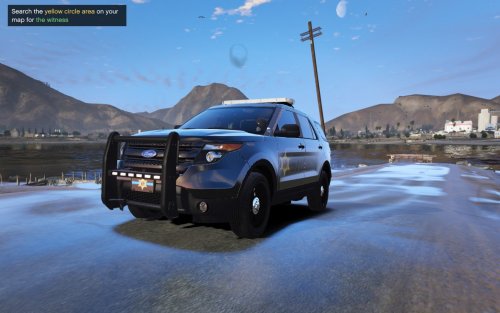 Hello, the pack you recommended only contains tahoes. No 2013 explorer. Is this the right pack for this livery?
- 1 comment
- 1 review
-
You will see what vehicles spawn by the game by looking at the popgroups file and vehiclemodelset file.
-
Are you looking to just replace POLICET??? Using a modding folder just makes things easier to replace.
-
Use an addon folder like albo's MODDING folder. Then replace the vehicle models specified within the popgroups file. Other vehicles that spawn to replace are within the vehiclemodelset file.