
BEModsV
Members
-
Joined
-
Last visited
Everything posted by BEModsV
-
-
-
-
 Law & order is a part of EUP EUP contains both Serve and rescue and Law and order. The most important file is Law & order so just download that one it contiains every police uniform of EUP
- 2,347 comments
- 236 reviews
-
-

- 1
-
-
YEEES THAT WOULD BE SO GOOD!
-
yes
-
-
 OH you meant it like that? Well in that case: I don't think @PieRGud makes these animations himself and just takes them out of the gta files. As far as I know ther is no leg holster animation in GTA so someone would have to make it which, I think, would be a pretty difficult task.
- 561 comments
- 97 reviews
-
It's not up to the creator of this plugin to make this compatible with any model. It's the model itself that has to be compatible with cop holster. To quote from the description you should ALWAYS READ: "How does Cop Holster work?All ped models in GTA have what are called drawables. They are pieces of clothing or equipment that can vary between instances of that model. Many of the default cop models have two holster drawables. One is empty, and one has a pistol. Cop Holster simply changes between those two drawables depending on if you have your pistol drawn or not to give the illusion that you are taking the pistol out of the holster. " If you have a specific mod you want to be compatible with cop holster, ask the creator of the mod and not PierGud as this mod is pure code
- 561 comments
- 97 reviews
-
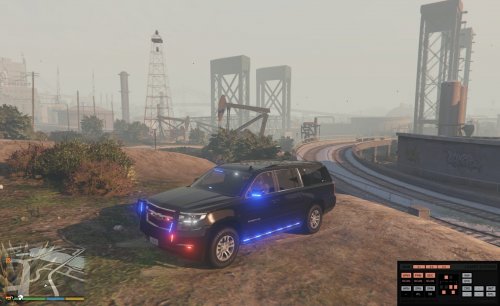 @mclovin109 To fix the lighter tint on the rear windows you can do it like gump: he removes a rectangle of tint where the lights are located
- 87 comments
- 22 reviews
-
-
- 1
-
-
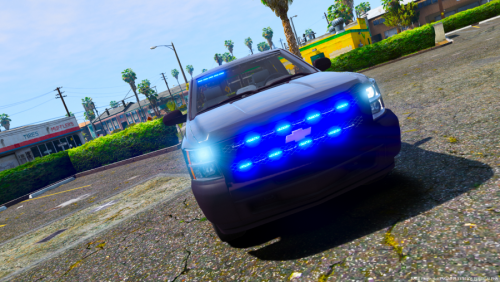 @RangerZ Maybe rename it to just unmarked pack because an unarked vehicle doesn't mean it's an FIB vehicle
- 17 comments
- 6 reviews
-
 You can make it ELS enabled by using this xml file, but you won't be able to use the patterns police4.xml
- 4 comments
- 4 reviews
-
-
 Don't accept prisoner transport because it's the most boring callout ever
- 1,081 comments
- 166 reviews
-
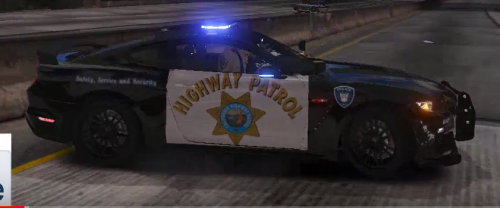 Some points need to be discussed on this skin. -the logo and lettering are way too big. I wonder, did you make this CHP skin alongside a picture or did you make it from your visual memory? -the badge you placed on the front wing (I believeit's called that) is fictitonal I think. -For the screenshots: Definitely add more screenshots and if your computer isn't powerful enough to make gorgeous screens, you can ask the community for help because I don't know a better gaming community than the LSPDFR community. This might be some inspiration...
- 19 comments
- 9 reviews
-
 I think the traffic stop menu you want, is the one in LSPDFR+, because this plugin only has: Road Signs, Traffic Offences, Breathalyzer, Speed Checker, DoorLock, Drugalyzer, Ambient events |Traffic Offences|, Traffic Callouts, Traffic Stop Assist |Mimic| & more
- 3,646 comments
- 306 reviews
-
-
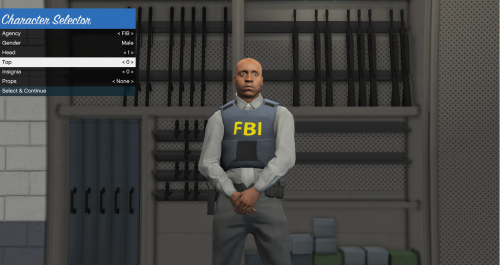 @Kallus Rourke Can you move this file to gta v please
 -
 @Kallus Rourke Can you move this file to gta v please
 -
-
-
@Albo1125 Is it possible to add a function to albo1125common.dll to continue on own risk if it is an unsupported version instead of having to wait for an update to come out?
- 3,646 comments
- 306 reviews
-
-
-