
Deputy Brand
Members
-
Joined
-
Last visited
Everything posted by Deputy Brand
-
 I LOVE THIS DESIGN
 -
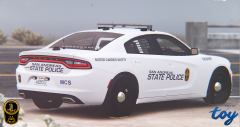 Nice Dude
 -
im sorry man i thought the virginia design was this
-
The Mill Creek police use the 2015 Tahoe? OK i never saw one of them
-
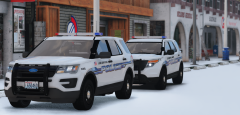 Holly Shit this explorers are looking so awesome 10/10
 -
the real virginia state police design
-
Looks OK but i like the real one More
-
 Happy new year to The Community from my friend Hunter from Sarasota,Florida.2016 was a Bad year,about 60 Police Officer got Shot in the line of Duty BUT! 2017 becomes the best year in the History. FROHES NEUES JAHR(happy new year)
- 85 comments
- 28 reviews
-
-

- 1
-
-
The vehicles are LookIng Really good 10/10 and him1250 sorry if i pissed you of on Steam SORRY Good Teamwork Guys.
- 85 comments
- 28 reviews
-
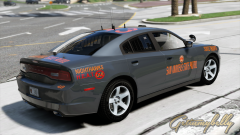 Glücklicher! ihr habt mercedes benz,hier in kassel (hessen) haben wir nur Opel insignias,Zafira(alt und neu) und benz Buse SEHEN AUS WIE EIN HAUFEN SCHEI*E!
 -
Hell Yeah Dude this Passat Looks so Good but i like the design from american police vehicles more but my Favorite GERMAN! design is the design from the Autobahn Polizei in Niedersachsen with their Mercedes Benz
-
 JO
JO -
Best Design is this: NO!
-
 Dude i love the mod its really cool but i had some problems with my pc,i reseted it and as i installed gta 5 and lspdfr back, i wanted to install this mod BUT on mega the custom link was not anymore available and i installed this file again and i only got the link for the normal patch wich sounds like the basic one as i tested it in game. Can you give me the custom one?
- 311 comments
- 39 reviews
-
-
-
 is this Ford crown released i think no?
 -
-
-
 Huge Thanks to http://www.lcpdfr.com/profile/290078-salashdot03/ For Helping me out with it
 -
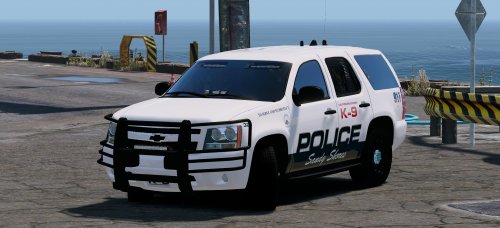
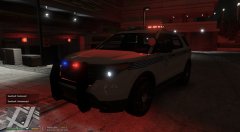
From the album: GTA 5 LSPDFR
W.I.P -
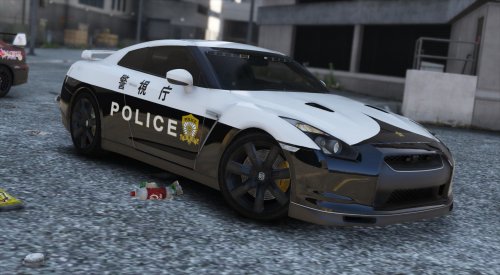
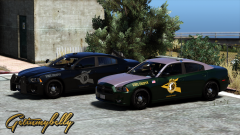
From the album: GTA 5 LSPDFR
W.I.P -
 I LOVE THIS DESIGN CANT WAIT ANYMORE
 -
 HMMMM California Highway patrol or NYPD? BOTH ARE REALLY GOOD! i think i go with the NYPD
 -
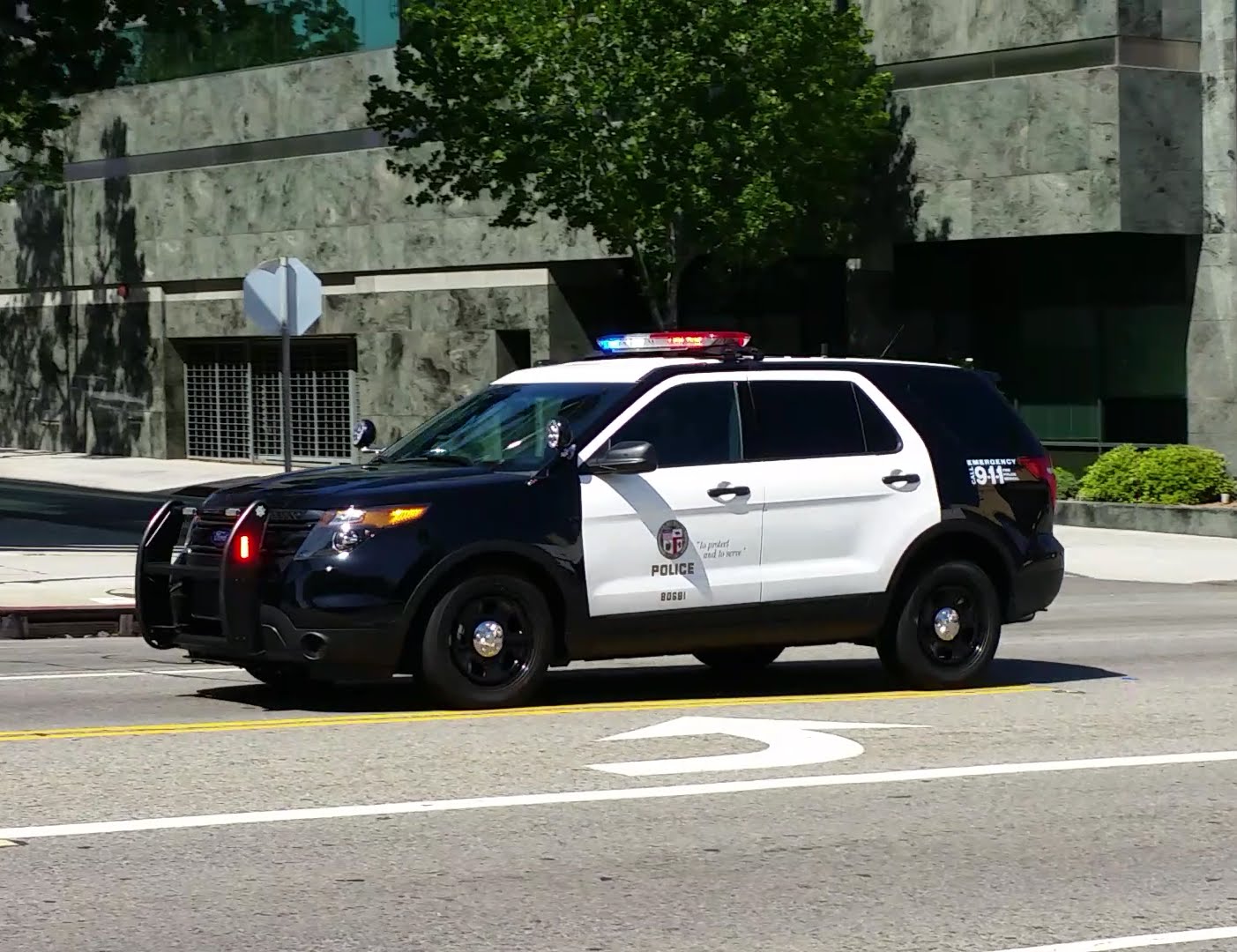
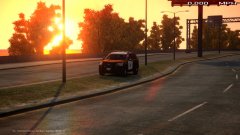 Nice i think about to start with gta 4 lspdfr again and the Ford Explorer Looks Good