Skip to content
View in the app

A better way to browse. Learn more.

LCPDFR.com

A full-screen app on your home screen with push notifications, badges and more.

To install this app on iOS and iPadOS
  1. Tap the Share icon in Safari
  2. Scroll the menu and tap Add to Home Screen.
  3. Tap Add in the top-right corner.
To install this app on Android
  1. Tap the 3-dot menu (⋮) in the top-right corner of the browser.
  2. Tap Add to Home screen or Install app.
  3. Confirm by tapping Install.

SiRtRoLlsAlOt

Members
  • Joined

  • Last visited

  1. Anyway to change the colors of these rims?
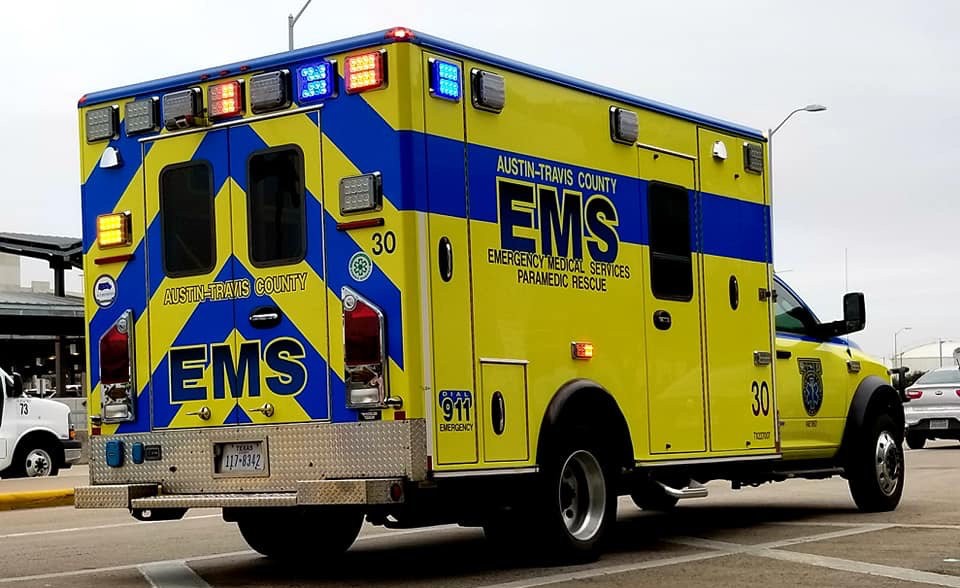
    My local EMS agency uses Star Vehicle Products as well! Great!
  2. SiRtRoLlsAlOt changed their profile photo
    Fits nicely in the GTA V world. Love the color scheme, unique pack!
  3.    MisterSouthern reacted to a comment on a file: Vancouver Police Department Inspired Pack
  4. Anyone know why my 2018 charger does this in OpenIV
  5. SiRtRoLlsAlOt started following medic4523
  6. Sounds very similar to the New Orleans EMS siren set up! Love it!
  7. Is there a window template for the expedition?
  8.    Tyler Harmon reacted to a comment on a file: BCSO Pack + State K9
  9.    Maxmov reacted to a comment on a file: BCSO Pack + State K9
  10. Wow, these textures are very unique. Never seen skins like this before.
  11. TheDotNeedsME started following SiRtRoLlsAlOt
  12. Its doing a similar thing to me, but only on the lightbars on top, and mostly during the day but bright at night. I have my visual settings for day and night at the same number idk how to change it.
  13. Will there ever be a EUP version of this? I know there's an EUP version by someone else but i love your EUP Trooper models.
  14. I would like to use this siren as in game as the read me says i can. But I don't hear anything when i switch the tones in i noticed you said i have to turn up the volume? How do I do that?
  15. Not seeing the Templates for the vehicles?
  16.    SiRtRoLlsAlOt reacted to a gallery image: New Inclusions
  17. TheCanadianDream started following SiRtRoLlsAlOt
  18. Someone needs to make this but in ambulance form like my profile picture!

Account

Navigation

Search

Search

Configure browser push notifications

Chrome (Android)
  1. Tap the lock icon next to the address bar.
  2. Tap Permissions → Notifications.
  3. Adjust your preference.
Chrome (Desktop)
  1. Click the padlock icon in the address bar.
  2. Select Site settings.
  3. Find Notifications and adjust your preference.