
HTownman77
Members
-
Joined
-
Last visited
Everything posted by HTownman77
-
-
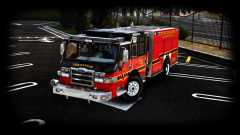
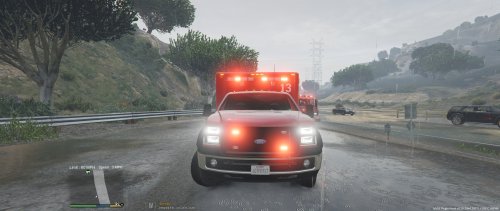
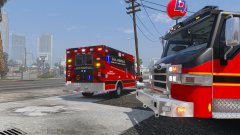 I see a fine looking Pierce Velocity rig. Yes, that ambulance will stay in my game for as long as possible. :) Agreed - great work so far. ;)
 -
-
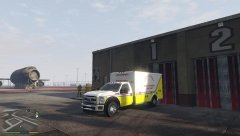 Nice!
Nice! -
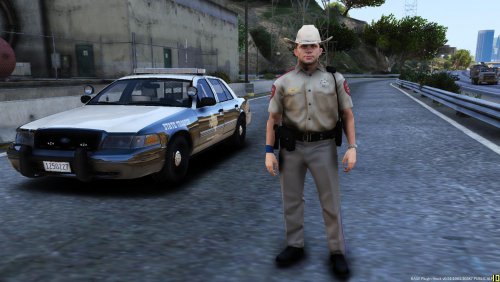 I saw those but I like this one here better and yes, I am closely following what downcoldkiller has planned.
 -
Being from Texas myself, not bad on what I see here.
-
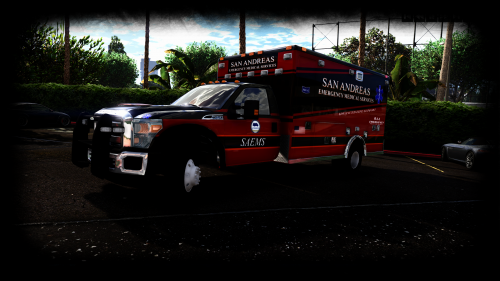 Again, perhaps the same reason as there's a rambar on the front of police vehicles - protecting it from maybe accidental collisions, for example. The risk of having a disabled vehicle with a patient in the back due to an accidental damaged front to way too high so to combat that, a rambar is needed to protect the front as much as possible.
- 209 comments
- 40 reviews
-
-

- 1
-
-
Your work sounds promising. Good luck on your continued updates to it.
-
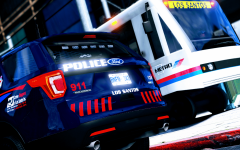 Wasn't me this time. Sorry!
 -
Perhaps the same reason as there's a rambar on the front of police vehicles - protecting it from maybe accidental collisions, for example.
- 209 comments
- 40 reviews
-
-
- 1
-
-
Cool. Thanks! Good luck with any future updates to it (if and when you feel like dealing with it).
- 209 comments
- 40 reviews
-
-
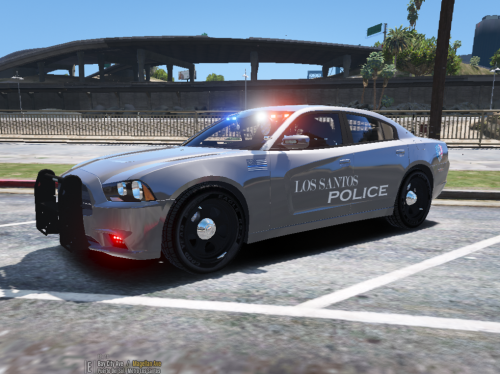 No problem.
 -
Even though the screenshots (and the credits) kinda tell the tale of whose car that belongs to, it would be better to provide a link so users can go directly to the car before they apply what you have here to the model.
-
 OK then. I'll look forward in seeing it tomorrow.
 -
Me likes all of what I see here sir now make with the release.
-
-
Congrats to you on being a part of his team and like you, I also have high hopes for the project.
-
Being from Texas myself, I'm really looking forward to seeing this pack when completed.
-
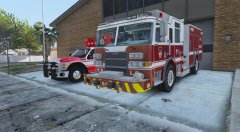 It hasn't been released yet.
 -
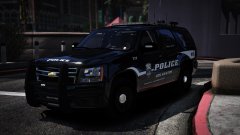 Pretty nice! Can't wait until I get my greedy hands on this model.
 -
No rush from me (in a way ) so good luck with updates to this and any other projects you have going for us.
-
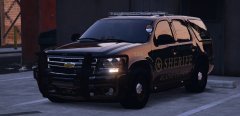 Simply beautiful!
 -
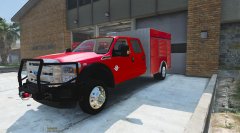 Me likes what I'm seeing so far.
 -
Looking forward in seeing what you have in store for us. Yes, I have used the original version and can't wait to use the ELS version.