
Sebo
Members
-
Joined
-
Last visited
Everything posted by Sebo
-
-
 What does this plugin do? This plugin adds a realistic body cam overlay and also plays the sound every 90 seconds (by default, can be configured). You can change: The time between the beeps The serial number in the overlay The model text in the overlay The logo and sound A manual toggle key to activate/deactivate the overlay The general overlay scale The date If it works in every view or first person only A legit copy of Grand Theft Auto V RAGE Plugin Hook Installation: 1. Copy the files from the .zip into your Grand Theft Auto V\Plugins\ folder. 2. Check the .ini file in Grand Theft Auto V\Plugins\BodyCam\ and adjust the settings and keybinds to your liking. 3. Load the plugin via the RAGE Plugin Hook settings or ingame via the console and enjoy 🙂 How to use the custom logo/sound: Logo: Place a .png with the logo of your choice (and preferably transparent background) in the Grand Theft Auto V\Plugins\BodyCam\ folder and name the file "custom.png". Sound: Place a .wav file with the sound of your choice in the Grand Theft Auto V\Plugins\BodyCam\ folder and name the file "custom.wav". Don't go too crazy with the logo/sound files and keep them as small as possible in terms of file size. Larger sizes might cause issues/crashes. If you want to stay up to date on the development of my plugins, you can check out my Discord server at the link below. https://discord.gg/MSW6RPp If you need help with GTA or LSPDFR you can stop by at our LSPDFR Fans Discord server. https://discord.gg/HGFwdyB Disclaimer: We are in no way affiliated with Axon.
- 168 comments
- 35 reviews
-
-

-

- 66
-
-
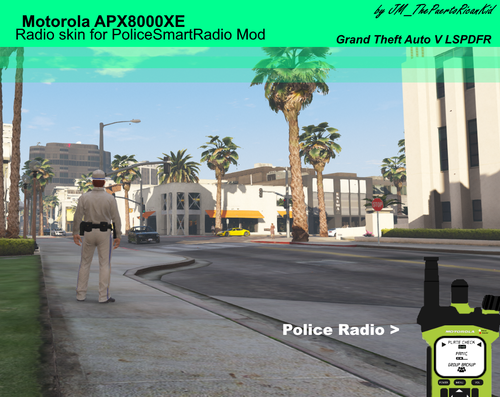 I wouldn't recommend to download this, as the quality of the image and the way it's cropped is just incredibly bad. Which is probably why the author did not add any ingame screenshots or previews for actual file. In case you're wondering, here you go:
 -
 Then go ahead and find a way to say it nicely, that this shouldn't have been released. It includes one callout, and that callout is a) the most overused and cheapest callout you could do, and b) it's broken.
- 82 comments
- 20 reviews
-
Releasing something at a too early WIP stage will just hurt your reputation. When people see it as it is now (which is definitely not good at all and takes someone less than an hour to make) then people will remember this and probably never come back. I suggest you just take this file offline, keep working on your plugin until you actually got something to show, besides this cheap ass basic callout that everyone seems to be doing nowadays, and then release an actual update that contains something better. People always post a list of awesome "planned" stuff, but they rarely actually include that stuff.
- 82 comments
- 20 reviews
-
-
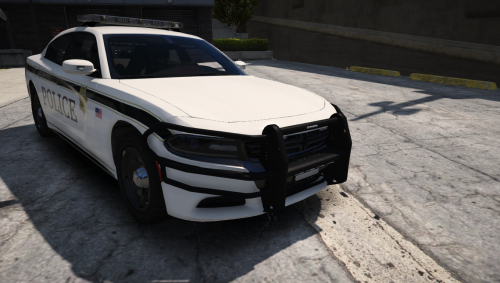 No need to update it to use it as an addon lol. Just use this vehicle as an addon? Nothing's stopping you from doing that. All you have to do is change the name of the files to something else, like "jeff5.ytd, etc" and do the other stuff you do to put an addon into your game. There is no need to ask the author to rename the files for you.
- 31 comments
- 2 reviews
-
-
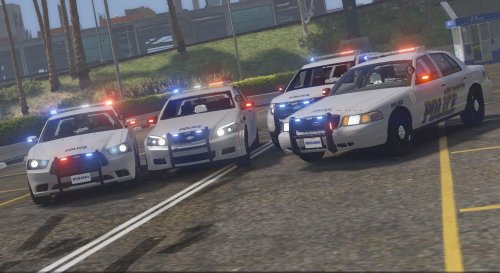 The vehicles are quite nice, but adding your website to the livery of the vehicle?... Seriously?
- 13 comments
- 7 reviews
-
-
- 1
-
-
 I blame the shotgun model haha. I'm sure there are some out there that have proper attachments. But to answer your initial question: I don't plan to include customizable attachments for the shotgun. However, you can get rid of the flashlight with a trainer.
- 135 comments
- 22 reviews
-
-
- 1
-
-
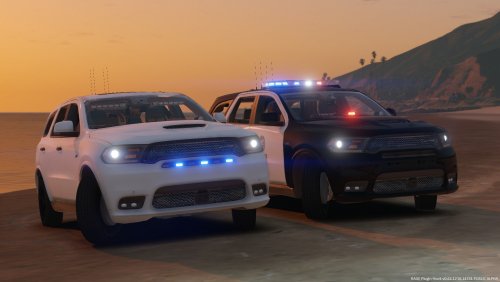 I've included an instructions file in the download for HoldMyGun, but I'll also contact you on Discord.
- 12 comments
- 6 reviews
-
Since you already have this nice gunrack in the front, have you considered making this vehicle compatible with HoldMyGun? 😄 Also, I noticed the livery on the marked unit isn't aligned properly on the doors. Looks like it needs a small rotation counterclockwise.
- 12 comments
- 6 reviews
-
-
-
-
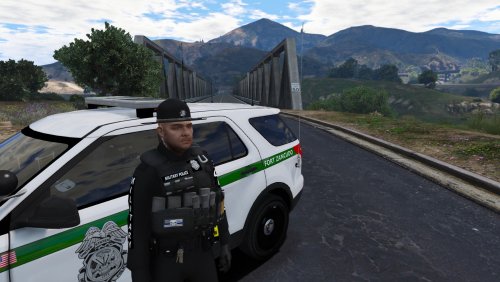 He's talking about the section for ped textures. You uploaded yours into "Vehicle Textures", while those are clearly no vehicle textures.
 -
-
Sorry, but I don't see how that's possible. It's definitely not caused by my plugin, since there isn't a function that would be able to reduce your health. Are you using a trainer with godmode?
- 135 comments
- 22 reviews
-
-
- 1
-
-
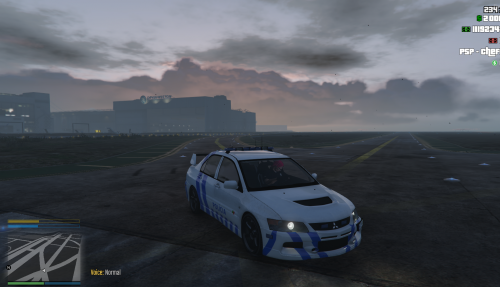 You are hinting for an English description ("EN:") and then continue in whatever other language 😄 Edit: Looks like you fixed it. But(t) "Ass: BeerbongsBentleys7"? 😄
 -
That's awesome! I'm currently changing some things for vehicle compatibility for exactly the issue you stated with the steady burn. I'll implement a check for misc_x for the rifle, and misc_z for the shotgun, so you can choose between them (or just add both), without accidentaly toggling an ELS extra. Send me a DM if you want to give it a test 🙂
- 135 comments
- 22 reviews
-
-
- 1
-
-
-
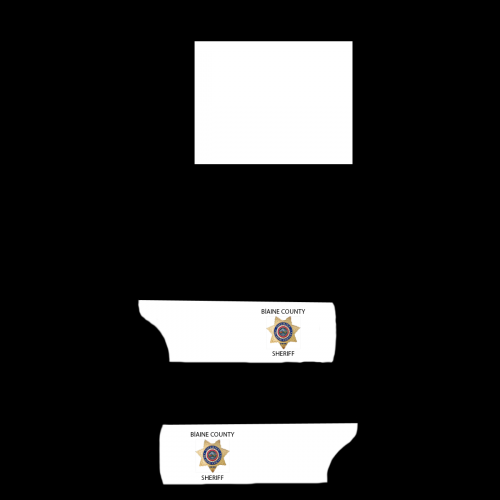 1. You should include a link to which vehicle this is for. How are people here supposed to know? By applying this texture to any possible vehicle hoping it would fit? 2. Did you test it yourself? 3. The quality of it is just... not very good. The cropping on the badge is really bad, jagged edges everywhere, and you can actually see a square shape around the badge, which you seem to have forgotten to erase as well. There are also some other leftover fragments here and there. The overall quality is just way too low to even download it. Put some more effort into your next texture and in your download description as well.
- 4 comments
- 1 review
-
I'll release a new version within the next few days, which includes that feature, amongst some other really cool things 🙂
- 135 comments
- 22 reviews
-
-
- 2
-
-
Heya, glad you like it 😄 No, adding an option to store the pistol is not planned, sorry. About the compatible vehicle models, some people are working on vehicles, but I have no idea when or if they will be released, which is kinda sad. I doubt we'll see anything from t0y though, since he retired from making vehicles for GTA.
- 135 comments
- 22 reviews
-
-
- 3
-
-
Yes, this will be included in an update coming soon. Not with an .xml file, but inside the .ini file :)
- 135 comments
- 22 reviews
-
-
- 2
-