
Officer ufo1
Members
-
Joined
-
Last visited
Everything posted by Officer ufo1
-
 Is it possible to uninstall LML? I don't see that information listed anywhere at all.
- 339 comments
- 20 reviews
-
-
-
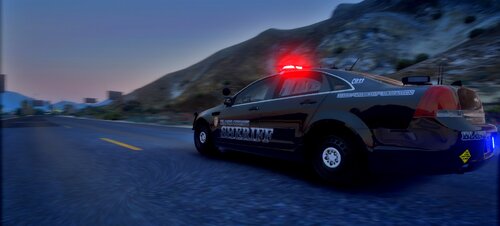 So do people have to download this just to see what it includes?
 -
-
-
An update to 0.4.5 fixed it, and now 0.4.6 has worked perfect for me thus far, not a single crash. Thanks for the response.
-
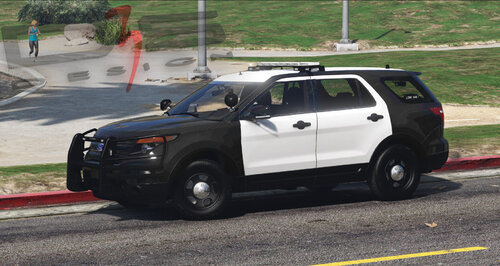 Everything worked right out of the box; lights, handling; nice job. I also liked the Ontario Provincial Police Skin Pack too and featured both in this patrol video:
- 5 comments
- 1 review
-
I'm consistently seeing the game crash when the E key is pressed or it's controller equivalent (Right on the D Pad) is pressed during certain menus or during interaction (traffic stop, interacting with a ped ect.) This is the ONLY problem I have noticed with 0.4.5 and it appears to be a major key binding with E, the new main interaction Key. It appears that the update to 0.4.5 on 12/18/19 fixed this bug.
-
-
-
 Hi I have a HeroCop Installation Tutorial and another Tutorial showing how to use HeroCop. People are reporting that it needs an update ever since the latest GTA V Rockstar Update entitled "after hours". If you could look into this and provide an update the community will greatly appreciate it as we all love HeroCop. Problems are dog is not automatically following and when you choose a human partner there is a crash/black screen. Thank you
- 542 comments
- 98 reviews
-
-

- 2
-
-
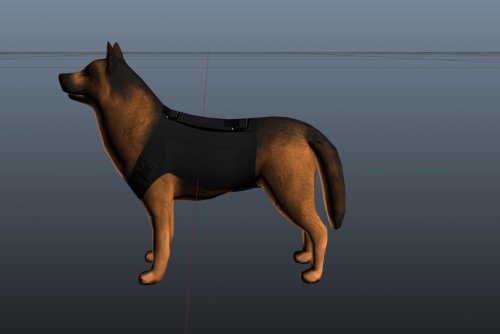 Great Dog nice work, allow me to be the first to congratulate you with a 5 star review; I would have featured it in a patrol but unfortunately my gaming PC is down so I did an installation tutorial on Laptop:
- 9 comments
- 1 review
-
-
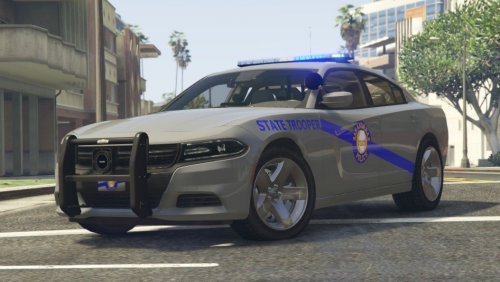 I'm not going to give this a review because their are at least 2 problems; 1. The Windows on the Caprice are incorrect and are different from the rest of the pack, they're not clear or tinted they're like a gray or silver glaze that is not in any way transparent so you can't see through them at all. 2. I disagree with painted or tinted lightbars. In this case you painted/tinted them blue which I agree looks cool when they light bar is off, however when you turn the light bar on the lightbar is EXTREMELY dim as a result. Clear lightbars are best and are the brightest. I even used Radiance V by BxBugs123 and they're still very dim.
- 33 comments
- 12 reviews
-
-
- 1
-
-
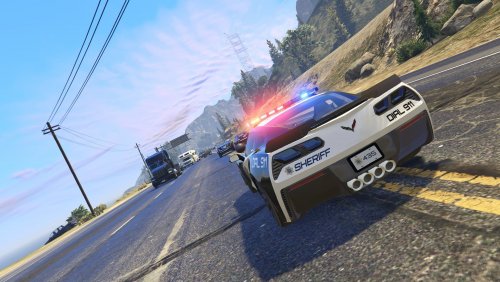 Why don't you make it correct and rerelease it rather than telling us how to correct your error.
- 50 comments
- 15 reviews
-
The light bar on top of the 2 SUV's don't work, so in other words the light bar on top of the FPIU and Tahoe don't work.
- 50 comments
- 15 reviews
-
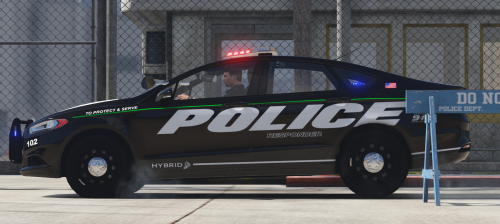 Amazing Car, great job, everything's perfect. Love to see unique vehicles no one else is releasing, really enjoyed featuring it in this Patrol:
- 46 comments
- 13 reviews
-
-
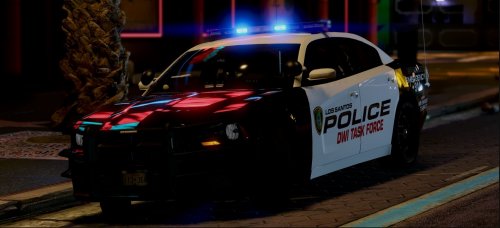 Some more amazing vehicles and I was looking at some of the credits in some of your packs and saw BxBugs123 a lot so that would explain why. Really enjoyed featuring them in this Patrol:
- 10 comments
- 5 reviews
-
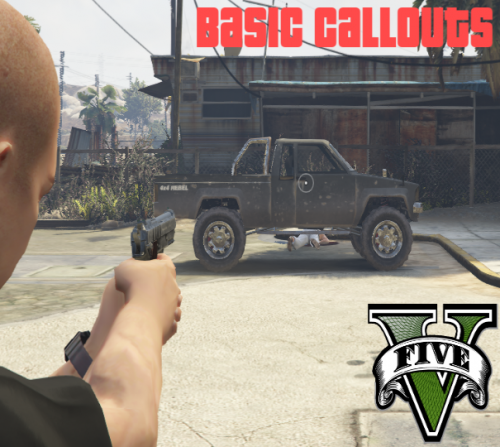 Just installed version 2.0.1.0 and you have a bug that ruins the mini map and just makes it look bad. If you can fix that and release a new version I will give you 5 stars. It happened during Abandoned Car, and continued into Suspicious Person. I Kicked off a New Mini Series with these callouts, the first episode will be released soon. If it happens during the second episode I will have to discontinue the mini series as there's o telling what else that bug could be affecting.
- 58 comments
- 12 reviews
-
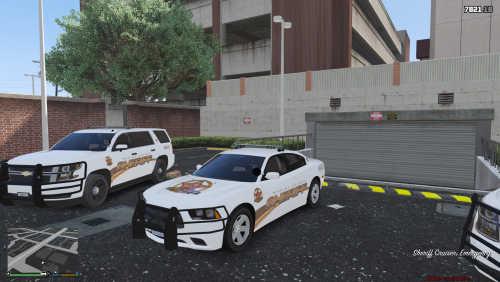 Allow me to be the first to congratulate you with a 5 star review, Nice work. Really enjoyed featuring these in the Following Patrol Video:
- 4 comments
- 3 reviews
-
-
- 1
-
-
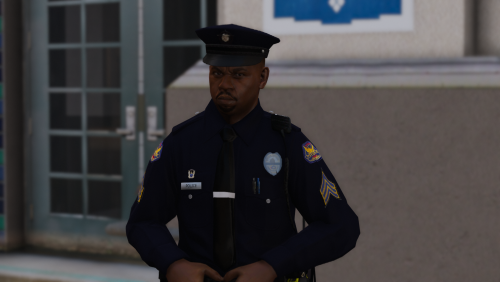 Some more Great Work by PristineAccuracy! Had a LOT of fun featuring this pack in my latest Patrol:
- 7 comments
- 4 reviews
-
-
- 1
-
-
 It's an Honor to see you feature my Tutorials. Here's a New one showing how to install this New Version of the Male Deputies including the Hat files and EUP content. It's packed with a lot of tips and information for beginners so it's a little lengthy at around 30 minutes; for that reason it won't be popular among some people. But beginners with a little patience looking to learn will find it very helpful. Because of the length of it you may not want to feature it but here it is just in case:
- 108 comments
- 19 reviews
-
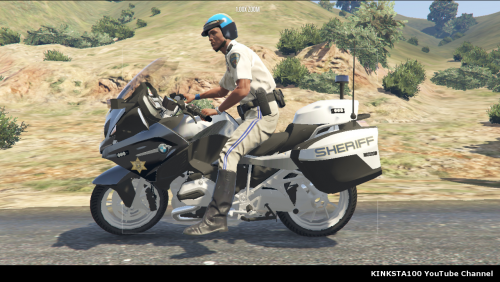 Nice Work. Pretty sure I this wasn't my first time using this but really enjoyed featuring it in this Patrol: (Btw I gave you lots of credit & a Shoutout)
- 30 comments
- 7 reviews



.thumb.png.dd207ac74323a07e5eae5f4615a78f17.png)