JJDesigns
Members
-
Joined
-
Last visited
Everything posted by JJDesigns
-
-
Doesn’t t0y run the LSPDfr community discord too.... maybe that’s why a sudden change of mind has occurred
-
Why not even try and fight. To me it just show weakness and an inebility to even try and stop these people...you’re just making it easier.
-
 I could only inmagine what you’d do with it.
 -
 Looks great.
 -
-
-
I'd love to be your Sergeant, it would be really easy. Like teaching 7th graders. 😄 You also said you work for the SO, I'm guessing BCSO, in LSPDFR right?
-
 This plugin is very good for what it's made for - very simple too. suggestion: However, I think this can be a lot more helpful & handy if we could choose a keybinding to equip our loadout instead of having to go on duty in LSPDFR. Furthermore, I think if you did have an option to save our loadout to a keybinding then we could also have multiple load outs saved to different keybindings - say we were going as a BCSO deputy once then wanted to be a SWAT member this would allow easy access to change our load outs. Ps if you do this it would be also handy if when we did press a keybinding for a loadout it cleared out weapons then gave us our loadout or even make that an option too!
- 75 comments
- 33 reviews
-
-

- 1
-
-
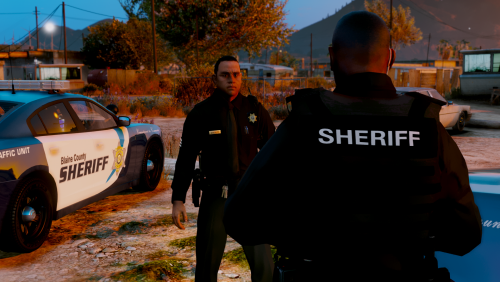 All the skins that do work are awesome! However for me the blackops skin (http://prntscr.com/igutul) and the ciasec skin (http://prntscr.com/iguuap), the textures on both are really broke, I'm not sure if I'm doing something wrong or whether they are actually broke. Any support is appreciated.
- 58 comments
- 8 reviews
-
-
- 1
-
-
 Hey, albo this plugin is very good like all of your plugins. However, this might just be for me but when I pull someone over in a traffic stop and press 'E' both your better traffic stop UI pops up as well as the default one I would appreciate it if you could fix this.
- 1,178 comments
- 137 reviews

.thumb.png.bdfc4fd2a9e16cf4f60b5f8fde6b47cf.png)