
Now on 5mods
Members
-
Joined
-
Last visited
Everything posted by Now on 5mods
-
Try looking into popcycle.dat, I have messed around in there and you can change what peds drive what vehicles, where which vehicle models patrol, at which times of day... etc. It's a really cool file.
-
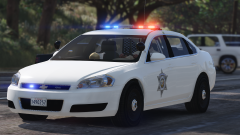 Oh, then it makes sense.
 -
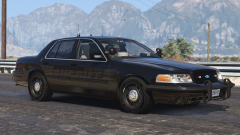 Who's pushbar is that?
 -
Looking good, but the lightbar looks a little thin compared to other rx2700ccs. Maybe a bit thicker?
-
-
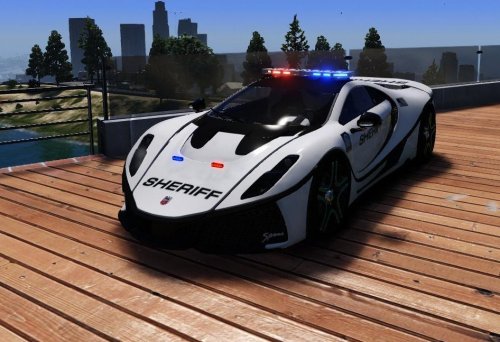 Hi, I'm Stuart from SIRENNET Television, and today young Chris has in his hands a new Spania Spano from the folks over at Star Cars... Features: -Whelen Liberty II SOLO™ -Whelen Mirror-Beam™ Linear Super-LED® Series Lights -Whelen ION™ Series Super-LED® Universal Lights -HQ Interior Special Thanks to Cornelius Evans for all his contributions towards this and other upcoming models! Template Included. Installation: .ytd & .yft files: Replace/Add in to: mods\update\x64\dlcpacks\NEWEST PATCHDAY/dlc.rpf\x64\levels\gta5\vehicles.rpf\ Feel Free to make liveries. Model Unlocked. Edit it, BUT LEAVE ALL CREDITS. Or else it gets reported. Feel free to PM me your showcase of this mod and I will add it in here.
- 13 comments
- 1 review
-
-

- 1
-
-
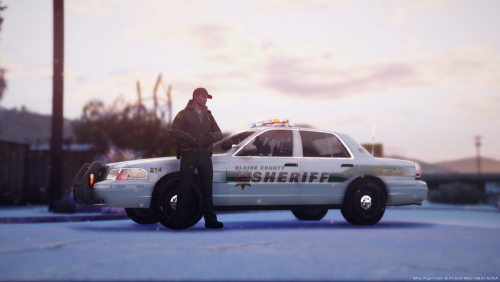 Pretty much everyone but Bugs and a few others use this F5544/Underwood/DSF model template.
- 10 comments
- 2 reviews
-
-
- 2
-
-
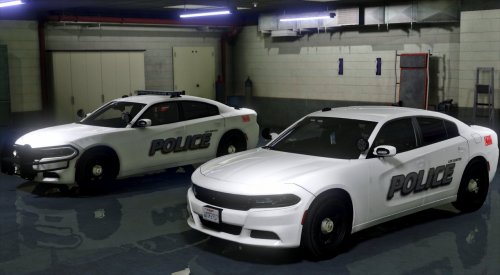 Nice job, how did you get ahold of LeoAlltheWay's Rear Edge? I thought only 72will and I (and leoalltheway/majorpaine2015) had the Edge. Well nice model anyways.
- 66 comments
- 13 reviews
-
-
- 1
-
-
-
-
-
-
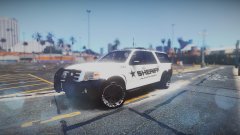 Wrong rims lol i know you hate the graffiti rims. I'll put the PB450 on later.
 -
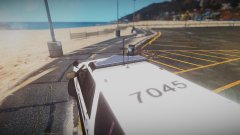
From the album: DevinKan's V Adventures
Slapped a skin on my Ford Expedition for a patrol. No its not going to be released. -
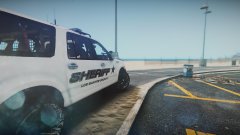
From the album: DevinKan's V Adventures
Slapped a skin on my Ford Expedition for a patrol. No its not going to be released. -
From the album: DevinKan's V Adventures
Slapped a skin on my Ford Expedition for a patrol. No its not going to be released. -
 Great quality as always. Love how you used more than 2 sirens this time Gotta love the K9 units.
- 67 comments
- 21 reviews
-
-
-
-
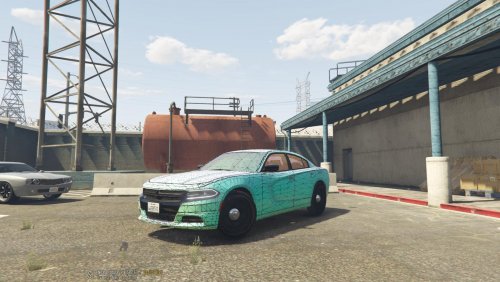 Nice to see a 2015 charger with the correct interior in V.
 -
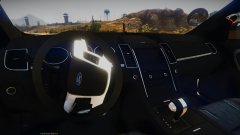
From the album: DevinKan's V Adventures
Heres something for yall to get hyped for. Got a 100% Accurate Interior for the 2013 FPIU converted to V. Yes its gonna be unlocked and yes theres gonna be a dev copy :D -
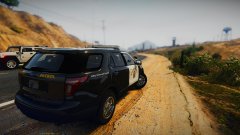
From the album: DevinKan's V Adventures
Heres something for yall to get hyped for. Got a 100% Accurate Interior for the 2013 FPIU converted to V. Yes its gonna be unlocked and yes theres gonna be a dev copy :D -
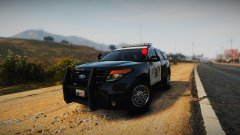
From the album: DevinKan's V Adventures
Heres something for yall to get hyped for. Got a 100% Accurate Interior for the 2013 FPIU converted to V. Yes its gonna be unlocked and yes theres gonna be a dev copy :D -