




Now on 5mods
Members
-
Joined
-
Last visited
Everything posted by Now on 5mods
-
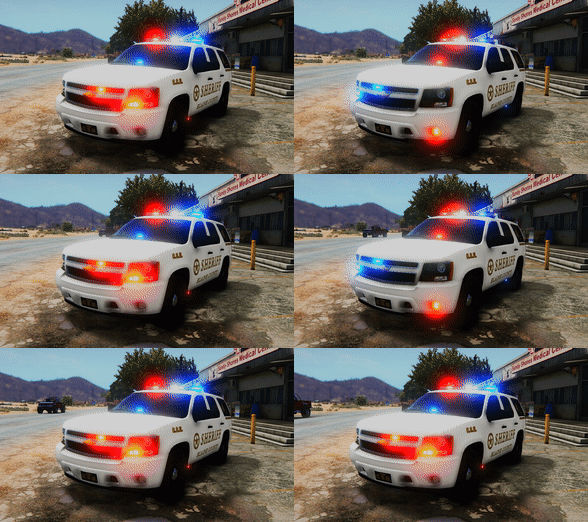 Realistic Emergency Lighting is a modification that provides realistic flash patterns that have realistic speeds and bright but not blinding emissive lights. There is NO NEED FOR MESSING WITH DLCS, METAS, OR SIRENSETTINGS. All you have to do is REPLACE THREE FILES, and that's it. Great for lazy people like myself These patterns were inspired by the ones used on police vehicles in the state of Connecticut, but they pretty much apply to all U.S. police vehicles. Features: -Environmental Lighting -Realistic Flash Patterns -Bright, but not blinding lights -Three minute installation -Works with any vehicle in a police slot INSTRUCTIONS IN README Reccomended mods: -VisualV -Project RELOAD -Realism Dispatch Enhanced -And of course LSPDFR! Thanks to @POLICESCO for some sequencer values, and to @Captain14 for his carcols.ymt research posts on the forums.
- 22 comments
- 8 reviews
-
-

- 3
-
-
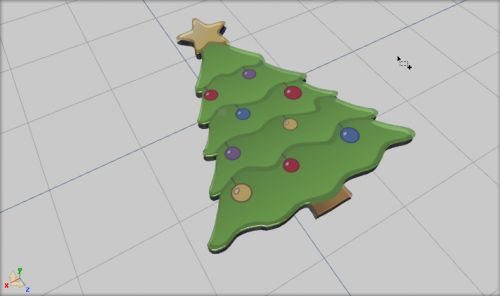 yassss! nice job, maybe ill make a christmas tree car. lololol
 -
 Is that bxbugg's Arjent?
 -
Dam nice job
-
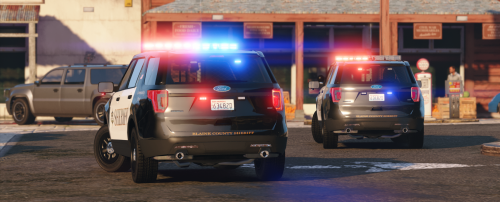 Thank you! I'm too lazy to do any copy pasting or DLCs or whatever, this is the best!
- 4 comments
- 6 reviews
-
-
- 2
-
-
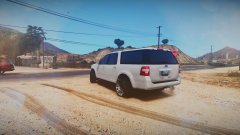 Yeah. I just swapped the interior, 72will said he will do all the final touches and upload on his account.
 -
No, it's a 'graffiti' style rim.
-
They are custom offroad rims. :D Lol but its not gonna be released like that.
-
From the album: DevinKan's V Adventures
Just helping 72will out on a civilian expedition. Swapped in a ford interior for him.© DevinKanMods
-
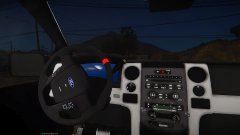
From the album: DevinKan's V Adventures
Just helping 72will out on a civilian expedition. Swapped in a ford interior for him.© DevinKanMods
-
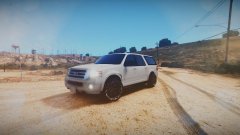
From the album: DevinKan's V Adventures
Just helping 72will out on a civilian expedition. Swapped in a ford interior for him.© DevinKanMods
-
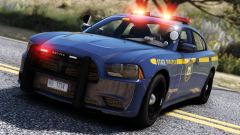 dont forget the ions on the sides of the pushbar
 -
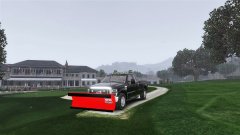 nice job, get a lightbar with better flash paterns
 -
-
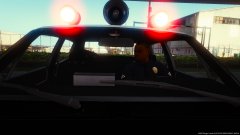 lol!
lol! -
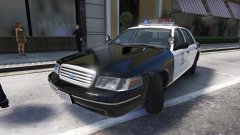 Fedsig Vista! Yay!
 -
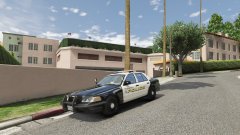 What graphics mods are you running?
 -
Heres a siren list made by f5544: siren 1 =left red cannot rotate light(always the left direction) Rotate mesh 90 degrees clockwisesiren 2 =front red(light can be rotated. to do this rotate pivot and siren dummy axe) siren 3 =back red(light can be rotated. to do this rotate pivot and siren dummy axe)siren 4 =back blue(light can be rotated. to do this rotate pivot and siren dummy axe) siren 5 =front blue(light can be rotated. to do this rotate pivot and siren dummy axe) siren 6 =right blue cannot rotate light(always the right direction) Rotate mesh 90 degrees against clockwisesiren 7 =front red(light can be rotated. to do this rotate pivot and siren dummy axe)siren 8 =front blue(light can be rotated. to do this rotate pivot and siren dummy axe)siren 9 =front red(light can be rotated. to do this rotate pivot and siren dummy axe)siren 10 =front blue(light can be rotated. to do this rotate pivot and siren dummy axe)siren 11 =back red(light can be rotated. to do this rotate pivot and siren dummy axe) siren 12 =back red(light can be rotated. to do this rotate pivot and siren dummy axe)siren 13 =back blue(light can be rotated. to do this rotate pivot and siren dummy axe) siren 14 =back blue(light can be rotated. to do this rotate pivot and siren dummy axe)siren 15=back red rotate mesh180 degreessiren 16=back blue rotate mesh180 degreessiren 17=front red(light can be rotated. to do this rotate pivot and siren dummy axe)siren 18=front blue(light can be rotated. to do this rotate pivot and siren dummy axe)siren 19=front red(light can be rotated. to do this rotate pivot and siren dummy axe)siren 20=front blue(light can be rotated. to do this rotate pivot and siren dummy axe)
-
I have a tutorial series on GTA V Zmodeler 3 basics on my channel. Here are the videos so far:
-
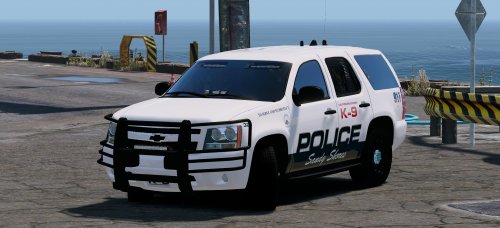 Very nice, maybe some runners would complete the lighting. Love the offroad bar on the push bumper!
- 41 comments
- 18 reviews
-
-
- 3
-
-
-
Hmm then I dont know, I'll tell you if I think of anything
-
Im making a similar one to those pictures but as a 2015 charger
-
Do the lights have full lods?
-
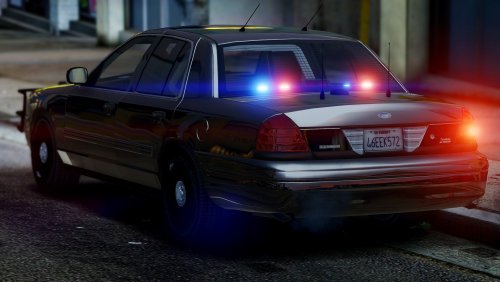 Eh. I can tell you were trying to remake BxBugs's CPVI, and you didn't really get to do so. Also, get a better console, maybe a laptop also, and the lights you put on the pushbar and mirrors are very ugly.
- 17 comments
- 7 reviews



