




NeulandInternet
Members
-
Joined
-
Last visited
Everything posted by NeulandInternet
-
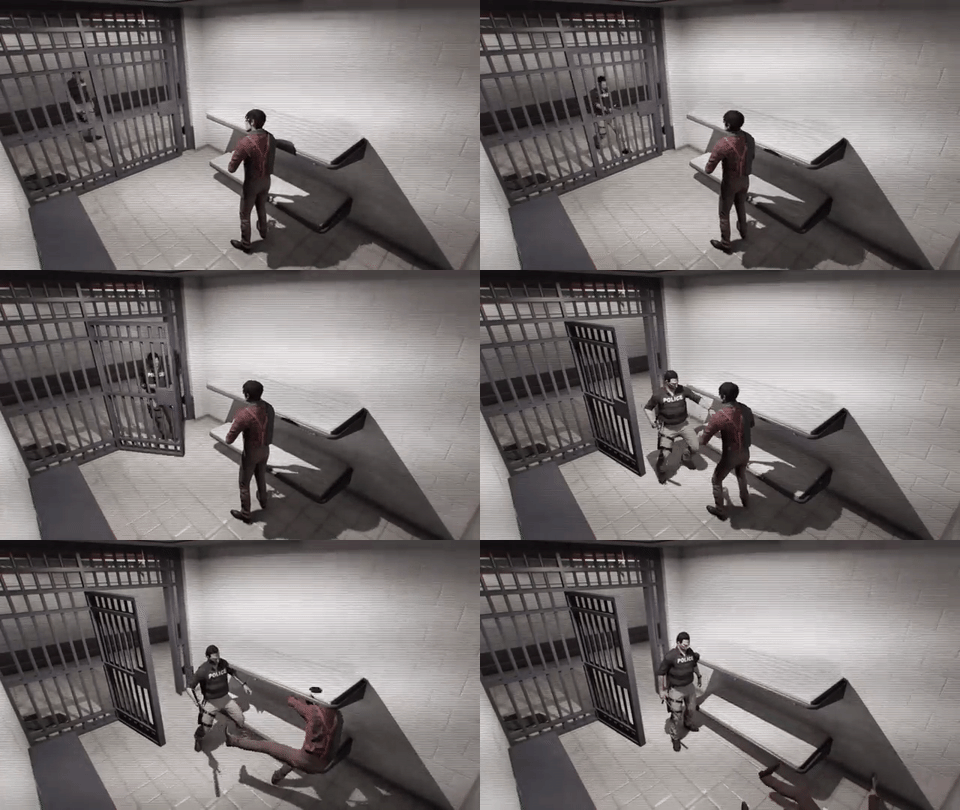 That's how you do it!
 -
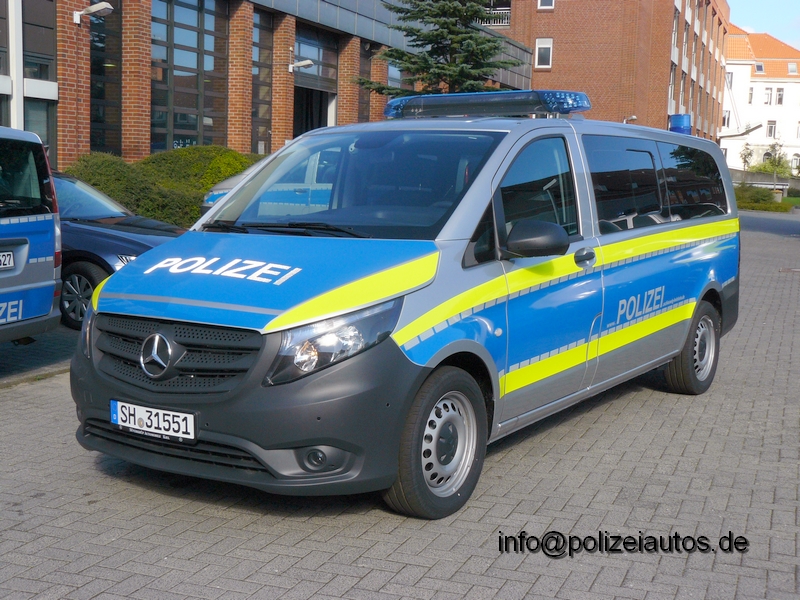
In my area the Hänsch DBS 4000 is mainly used: And sometimes you can see the Pintsch-bamag Zirkon lightbar on Passat b7's: And there is this new Mercedes Vito also with a Hänsch DBS4000:
-
From the album: NeulandInternet's Gta V album
-
From the album: NeulandInternet's Gta V album
-
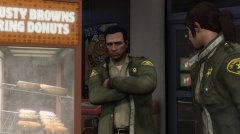 "Dispatch,10-407 needing Donuts!"
 -
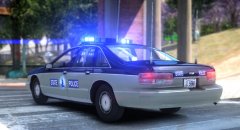 That lightbar really looks awesome on that caprice!
 -
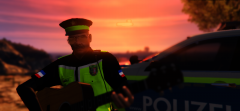
From the album: NeulandInternet's Gta V album
The alternative to eating donuts in your break. -
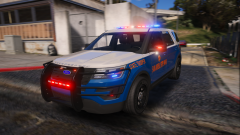 Yay, This will be my next christmas tree! Nice job!
 -
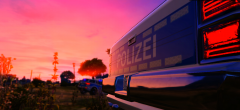
From the album: NeulandInternet's Gta V album
-
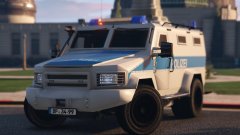 Wat ein Teil. Sieht echt nice aus!
 -
I think it's not possible to link your account to lcpdfr.com anymore :/
-
From the album: NeulandInternet's Gta V album
-
From the album: NeulandInternet's Gta V album
-
-
No Problem.
-
Did you Set the <audioNameHash>sheriff2</audioNameHash> in the vehicles.meta?
-
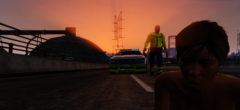
From the album: NeulandInternet's Gta V album
-
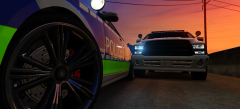
From the album: NeulandInternet's Gta V album
-
I like this one. I'ts pretty cool in my opinion.
-
.jpg.f30dcc4e4d328886dbebafc48059adab.jpg) Geiles Teil
Geiles Teil -
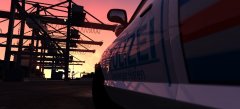
From the album: NeulandInternet's Gta V album
-
-
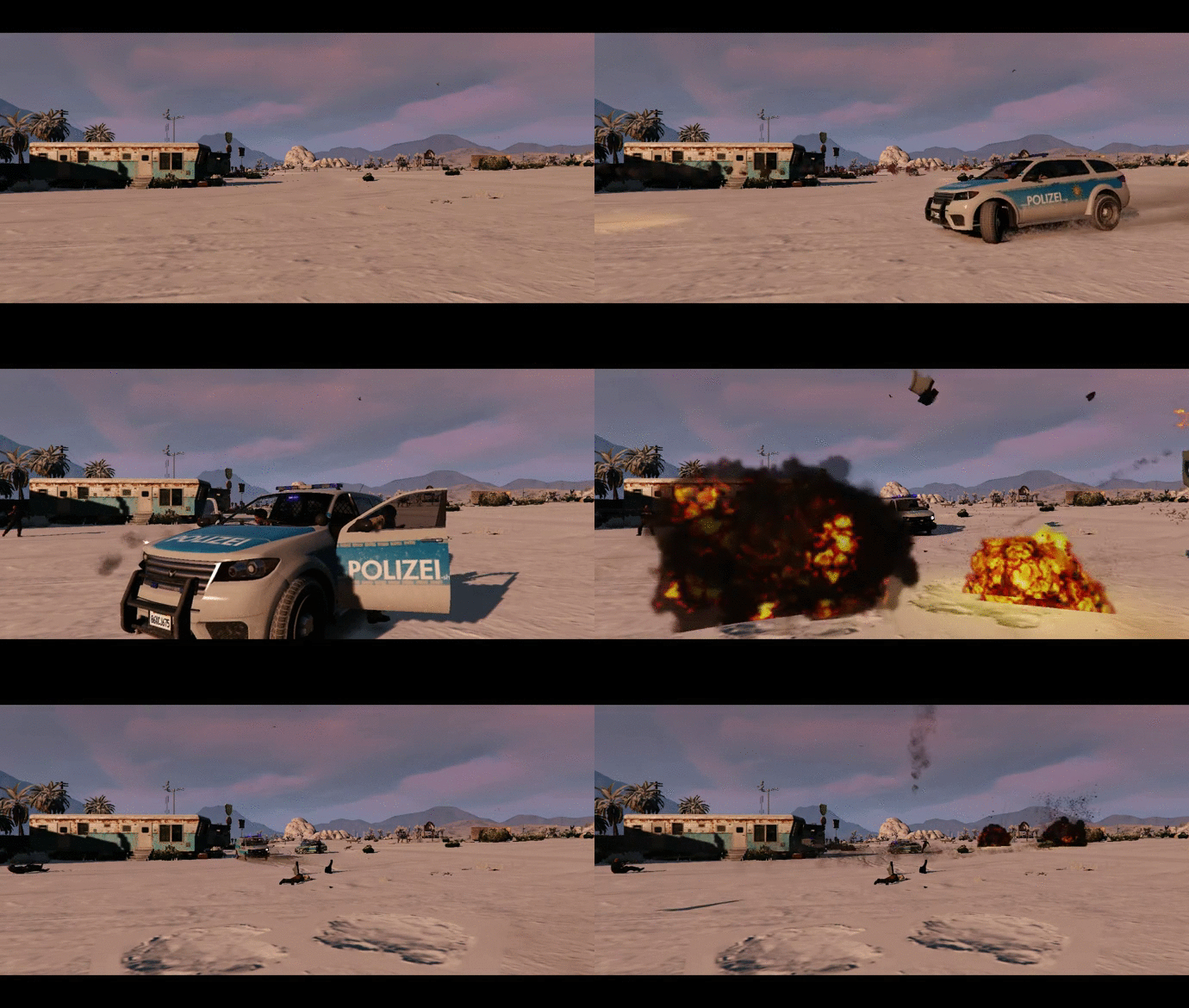
From the album: NeulandInternet's Gta V album
-
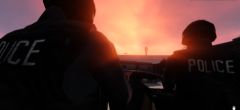
From the album: NeulandInternet's Gta V album
-
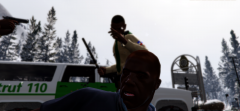
From the album: NeulandInternet's Gta V album



.jpg.f30dcc4e4d328886dbebafc48059adab.jpg)

