.png.00884ed6bf4c78876e478940a0029276.png)
PBSO Guy
Members
-
Joined
-
Last visited
Everything posted by PBSO Guy
-
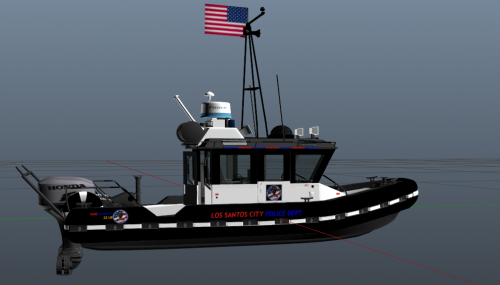 where did you get the boat from?
 -
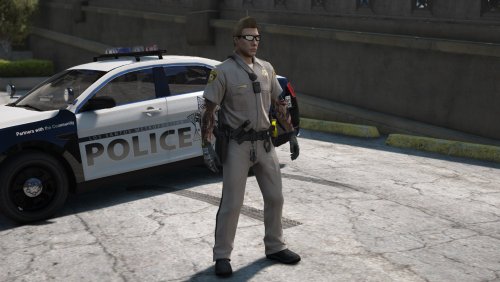 These are nice, I tried making some but couldn't get the tan right. Nicely done doug
- 8 comments
- 3 reviews
-
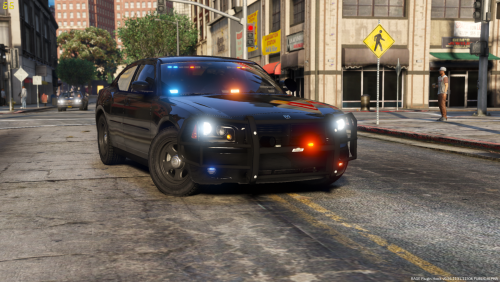 This charger is amazing, been using it for a couple of hours no and haven't found a single thing wrong with it! Looks great with my black sheriff skin too, outstanding work. Thank you for the great models!
- 17 comments
- 10 reviews
-
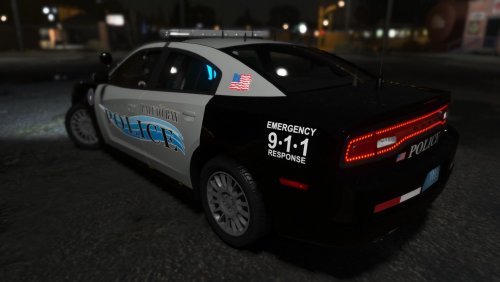 OMG finally, I just made a comment to my self wishing there was a nice pack with reflective liveries. Thank you so much!
- 20 comments
- 12 reviews
-
-

- 1
-
-
the second I saw this I knew it would make a perfect addition to the skin pack that I'm currently working on! Outstanding job!
- 17 comments
- 10 reviews
-
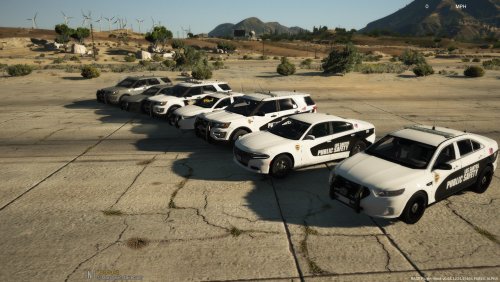 No they're skins.
 -
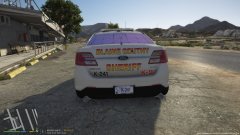
From the album: PBSO Guy's W.I.P
-
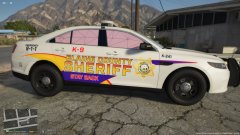
From the album: PBSO Guy's W.I.P
-
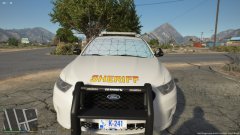
From the album: PBSO Guy's W.I.P
-
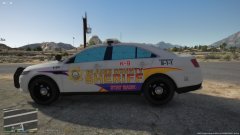
From the album: PBSO Guy's W.I.P
-
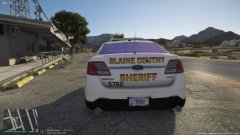
From the album: PBSO Guy's W.I.P
-
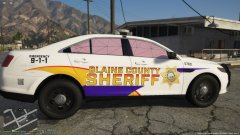
From the album: PBSO Guy's W.I.P
-
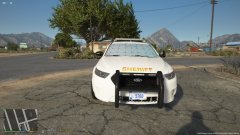
From the album: PBSO Guy's W.I.P
-
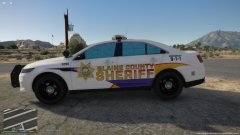
From the album: PBSO Guy's W.I.P
-
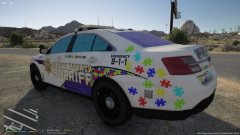
From the album: PBSO Guy's W.I.P
-
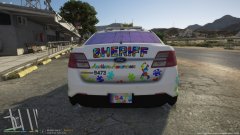
From the album: PBSO Guy's W.I.P
-
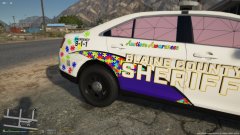
From the album: PBSO Guy's W.I.P
-
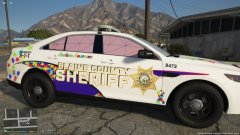
From the album: PBSO Guy's W.I.P
-
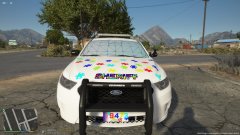
From the album: PBSO Guy's W.I.P
-
-
-
 Sorry I forgot to upload some screenshots I changed the keybinding and it opened up but it was black, it froze the game, and instead of white text it was black. Same thing for the notepad only there was no background. The first picture is obviously Computer plus The Second picture is the note pad. In the center of the screen you can see red text spelling out notepad.
- 1,743 comments
- 172 reviews
-
@BejoIjo I've installed the files in the correct location, but when I try to open it up it doesn't work. Like I'll get some screenshots here in a minute.
- 1,743 comments
- 172 reviews
-
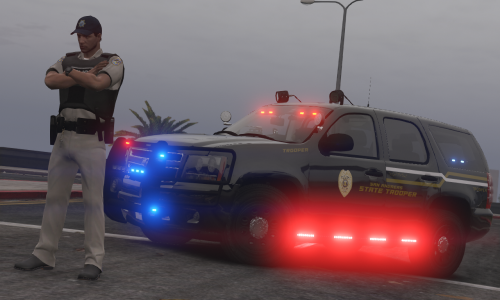 I love this skin, not sure why Pavy is complaining. Simple and sweet.
 -
.thumb.png.596921f07f29d967448d10debfbac50c.png)