


.png.00884ed6bf4c78876e478940a0029276.png)
PBSO Guy
Members
-
Joined
-
Last visited
Everything posted by PBSO Guy
-
 YOU ARE F***ING AMAZING!!! You don't know how how long I've been waiting for something like this, you did an outstanding job tank you so much.
- 85 comments
- 27 reviews
-
-

- 1
-
-
-
-
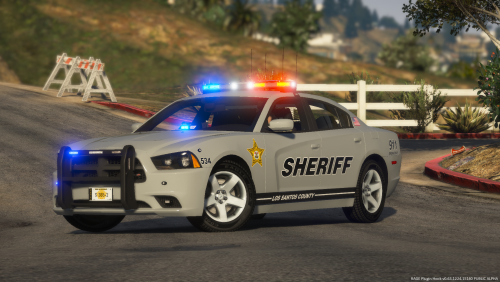 This is cool, I had planned on doing a full live pd pack but ran out of motivation. After doing about 4 of them for hours on end I got really fed up with texturing, now I'm back. These look awesome, keep it up.
 -
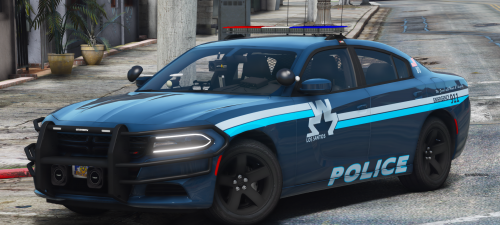 @Maurice97 have you thought of adding a 15 tahoe to this pack? I am making a skin pack for all three of these packs and would love to see a 15 tahoe.
- 19 comments
- 13 reviews
-
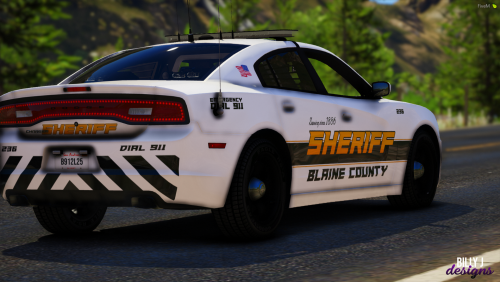 @Billy Johnsson I love the font, wouldn't think of something like that. These look really nice good work!
- 8 comments
- 2 reviews
-
-
- 1
-
-
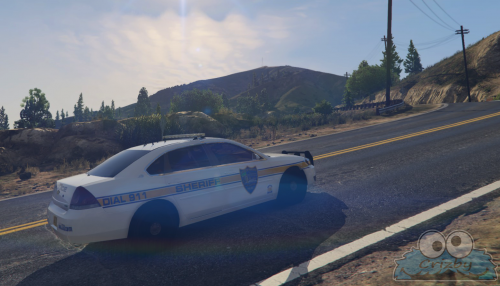 @Crizby These skins are amazing, wonder why more people haven't downloaded these. I really find skins I truly like anymore, but these are nice. Keep it up, would love to see more! The FPIU marked is my fav.
 -
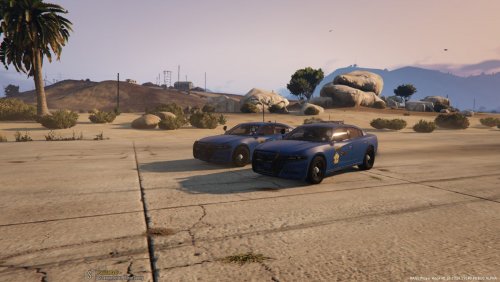 @ZeTj please refrain from putting [ELS] on texture packs. It gives everyone false hope that there is a new car pack. Textures could use some work, but we all had to start somewhere, keep trying and maybe try to remake a IRL department and go from there, but please for the love of all things holy texture packs are not ELS or NON-ELS so please don't put that in your title, thanks!
 -
 can you give us a hyper link to apply. I tried typing it in to no avail. (I did check over it)
- 2 comments
- 1 review
-
This is becoming a new lspdfr meme. I love it @bankomarci I appreciate removing the stolen car, A LOT. Would love to see you callouts come to fruition, I know some people add different callouts like the 911 hang up but its just the same shit every time, same location and I dont take it anymore. Hope you dont do this because thats what'll kill this. Add different outcome maybe 3 or 4 that way its random and have multiple locations not just one spot on the map (haven't used them so not sure if this is already an "issue"). Keep progressing and time will prevail, Best of Luck!
-
-
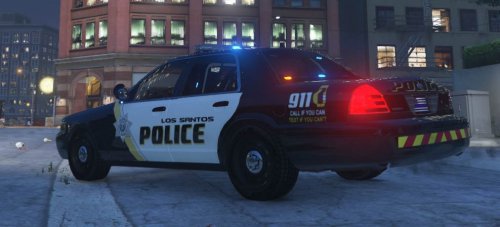 @Sik.Sensed I kinda like it, I think I like it more than mine which is just a lore pack based. The different font adds a more modern touch to it which I like and the start instead of the badge is difference but nice. But I agree with Pacific Pig, maybe change is so it says inspired.
- 9 comments
- 2 reviews
-
Okay So I'm partially wrong, they use both. You learn something new every day.
-
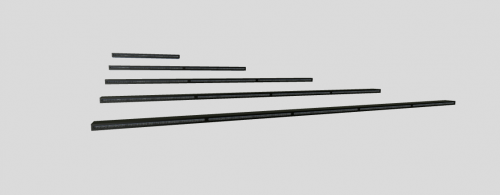
If I'm correct FHP used the Code 3 RLS siren not this. I'm almost positive
-
 Thanks but I figured it out.
 -
-
.thumb.png.1ae1fce43f76c28010b37adf51883ee3.png) would like to see a more professional look and maybe some more cars, good start. We all had to start somewhere.
would like to see a more professional look and maybe some more cars, good start. We all had to start somewhere.- 3 comments
- 1 review
-
-
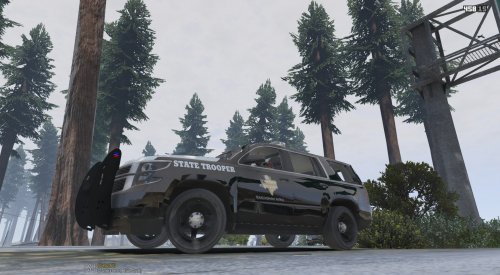 If you haven't found an RGB heres the tan for the clothing Shirt/Pants R: 173 G: 156 B: 140 Tie R: 54 G: 76 B: 100 Red Out line on Pants/should patches R: 172 G: 20 B: 32 and for the hat try this R: 231 G: 200 B: 146
- 28 comments
- 1 review
-
-
- 1
-
-
From the album: PBSO Guy's W.I.P
-
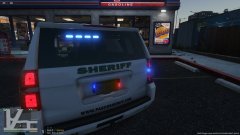
From the album: PBSO Guy's W.I.P
-
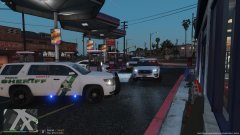
From the album: PBSO Guy's W.I.P
-
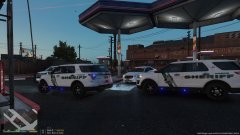
From the album: PBSO Guy's W.I.P
-
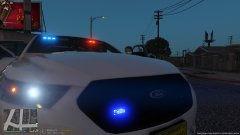
From the album: PBSO Guy's W.I.P
-
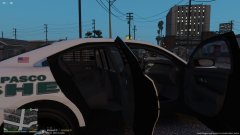
From the album: PBSO Guy's W.I.P
.thumb.png.596921f07f29d967448d10debfbac50c.png)


.thumb.png.1ae1fce43f76c28010b37adf51883ee3.png)
