t0y
Members
-
Joined
-
Last visited
Everything posted by t0y
-
RIP this is really old lol, thanks though. (I fixed my GTA btw)
-
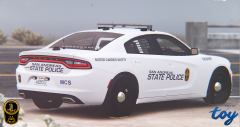 Oh I see, yeah I didnt do that much research, but from photographs they use all 3 designs, I assume the one in the picture there is an older version, and they just keep them around because the new one the text-based one is more modern, not sure though. But there are definitely those 3.
 -
that is the real one, all 3 I made are real variants of their charger design(s) if/when this pack is released, the charger, and tahoe will both have several variants, the charger will have the 3 I posted, and the tahoe will have the motor carrier enforcement and the normal newer text based design. An example:
-
-
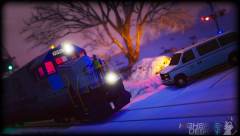 are you releasing that van? :o its sexy
 -
-
what do u mean real one?
-
From the album: t0y's GTA V WIPs
#WIP -
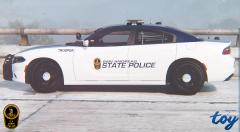
From the album: t0y's GTA V WIPs
#WIP -
I love you guys. I made PostFX ultra but not shaders, I just did shaders and it worked thanks guYs!
-
its an oiv though, and it would override all the visualv files
-
-
-
-
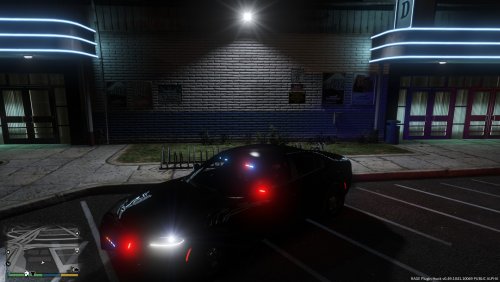
Does anyone know why my lights are like this? I have RadianceV, MemeEnhancer Enb,VisualV and ELS I installed RV over VisualV/MemeEnhancer
-
-
-
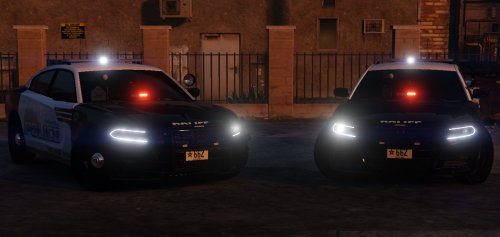 Not sure, I always use the .ytf when im making new liveries every time I edit something so I dont want to start the game every time, but I assume it does so idk.
- 40 comments
- 12 reviews
-
Whenever I put the livery in as chgr_sign_1 and open the .ytf it just skips it and shows chgr_sign_2 and when I delete the other signs except 1 it just doesnt show anything
- 40 comments
- 12 reviews
-
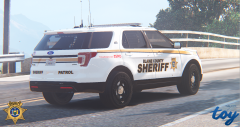
From the album: t0y's GTA V WIPs
#WIP Please give me your opinions :) -
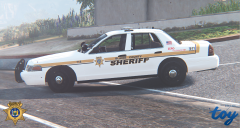
From the album: t0y's GTA V WIPs
#WIP Please give me your opinions :) -
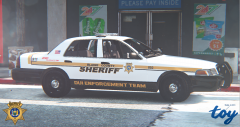
From the album: t0y's GTA V WIPs
#WIP Please give me your opinions :) -
-
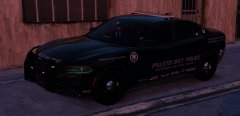 ill come
 -



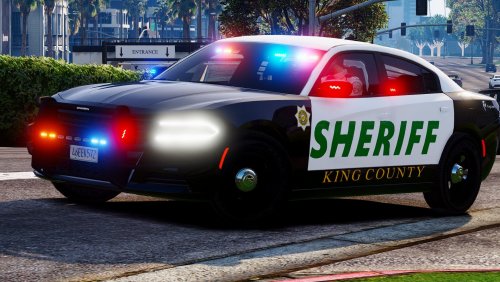
.thumb.png.04a1687a445e54a18a959b7926b87d7b.png)