t0y
Members
-
Joined
-
Last visited
Everything posted by t0y
-
 lol, yea its so complicated ive been working on this for a few days now and ive had a TON TON TON of help and issues but im almost done, and hopefully I can release soon :D making it into a pack though, so its probably going to take a while to do all of them. You should try it out again, I can help you with the basics and we can figure stuff out together lol.
 -
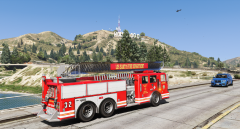 wtf its actually beautiful :o
 -
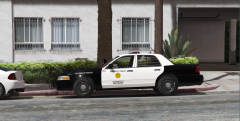
-
-
-
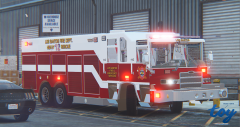 Hi sorry didnt see you commented lol I will make a pack when PIM releases the ladder truck for ELS
 -
Hi ladies and gentlemen. So I am brand new to modeling right now, and I was just watching Black Jesus' ZM3 tutorial up until the part where he gets to lighting I've got down. I was wondering how would I enable it as ELS because the way he does it is the Non-ELS version I THINK. Also how do you change the color of one of the lights?
-
To enable/disable lighting and siren stages: J (once) Will give you your first stage J (Twice) Will give you your first+Second stages J (Three times)_ Will give you all 3 stages in full lighting. J (Once) Stage 1 K (Once) Stage 2 ; (Once) Stage 3 G (Once) Default siren or last used siren, quickly starts up your siren 1-5 Different sirens, wail, yelp, etc. R/T are manual sirens Y is horn CTRL+P is your HUD
-
-
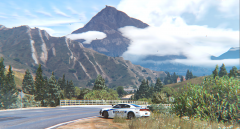
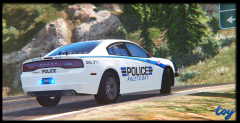
From the album: t0y's GTA V WIPs
© atrActive Designs
-
-
-
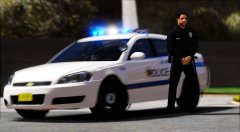 I was kidding.
 -
-
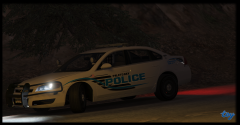 u wont ban ur granddaughter no balls
 -
-
It's a livery, im gonna start being more clear when I post a livery vs a model sorry dad
-
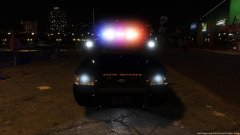 California Highway Patrol State Trooper DPS
 -
From the album: t0y's GTA V WIPs
© atrActive Designs
-
ugly bet u dont even know how to model nerd
-
-
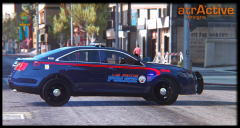 Just released ;)
 -
-
:( probably if they used chargers
-
Planning on releasing tomorrow night, so probably not sorry lol. Maybe next time, they only use explorers, fpis', and cvpis so...