


t0y
Members
-
Joined
-
Last visited
Everything posted by t0y
-
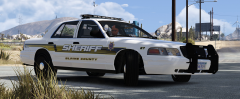 Looks like Five0's LSCO
 -
I am updating the antennas to be more portland realistic, ill post a pic in about 20
-
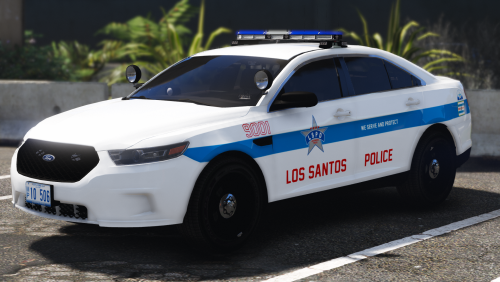 Thats a stupid reason to review it 4 stars... He might not even have permission to put them in the file, that's basically re uploading someone else's work.
- 32 comments
- 14 reviews
-
-
-
-
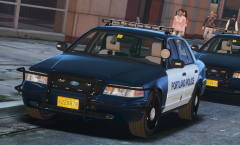 THE LIGHTS ARE RIGHT THERE (Ill have a lighting showcase in a day or two idk)
 -
Fin :)
-
-
So... Got around to completely remapping this liberty so its accurate to portland, and I added takedowns and scene lighting. The TIR6/3 both have fucked up textures idk why so ill fix that soon and update this.
-
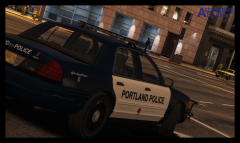
From the album: t0y's GTA V WIPs
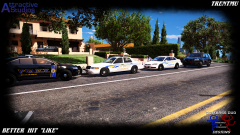
Still gotta fix a ton of shit but thought I would give u guys an update on what im working on :)© Attractive Studios™
-
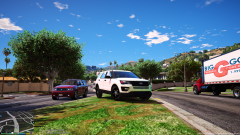 Why... Is there that radar there... And no vignette. .TRENT? WHERE R U? WHATS GOING ON
 -
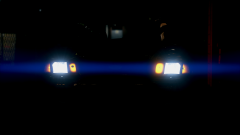 Damn mister!
 -
-
 Is that a PB200 I see :o
 -
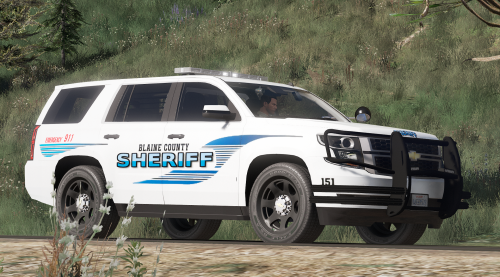 Ok, isolate the pushbar (or deselect everything else) go to box, and create a box generally the size of the pushbar, and use Scale with the X axis on the top view, and then with the y axis on the front view to make it sized correctly then go to your heirarchy and at the top where it says L0, L1 etc. deselect the LOD, hit COL and convert to compound, then rename it to like Pusbar [COL] and just drag it into the pushbar in the heirarchy
- 28 comments
- 3 reviews
-
-

- 1
-
-
Looks nice! Do ya need help making the pushbar collision? Or just haven't got around to it.
- 28 comments
- 3 reviews
-
 Is it because of my models? Hi, sorry about the takedowns/scene lights I had no idea how to activate takedowns so I just didnt include them, unfortunatly I wont be updating this pack unless there are any major bugs becausse I am working on something much bigger that will hopefully include everything you mentioned, with a different lightbar correctly mapped. Just wondering, I am pretty new to modeling and just the police equipment scene, what is the difference between takedowns and scene lights and how do you activate one or the other on ELS. I know TKD is ] but idk scene
- 132 comments
- 39 reviews
-
Hi, so I am having a huge slump in models, I had a few ideas but slowly they fell apart due to lack of information/resources, or it is just too close to my other packs. So can you please request like cities/states or towns that you think would be cool for me to make models of. I may take your suggestions but I may not, I just need ideas. Preferably with a 21tr lightbar.
-
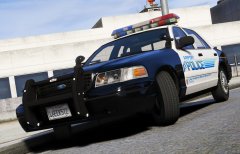 lun-gly
 -
Disgusting
-
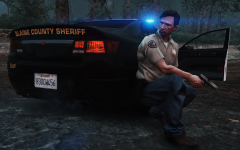 LOOOOOOOOOOOOOOOOOOOONGMIRE
 -
Yes, I believe you can just hit replace with it selected in the ytd and it will replace it and automatically name it Template.
- 132 comments
- 39 reviews
-
-
- 1
-
-
It looks like a random occurring event, built in to GTA V itself, so even in singleplayer that would happen. There is a mod to turn off random occuring events, but I have never seen one like this, usually its just a cop chasing a suspect. As a temporary fix you can download some mods that are out there that make it so people dont freak out when there are gun shots.
-
Jay's 2013 DEV model can be converted to L3, it's a good base but only L0 it would take a few days but in the end worth it.


