t0y
Members
-
Joined
-
Last visited
Everything posted by t0y
-
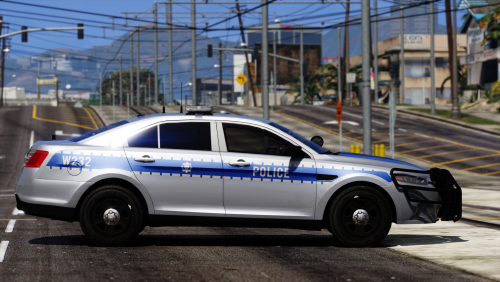
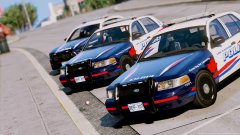
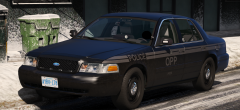
Update: Quebec CVPI, Charger next then going to continue Peel probably.
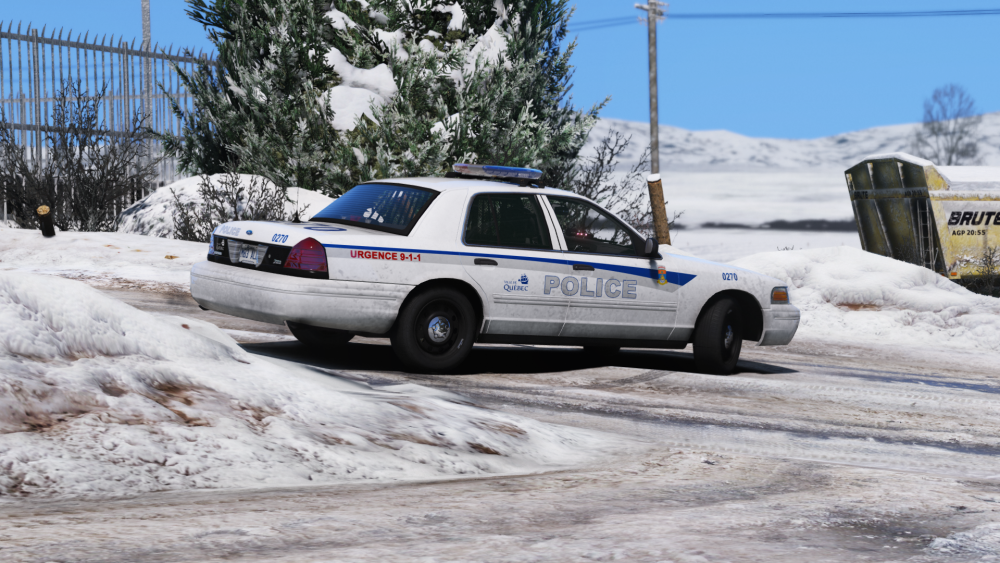
-
From the album: t0y's Projects
Screenshots by @Slendis (R/B Lightbar glass looks like insanely red in the bottom screenshots, dont know why it isn't that see through in game probably R* editor)© t0y, Slendis
-
I do, haha thank you.
-
 Indeed, lol. Thanks :)
 -
 Damn, I was going to do Woodstock models. Nice liveries though :)
 -
Very nice, Would suggest taking the door trim off of the marked vic though.
-
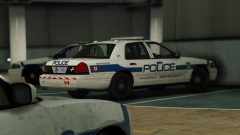
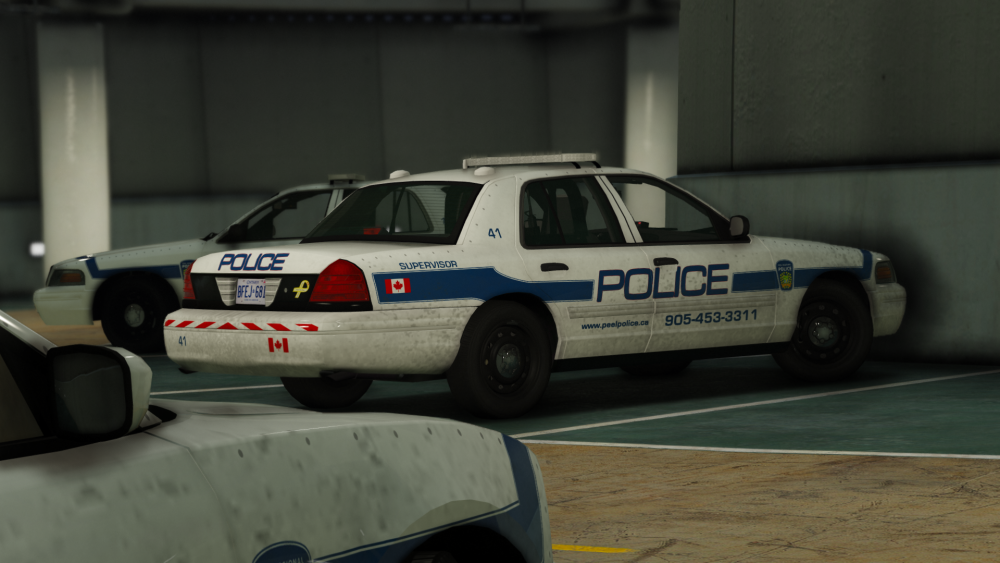
Update: Doing some Peel Regional. Did the 2011 CVPI, 2014 Charger, still updating charger interior. Upcoming: Hopefully going to do both FPIS versions, the 16 FPIU, and the Impala. OPP Updates: Finished completely the 2011 CVPI, 2009 CVPI, 2014 Charger, 2013 Tahoe, planning on adding the 2016 FPIS, 2016 FPIS ghost, and 2015 Tahoe (screenshots of PRPD)
-
-
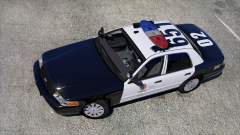 I would suggest taking the air freshener out, I believe they are illegal in California. "Under California Vehicle Code 26708 subdivision (a)(2), a person shall not drive a car with any object or material placed, affixed, or installed on the vehicle which obstructs or reduces the driver’s clear view through the windshield or side windows. Although hanging air fresheners are usually very small and only dangle from the rearview mirror, as long as it is objectively reasonable for the police officer to believe that the air freshener obstructed or reduced a driver’s clear view through the windshield, then you may be stopped and cited for a California Vehicle Code violation." Anyways, looking nice :)
 -
 Oh, uh then it's EVI's. Idk.
 -
Oh sweet, thanks lol it's Carper's.
-
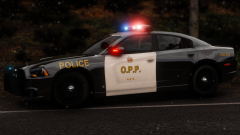 Thanks :)
 -
-
-
-
Negative. I realized I extremely oversized the dominators, so I went back and redid the rear lighting so I fixed the marked vic, and the slicktop vic but there are some issues with tint and stuff that i tried so long to fix on it that wouldnt get fixed, and I havent gotten around to fixing the tahoe so probably will be a while.
-
Is that sarcasm? :(
-
Thanks
-
Edited 2011 vic, and added 2013 tahoe and 2009/11 stealth cvpi: Just click on the images in imgur to get the full version, they are condensed in imgur. Screenshots by @Maurice97
-
From the album: t0y's Projects
With their 2009-2011 lighting setup. Screenshots by @Maurice97© t0y, Maurice97
-
Oh yeah whoops. Forgot about this... Uh, we kinda took a break from this if you guys hadn't noticed. May be back one day lol.
-
-
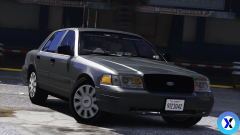 Nice, but those dashlights look scaled really large though just a heads up.
 -
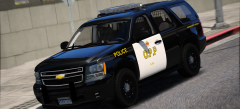 Thanks :D
 -