




AlconH
Members
-
Joined
-
Last visited
Everything posted by AlconH
-
^^ That is absolute BS, I download loads of programs from the internet and none of them are picked up by my AV as being viruses, I have used Norton, SuperAntiSpyware and Avira, and none of them picked up all .exes....
- 13 comments
- 4 reviews
-
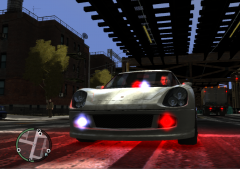
I've created two grill lights using the "box" tool (Same menu as "dummy helper"), applied the texture, and then placed them in the hierarchy of my car. I've then exported the file to a .wft and then imported via openiv to GTA I'm experiencing two problems 1) During the export I get the error message: 2) When I get in-game the grill lights don't show! Any help would be much appreciated! Thanks, -Tom
-
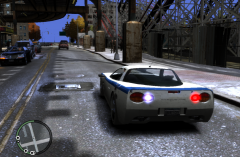
From the album: My WIP Projects...
Requested by theninja35 -
 May release the cars, not sure yet. Depending on what the request is, yes....
 -
Translation: Hi!, I reinstalled GTA IV and have installed LCPDFR and no other mods. As soon as I try to go on duty the game crashes to the desktop.
-
Thanks!
-
You have to press ALT+P and then goto a police station.
-
Are you using a cracked copy of the game?
-
@powler - This does not require the game to work, hell you could use it without having GTA installed at all. Are you using XP?
- 82 comments
- 26 reviews
-
Bobby315, Can I just ask, Are you using a legit copy of the game? Also, try just deleting xlive.dll from the folder, then try playing.
-
-
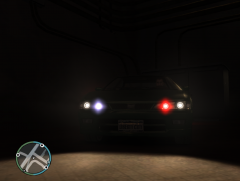
From the album: My WIP Projects...
-
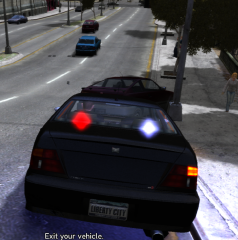
From the album: My WIP Projects...
-
We already have a designated thread regarding new rigs -
-
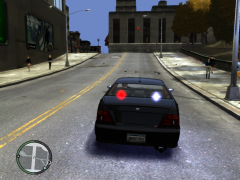
From the album: My WIP Projects...
-
Yes, the polmav and maverick have no weapons.
-
Numpad 8 = Forward Numpad 2 = Backward
-
Throttle Up / Down - W / S Rotate Left / Right - Numpad 4 / Numpad 6 Bank Left / Right - A / D Pitch Forward / Back - Numpad 8 / Numpad 2 Rotate Camera - Hold R-Mouse and Move Shoot - Numpad 0 / Left Mouse Button
-
Please create a new thread in the support section, where we will be happy to assist you.
-
-
 Yeah!
Yeah! -
That's a good idea nat, though if you wish to use them together, just right click your current commandline and edit it adding the following: -windowed
- 82 comments
- 26 reviews
-
Thanks!
-
From the album: My WIP Projects...
-
 Man I love your ENB! got a link?


