Skip to content
View in the app

A better way to browse. Learn more.

LCPDFR.com

A full-screen app on your home screen with push notifications, badges and more.

To install this app on iOS and iPadOS
  1. Tap the Share icon in Safari
  2. Scroll the menu and tap Add to Home Screen.
  3. Tap Add in the top-right corner.
To install this app on Android
  1. Tap the 3-dot menu (⋮) in the top-right corner of the browser.
  2. Tap Add to Home screen or Install app.
  3. Confirm by tapping Install.

ProBraydon

Members
  • Joined

  • Last visited

  1.    Norm68 reacted to a review on a file: LAPD Mini Pack
    looks good although the badge is floating off the shirt (not sitting on shirt properly)
  2.    Keith. reacted to a review on a file: San Andreas State Police pack
  3. ProBraydon started following PNWParksFan
  4. ProBraydon started following Boz
  5. ProBraydon started following t0y
  6. ProBraydon started following Double Doppler
  7. curtisj14 started following ProBraydon
  8.    ProBraydon reacted to a review on a file: Take-Two Interactive Bugstars Parody
  9. ProBraydon started following Deactivated Member
  10. ProBraydon started following Cyan
  11. ProBraydon changed their profile photo
  12.    ProBraydon reacted to a gallery image: Profeet ENB - Final (Coming Very Soon)
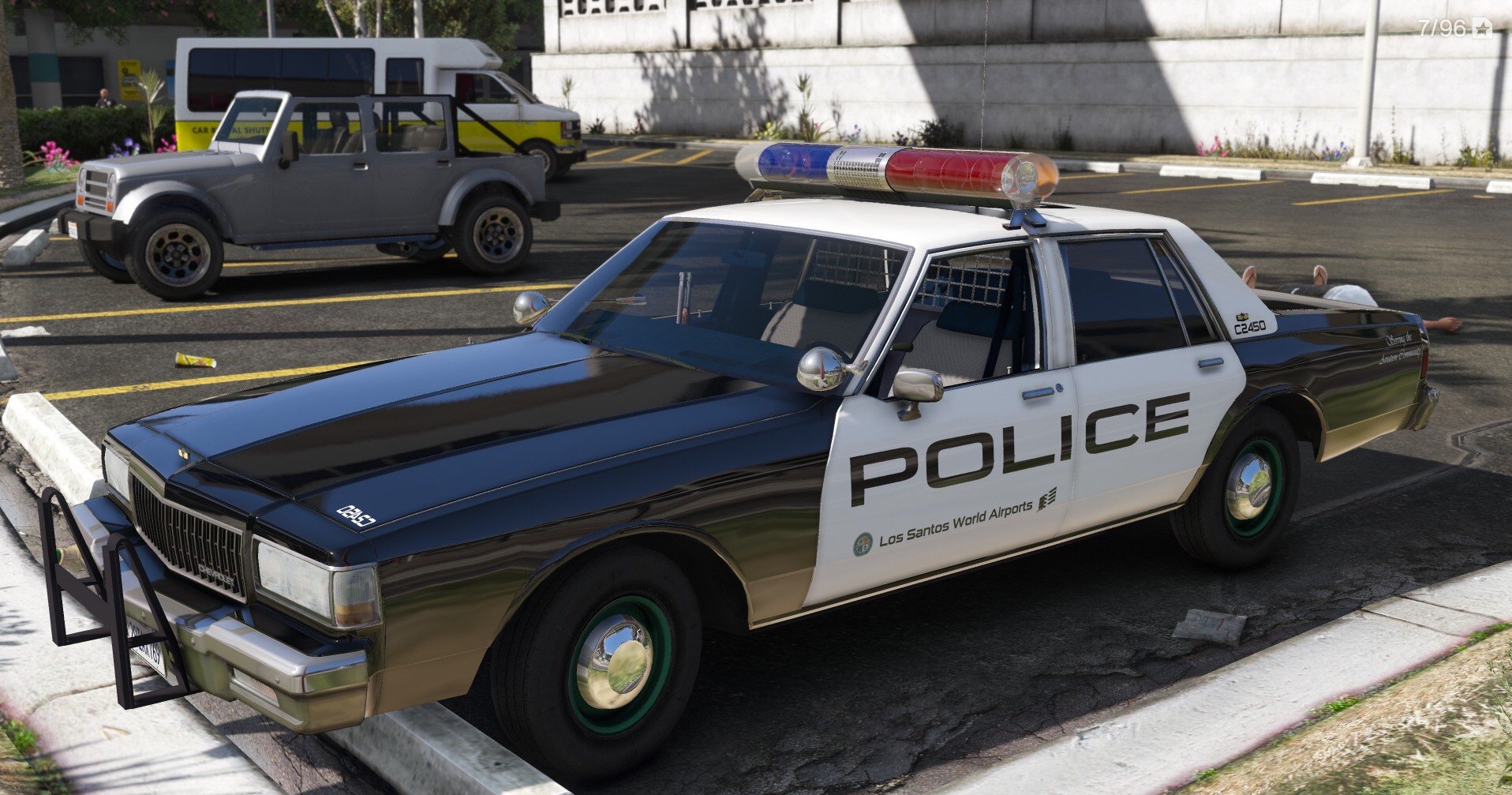
  13. Amazing car love it!!! but the lighting with light bar needs some fixing

Account

Navigation

Search

Search

Configure browser push notifications

Chrome (Android)
  1. Tap the lock icon next to the address bar.
  2. Tap Permissions → Notifications.
  3. Adjust your preference.
Chrome (Desktop)
  1. Click the padlock icon in the address bar.
  2. Select Site settings.
  3. Find Notifications and adjust your preference.