


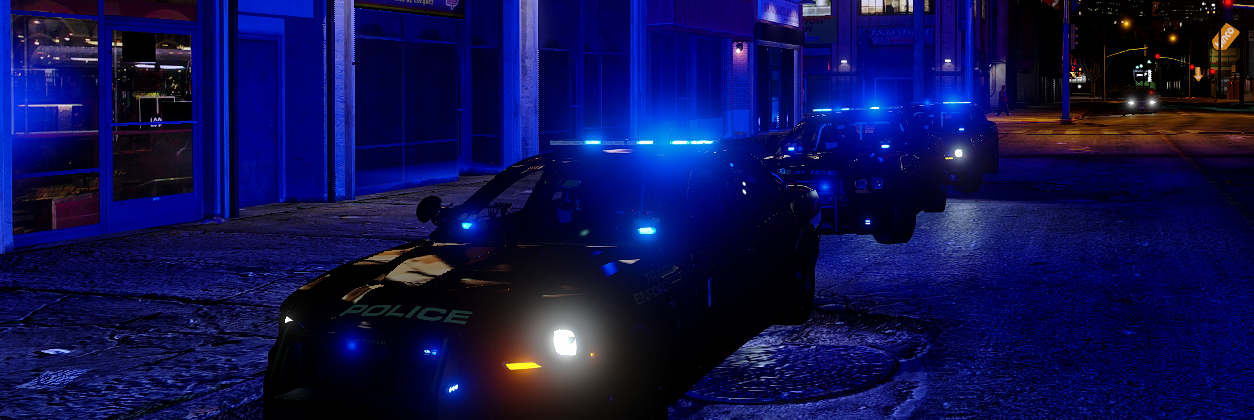

Techengage
Members
-
Joined
-
Last visited
Everything posted by Techengage
-
 This is one of my favorite mods. I use it for SWAT back-up and K9 units. I love the options to be full unmarked, tinted decals, and full marked. I changed the lights to all blue and I won't ever go back now. 5 stars all the way.
- 126 comments
- 41 reviews
-
 Amazing model. I have come across many other replacements for my Sheriff2 slot, but this one always wins whilst the others become add-ons. 5 stars without question.
- 148 comments
- 34 reviews
-
@Captain14, I would like to start by saying I absolutely love this truck. Thank you so much for the contribution. I also love using the all blue light set-up, but that is where I seem to have a small issue. The right blue light on the tail light is still red, though the left is blue. Every other light is blue and transitioned perfectly, except that pesky tail light led. I'm terrible with Photoshop, so is there any chance I can request a fix for this? Or from anyone else who might be able to help. I would greatly appreciate it. Regards, Jon
- 148 comments
- 34 reviews
-
-
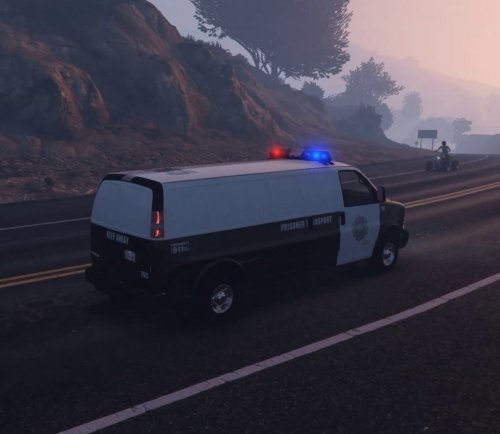 When I transport prisoners, their backs and hands stick out through the side of the van. Is there a way to re-position where peds sit so they don't stick out?
- 11 comments
- 3 reviews
-
 If any of these folders don't exist, just make them. The game knows how to reconfigure the files, it will find them. I created every folder/file leading to my .metas in my dlcpacks/statetrooper folder. If you can't get it to work, put the model files in the main x64e.rpf file, edit the vehicles.meta into update/update.rpf/common/data/levels/gtav, then edit the carvars into dlcpacks/mpvalentines2.
- 117 comments
- 28 reviews
-
Also for patientzero00 and howardchris40, I have attached the .meta coding I am using for this model. You can copy and paste the contents of both and add them to the following: For carvariations.meta: mods > update > x64 > dlcpacks > patchday11ng > dlc.rpf > common > data > copy into carvariations.meta For vehicles.meta: mods > update > x64 > dlcpacks > patchday11ng > dlc.rpf > common > data > levels > gta v > copy into vehicles.meta Once you have those two copied and pasted into the proper place, it should work just fine (as long as you put the .ytd's and .ytf's in patchday11ng like howardchris40 says he did). Also note I am using GRESLEY handling, fbi2 audionamehash, black liveries, and all extras when spawned; but you can change that all, of course. Please let me know as well if I should not post this. Credits to F5544 for the original .metas (from the State Trooper Pack), I just edited them for this truck. vehicles.meta carvariations.meta
- 117 comments
- 28 reviews
-
-

- 2
-
-
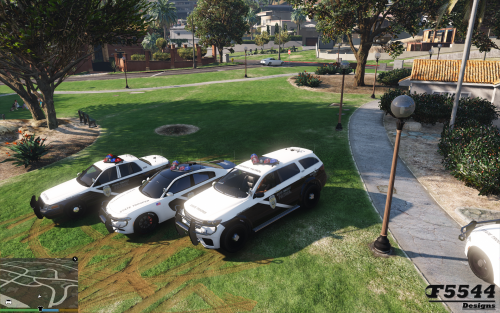 I absolutely love these models. These and the police bike are the only back-up for my State Patrol spot, and they fit perfectly! My only complaint is the lack of dashboard needles.
- 81 comments
- 9 reviews
-
 Amazing vehicle! Nothing to complain about, other than my anticipation for the 2016 model!
- 563 comments
- 116 reviews
-
-
- 2
-
-
Had to mess with the lightbar a bit to get it to work, but it is wonderful once it works!
- 11 comments
- 3 reviews
-
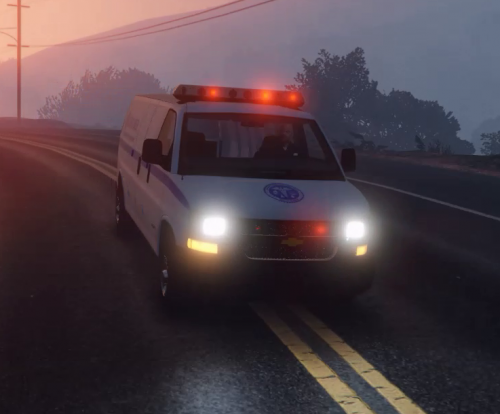 I had to change the audiohash and vehicle category to get the sirens to work (which I guess is a subjective thing on a coroner van), but beyond that everything works great! Awesome change from the plain gray van.
- 13 comments
- 2 reviews
-
I absolutely love this Tahoe. I use it as an add-on (Sheriff4). But I did change the spawn color to black and I prefer the handling set to Gresley handling over Baller or Baller2. I have a big question, though. The blue lights appear as pure white and minuscule at a distance. I have my graphics relatively low, so is that my issue or is there a way I can make them brighter? Thank you in advance, and thank you for the amazing model!
- 117 comments
- 28 reviews

