



Techengage
Members
-
Joined
-
Last visited
Everything posted by Techengage
-
 @GravelRoadCop, I found a great video exemplifying the Whelen X-Ecutor without sirenswitch tones, if that helps.
- 221 comments
- 40 reviews
-
-

- 1
-
-
 Awesome, I figured it was as simple as adding a command line, but I wasn't sure what that line would be. Thank you for the swift response, and the amazing ambient mod!
- 93 comments
- 18 reviews
-
-
@GravelRoadCop, I love this pack very much, but is there any chance you can edit the Whelen X-ecutor so they don't have SirenSwitch tones? Thanks!
- 221 comments
- 40 reviews
-
-
- 1
-
-
 Hey, @Albo1125 Is there any chance you can add a config file line so we can assign a key to turn the lights off? There is a way to turn the lights on without siren, and also an option to turn the siren on/off once the lights are activated, but there is no option to turn the lights off without first activating a siren, then deactivating it. Beyond that I really couldn't imagine this mod could be any more perfect. Thank you for everything, as always!
- 853 comments
- 108 reviews
-
 Yes, ADD the text for the carvariations to an EXISTING file. I recommend smugglers dlc after the newest update. As for the carcols and visualsettings, you REPLACE the file in the designated folder. Also, there is most certainly installation instructions. It labeled README.TXT. There are plenty of other '10 Impala models that are already designated with red/blue lighting.
- 110 comments
- 23 reviews
-
Please delete. Issue was with a gameconfig.xml error. Thank you!
-
I finally found a solution. It was forcing me to use windowed mode, so I explored beyond my GTAV files. It turns out Windows Game Mode and Gaming VR were causing issues. I turned off Game Mode and Gaming VR and now it loads perfectly without windowed mode. I haven't tried without forcing directx11 simply because I'm tired of messing with it tonight. But hopefully this will be a viable solution for others. Thank you very much for you help, Kallus!
-
It worked! But my question is, why do I have to do this? I've never had this issue before, not once with any other GTAV/ Rage update. I've literally been playing LSPDFR since the first month it came out. Also, is there a fix? Mainly with having to force windowed mode. I can deal with forcing directx11, but having to change to fullscreen every time is a real headache.
-
Hey all, So I haven't played in quite a while, and I seem to have run into a huge problem. I completely uninstalled and re-downloaded GTA V. I then downloaded LSPDFR and the newest version of Rage Plugin Hook. I then tried to start the game before adding any other plugins, scripts, or mods. Unfortunately, when the game loaded, Rage didn't. It said "Loading story mode with rage plugin", but none of the normal text came up during the loading screen (populating game world, etc.). Then once in-game, the console wouldn't open, LSPDFR didn't load, etc. I have done this a million times, have all the requirements, followed the procedure perfectly, etc. but still nothing works. Does anybody have any clue what's going on? I've included my ragepluginhook.log in case that may help. Thank you! RagePluginHook.log
-
Make sure you follow the instructions fully. Make sure to also change the sirensettings with carvariations.meta. If the Mod you are using has it's own dlc.rpf, you need to change the sirensettings within the dlc itself.
- 110 comments
- 23 reviews
-
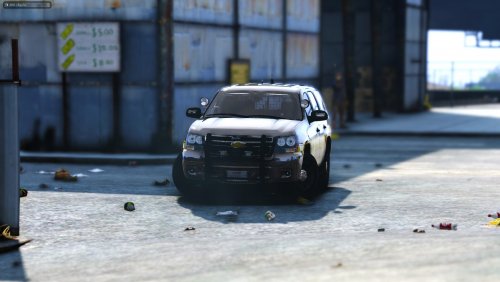 Re-download the file. This occurs due to corrupt file downloads. It is not a problem with the file itself. @ITheUnknownOneI Any chance of making a non-els version?
- 20 comments
- 8 reviews
-
 EDIT: Problem resolved. All issues involving a coroner not dispatching to scene is handled through Arrest Manager.
- 1,196 comments
- 127 reviews
-
-
- 1
-
-
@Albo1125, Gotcha. I just had to redo everything. For some reason my game wouldn't load after the newest update and I had to start over from scratch...again. I'm not sure what happened to my backup.xml, but it was missing. I added it back and Panic works perfectly now. Thanks, bud.
- 1,196 comments
- 127 reviews
-
@Albo1125, LSPDFR crashes every time I use the panic button. Everything I'm using is current. Any ideas?
- 1,196 comments
- 127 reviews
-
You probably added too much to your backup.xml file.
-
There aren't any because you haven't made them yet.
-
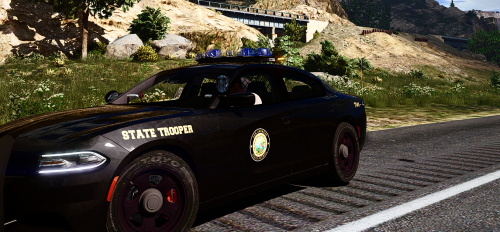 This release is in ALPHA STAGE. This is a WORK IN PROGRESS. Made By TechEngage & 420x420 ---------------------------------------------------- Download Reshade 3.0 Once it's downloaded, run the .exe. Click select game and select GTA5.exe Now click Direct3D 10+ You'll see a prompt pop-up asking if you want a collection of standard effects. Click yes. Now Reshade is installed. Now download this Preset. Place ComeysPreset.ini into your GTA5 root file. Open the game and let Reshade load. Press Shift + F2 This is where you load the preset. Click continue, then you'll see a red bar. Click the arrow on the red bar and you'll see the presets location. Click it and voila. Credits: Crosire for Reshade 420x420 for fill contribution to this Mod
 -
 I understand; but once I turn off Enhanced AI Pursuit, backup units stay stuck on the "Safe" option, unless changed, per pursuit, within the in-game UI. Honestly, I'd just like them to utilize the "Slightly Aggressive" tactic when I turn off Enhanced Pursuit AI, without having to change it per pursuit. My main issue is that they do not. They either follow Auto AI, or they stick constantly to "Safe" pursuit tactics. If I can turn off Enhanced AI Pursuit and they follow the code for "Slightly Aggressive", that'd be perfect. For example, when I am following a suspect, and a backup unit gets ahead of me, they suddenly brake and I run into them. They only do this in the "Safe" option, where they seem to "mimic" the suspect, but at a specified distance. Could you set automatic AI to follow the "Slightly Aggressive" procedure when Automatic Pursuit AI is disabled instead of always following "Safe" procedures?
- 1,178 comments
- 137 reviews
-
Thanks for the response, man. For now, could you possibly edit the .ini to allow us to leave a specific pursuit type enabled? If you enable Enhanced AI Pursuit to start automatically, it always stays on Safe and has to be mainly changed in-game (by pressing 1), once a pursuit has started. For now can you simply add a code line for us to automatically enable Enhanced AI and choose for it to always start on Safe/Slightly Aggressive/Aggressive? That would be a huge help. As always, if it's a lot of work, simply tell me off! Thanks again, brother. You really are a shining gem in this community.
- 1,178 comments
- 137 reviews
-
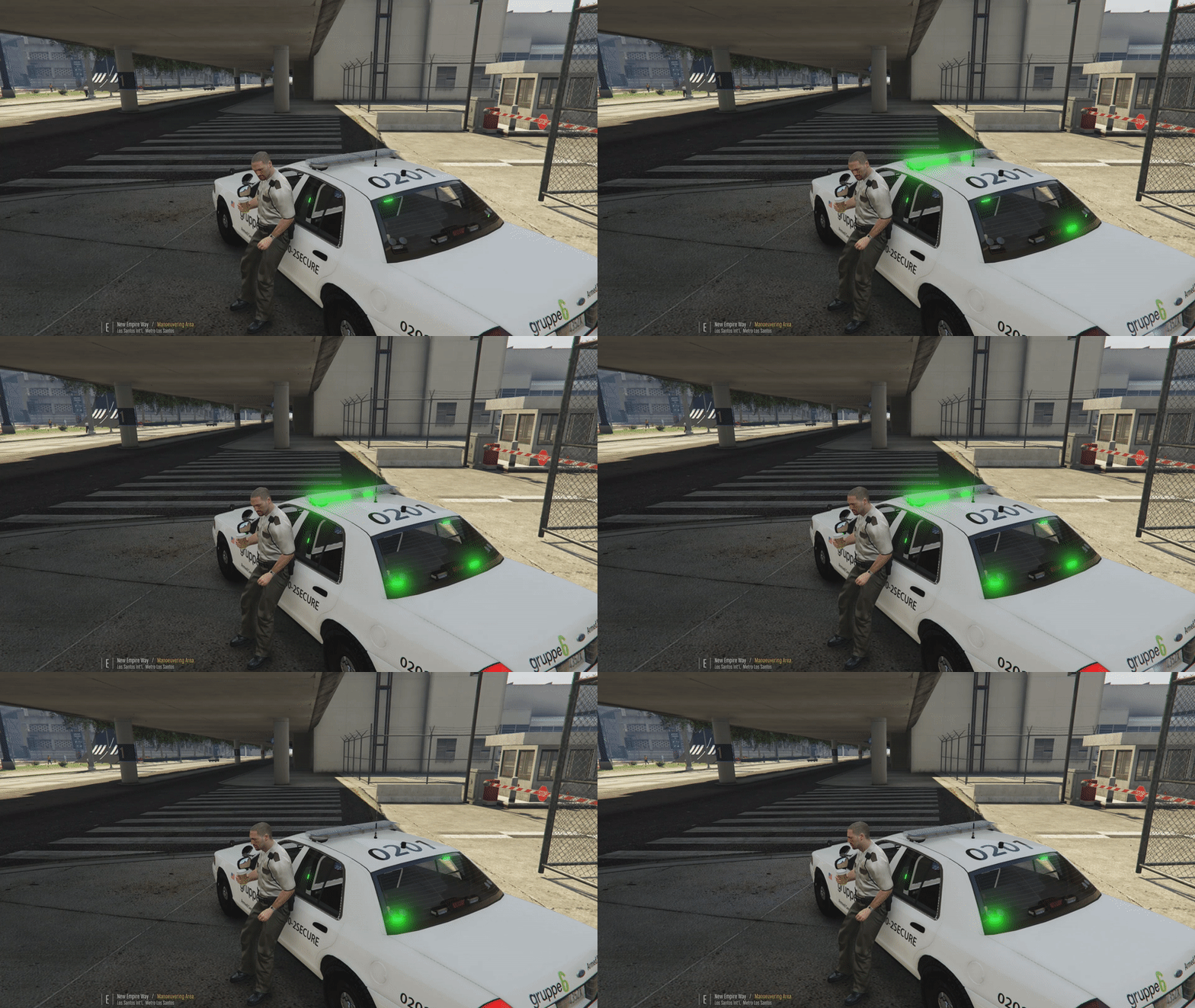 You should make one mod and update it. There are tons of these individual templates pages popping up.
- 7 comments
- 1 review
-
@Albo1125, I've been having some serious problems with police immediately stopping and refusing to keep up with a chase when I have improved pursuit AI on. I know it has to do with them trying to match speeds and keep a distance with the suspect, but it's a little frustrating. I don't want to turn it off, because police will go back to using their cars as a bludgeoning tool again. Is there a way around this, though, so that they will follow closer, brake with less intensity, and be more aware of other pursuit vehicles around them? I also know I am asking a lot, but I feel it's always a good thing to ask. Thanks again for everything, brother!
- 1,178 comments
- 137 reviews
-
BUMP?
-
Check this out, yo. I'm guessing you use an AMD cpu. https://www.gta5-mods.com/misc/kaplama-sorunu-cozumu-texture-fix
-
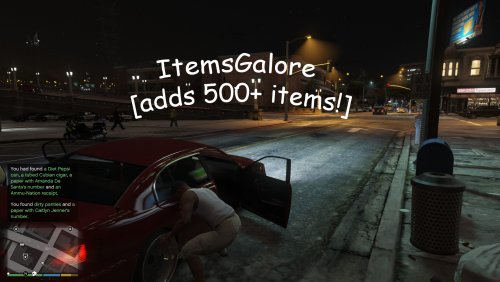 Holy Hell, that's a lot of items! It's very realistic, I can definitely give you that. Just like a real field search, you usually have to rifle through 100 useless items with a chance of actually finding something incriminating.
- 8 comments
- 3 reviews
-
-
- 1
-


