NewbCrazy
Members
-
Joined
-
Last visited
Everything posted by NewbCrazy
-
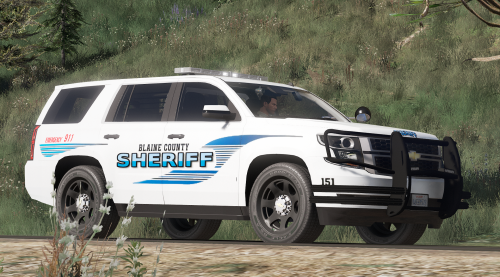
 This is looking really, really nice. Great work!
 -
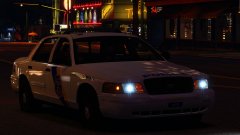
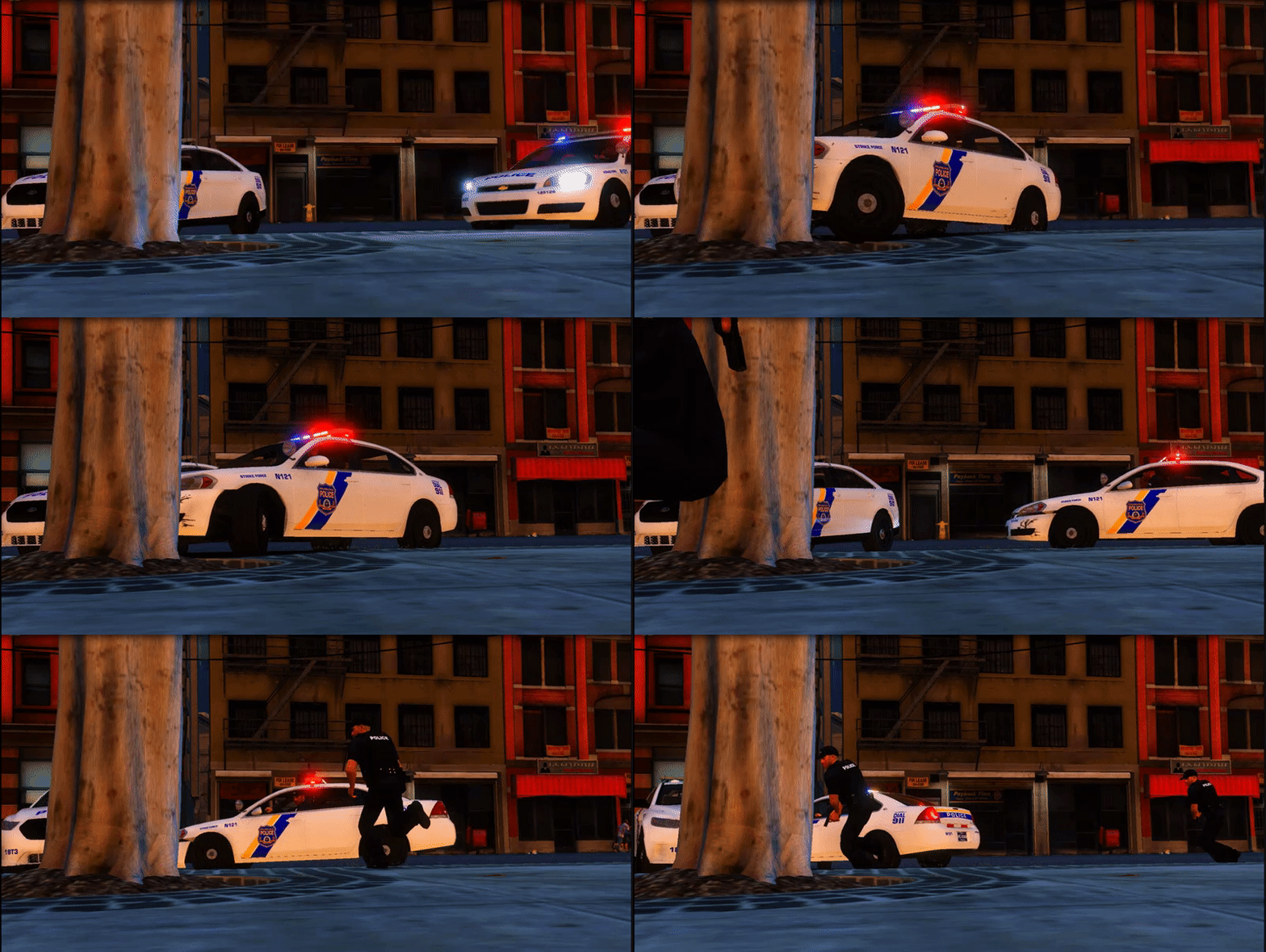 They look awesome! So excited!
 -
This is the gameconfig I am currently using: https://www.gta5-mods.com/misc/gta-5-gameconfig-300-cars However, almost every link on the first google search of gameconfigs I have installed and used - And they make no difference.
-
I have removed all the vehicles that crashed my game when spawned. I tried putting each one in one at a time and they still crash. Why are they crashing? Is there anything I can do about it? What are they crashing now, but didnt crash before the current game version (I had almost all these add ons in V944 and they worked fine...) Why does it seems to only be happening to me?
-
I dont understand what you mean, I apologize. I am installing the vehicles in Albo's MODDING folder, which automatically updates the dlclist.xml with his folder name. Also, are you saying that one of the models I installed is corrupt, which is making other models not spawn, as well? Is that how it works? Does it have anything to do with vehicles.meta or carvariations.meta?
-
So I am installing some cars as add-ons. Never had an issue in the past. I would say that I am pretty well experienced in installing addon cars. But here I am, facing an issue with them. It only happens with certain models, and only when I spawn them. I read a lot of different topics, and 90% of them were about the gameconfig.xml. I installed multiple different ones. Not working. So I read some more. One stated it could be a corrupt model. I dont think these are corrupt models, because no one in the comments are reporting a similiar issue to the mod author (If it even works that way?) When I move the model to a replacement spot, it just uses the original model. I am a bit stumped - Is it just me experiencing this "Corrupt model?" thing? Could it be something to do with the vehicles.meta file? Any help is appreciated.
-
Are you still on RPH .51? I cannot confirm right now as my game is broken - But I believe on RPH 52 and the most updated version this has been fixed.
-
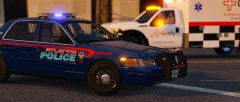 Alaska State Troopers is hotter ;)
 -
I appreciate your comment, but it did absolutely nothing. I even tried contacting Rockstar and they have been 0 help as well. So annoying.
-
-
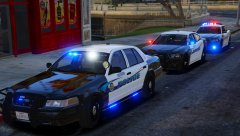 Lookin real good!
 -
So with the new GTA update comes the massive wave of everybody having issues. Usually, I dont have all too many issues. However this issue that I'm having is driving my OCD crazy. I dont know if its shadows, or distance scaling, or what, but its weird, and sort of hard to explain. Basically, the closer I get to an object, shadows and cars start to load in (Instead of always being there). I compiled a few clips from a two minute drive around the town to help explain myself in more detail. The video quality isnt all that great because I zoomed in really far on certain objects (Sorry about that...) but its still clear that Shadows and Objects are popping in, and overall making the game look bad. I mean, when you are driving, and you see a wall with no shadows on it to your left, then all of a sudden it becomes darker... its weird, and it never happened before (Atleast I dont think it did...). Hopefully you guys can tell me what I need to change; Maybe something in the graphical settings? Cant be an issue with my computer - I have an i5 6600k, GTX 1070, and 16 GB RAM. Heres the video:
-
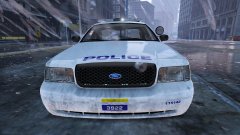 Freakin' hot!
 -
Try downloading and installing this: http://www.dev-c.com/gtav/scripthookv/
-
Are you going to continue up to W? Was just wondering - Was looking forward to attempting to make some PA Skins.
-
ELS has a readme, that tells you how to install and use it. Drag and drop all files into your GTA V Directory. When you download a vehicle, put the VCF (will be named sheriff.xml, or police.xml, or police3.xml, etc) into the folder ELS > packs_default.
-
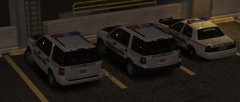 I dont think I have ever been more excited for cars in my life. Awesome job!
 -
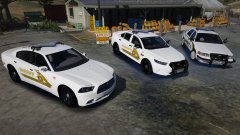 A Taurus with a valor?! Yes please!
 -
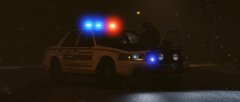 Yes. Please.
 -
-
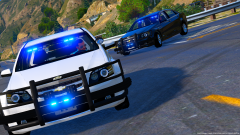 Please tell me this will be red and blue, unlike the tahoe D:
 -
Drag and drop the 4 Files (ELS, AdvancedHookV.dll, ELS.asi, ELS.ini) into your Grand Theft Auto V Directory. This will install ELS into GTA V. Then go in game, to an ELS enabled vehicle, and press J, K and L as many times as it takes to satisfy you. :)
-
Definitely because your Sirensetting for the SHERIFF (Or whatever slot the car is in) is NOT 13. Change it to 13 and it will be fixed. I had the same issue, and that fixed it. I couldnt find the default Sheriff Carvariations file, so I had to get a new carvar for the sheriff slot and change the Sirensetting to 13.
-
Personally - The world needs more tauruses!
-
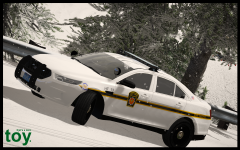 Yes. Yes yes yes yes yes yes yes yes yes, yes! YES!!!!!