KnightHawkOne
Members
-
Joined
-
Last visited
Everything posted by KnightHawkOne
-
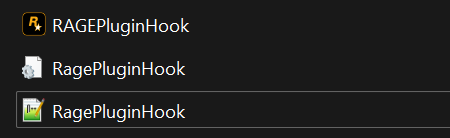
Make sure you have the lastest ragenative.ui you can get it here. https://github.com/alexguirre/ragenativeui/releases Also included youir ragehook log file next time.
-
-
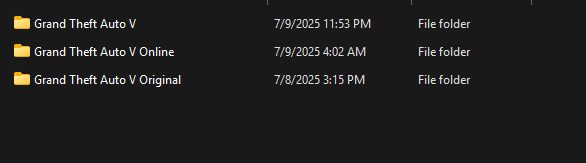
Yes you should verify your game files but in the future do this have three game files one for online one for lspdfr and one you don't touch or update in order to revert game files if needed.
-
 You need the new one by @Sparky81 all of albos mods are now done by Sparky81
- 1,196 comments
- 127 reviews
-
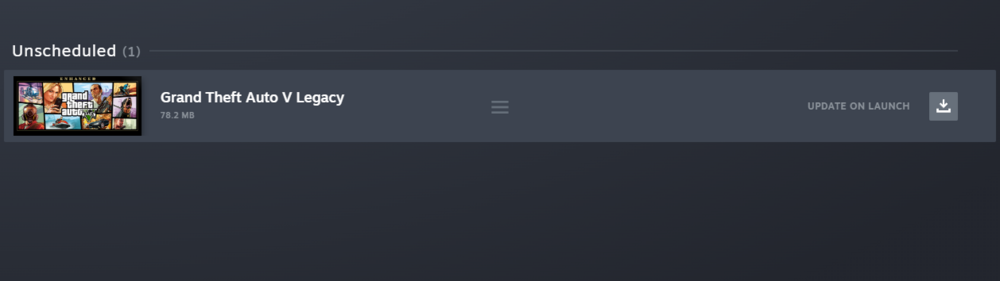
I got the same error but this will only work if you still have an old gta 5 copy. You would need to recopy GTA5.exe and the update.rpf folder back into the game. From now on keep a back up of your old game on a diffrent drive or in a different folder to revert changes. Also if you have steam make it where it only updates when you launch the game also if you have retail or epic version block updates via firewall if you want to play until updated scripthook v is posted.
-
You're Welcome. FYI once the game updates just recopy the old back into the folder and play offline. Also launch the rockstar game launcher and physically sign in and check the box for it to remember you in order to play.
-
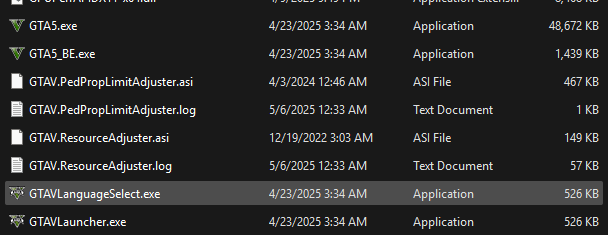
In the future if you have steam, retail or epic back up these on a flash drive or different folder on the same drive to be able to revert your game files also back up your mods folder too. Another thing if you have retail or epic version block the updates via windows firewall on steam set it to these settings in the photos. Note: Just backup GTA5.exe

-
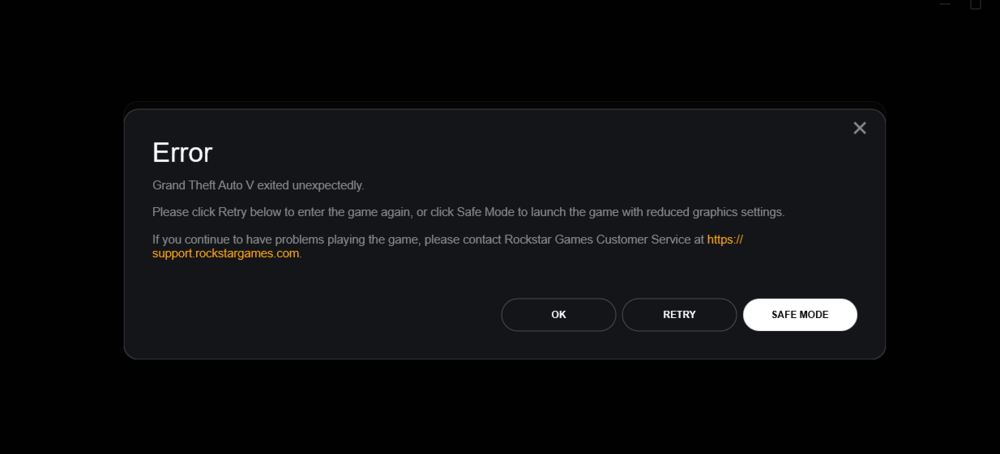
I keep having this issue where GTA V won't even launch I have done a clean install, deleted stuff in documents GTA V folder nothing seems to work any help would be greatly apprciated. I have attached my last ragehook log before the problem started. RagePluginHook.log
-
 Thank you for this wonderful Plugin. I'm tired of the worldly agenda in entertainment it is refreshing to see Godly content in a game. Keep up the great work!
- 38 comments
- 4 reviews
-
-

- 1
-
-
Launch gta without ragehook first if it plays correctly then launch ragehook after you fully loaded into the game.
-
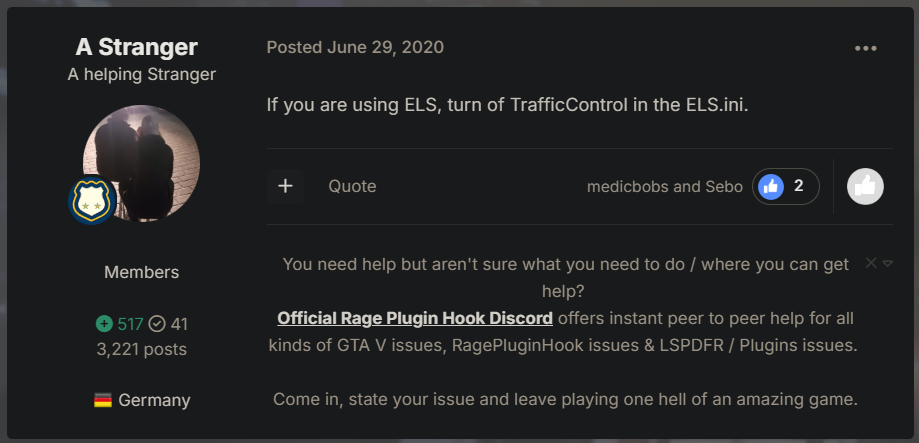
Are you using ELS? This> This is solution:
-
If you have any meta mods like traffic mods such as the following https://www.lcpdfr.com/downloads/gta5mods/datafile/21596-ai-traffic-fluidity-discipline/ You might ave to adjust the settings if you don't then it is something else causing your issue also check and review all your .ini files to make sure that is not the cause.
-
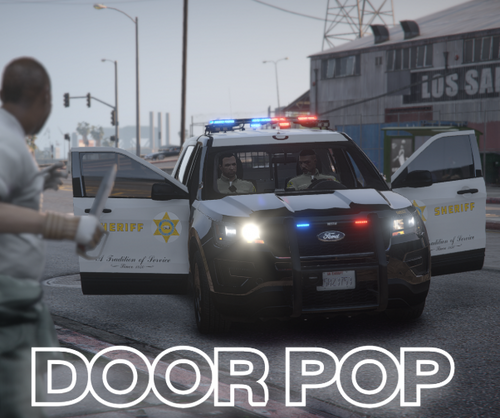 Thank You!!!!
 -
You need the following HeapAdjuster by Dilapidated, Resource Adjuster by Zombieguy, a gameconfig you can find one on here or google it, Weapon Limits Adjuster by Alexguirre, PedPropLimitAdjuster by WilliamH. and if I think of anything else I'll add later. I am currently doing an operating system repair. Good Luck!
-
Don't really know it is more of a wait and see kinda thing. As a rule of thumb alaways backup your game and mods before any up date.
-
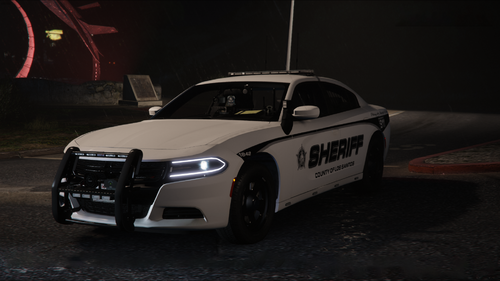 You need to go to vehicle.meta search whatever slot this vehicle is in and change the handling line to police2 or police3 or a vehicle with similar handling to make it work.
- 90 comments
- 15 reviews
-
Yes
-
Yes your backup request will be voice activated and handle as normal make sure you setup microsoft speech recognition first.
-
You'll need grammar police :
-
Thank you I just redownload Callout Interface I'll reply in the morning once I launch game. Have good one.
-
RagePluginHook.log I keep having random crashes in game while on duty it happens no matter the agency. Even if I restart the game or reinstall LSPDFR fully the games crashes and random no certain callout.
-
Save your currents to another drive/folder redownload the files from either of these authors and see what suites you. Do test run first and then modifiy accordingly. Also update stop the ped if you haven't already. https://www.lcpdfr.com/downloads/gta5mods/misc/28735-eup-backup-configurations-93/page/3/?tab=comments#comment-266107 https://www.lcpdfr.com/downloads/gta5mods/datafile/32836-eup-ultimate-backup-configurations-97/
-
 @opus49 Can add the auto ignore feature from the old ini to the new ini and it still work? Thanks in advance.
- 451 comments
- 50 reviews
-
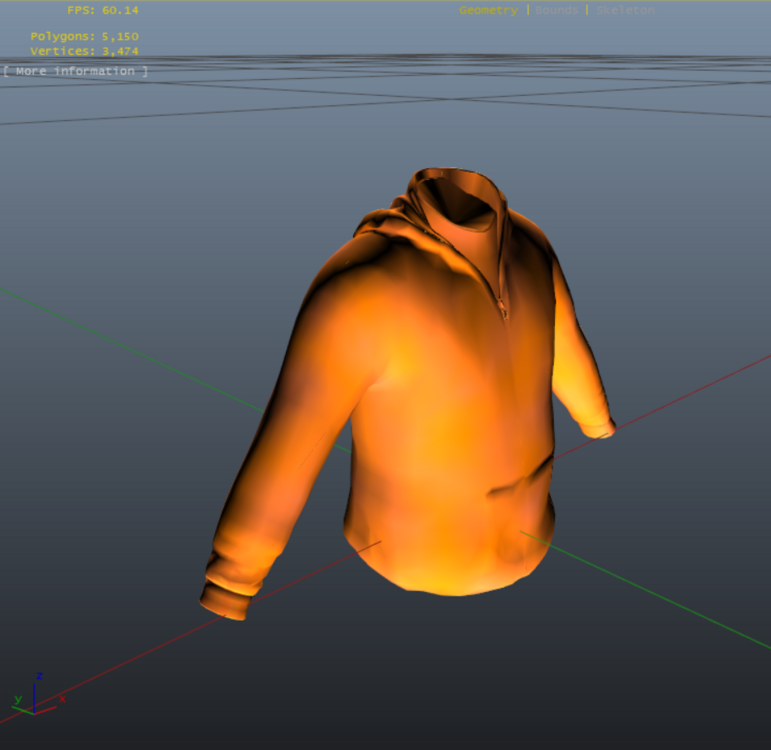
How is the characters skin in game? That is normal inside OpenIV especailly if you have add-on items. This is a photo from Hanako's clothing pack it shows up orange in OpenIV but has full color in game.
-
 This member has not been online in some time @opus49 has made alpr and other plug-ins that work better as of now and are updated. Someday this creator may return but for now try these: https://www.lcpdfr.com/downloads/gta5mods/scripts/28003-grammarpolice/ https://www.lcpdfr.com/downloads/gta5mods/scripts/37828-callout-interface/ https://www.lcpdfr.com/downloads/gta5mods/scripts/38133-prowler-radar/ https://www.lcpdfr.com/downloads/gta5mods/scripts/38506-lidar-gun/
- 153 comments
- 32 reviews