




RalFingerLP
Members
-
Joined
-
Last visited
Everything posted by RalFingerLP
-
Amazing job guys, love to see the team still kicking it after so many years!
-
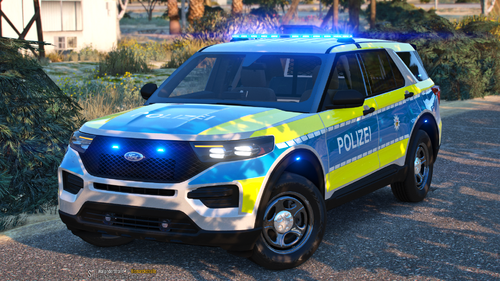 Tolle Arbeit!
 -
 Great job on your first script, very usefull!
 -
 Great job as always, thank you for sharing!
 -
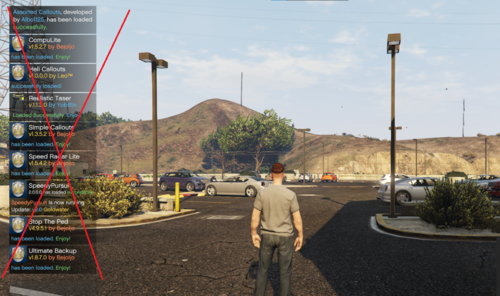 Had to login again to say, this is great! Good job :)
 -
-
-
 Gefällt mir sehr gut! Tolle Arbeit Jungs!
 -
 Been a while since I last wrote a review on a script, but this one is a great one! Thank you first of all, for adding another layer to LSPDFR, i am having a blast playing as security. @NeulandInternetmade custom cars and skins, so the whole game looks diffrent. I love playing the callouts and hope we will get further updates in the future. If you want to check out my experience (beware its german!) feel free to say hi:
- 174 comments
- 13 reviews
-
-

- 1
-
-
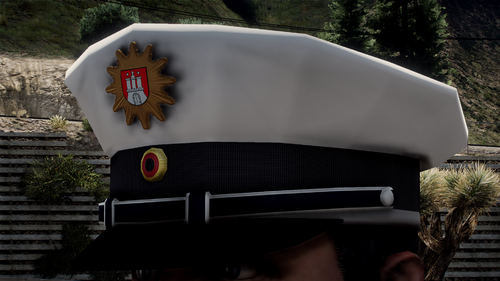 nice job guys!
 -
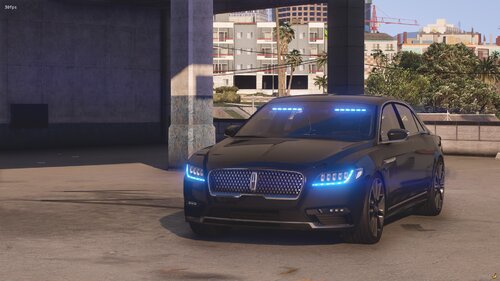 Very nice model and overall quality. Good job! Enjoyed playing the car in one my my latest LSPDFR episodes on youtube, go check it out here!
- 18 comments
- 2 reviews
-
-
- 1
-
-
well that is true, but you can use the "loadplugin" command when your ingame (f4)
-
Try to use the RagePluginHook.ini file while the website is down, you can change your settings there too.
-
not sure why you copy paste this text to all the topics, that doesn´t solve anything
-
I just tried myself, i get this wall of text as error on my screen, but beside that it boots fine. Booting with rph.exe and after i launched the game. Give it a try.
-
I have the same error, just ignore the wall of text, it will boot fine
-
Das liegt an der vehicles.meta in der der Wert für das entsprechende Fahrzeug auf <diffuseTint value="0x00FFFFFF" /> geändert werden muss. Die Vehicles.meta findest du hier: \mods\update\update.rpf\common\data\levels\gta5\vehicles.meta
-
just download the latest patch from lspdfr and overwrite your files, this issue has been fixed with the latest patch
-
there was a patch uploaded to lspdfr yesterday, just download and overwrite the files, that should fix it
-
In der vehicles.meta (suche nach sherrif2) den Wert von diffuseTint des Fahrzeugs auf <diffuseTint value="0x00FFFFFF" /> ändern. Die Datei findest du hier \mods\update\update.rpf\common\data\levels\gta5\vehicles.meta
-
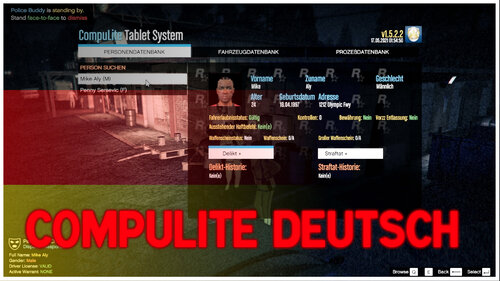 Genau der Scheiß auf den ich richtig Bock habe!!!
 -
 I realy like your script and use it every time i play, but please stop renaming your .dll file all the time when you update 😄
- 633 comments
- 58 reviews
-
-
- 2
-
-
 I just started the callouts and was asking me the same question, seems like its in hiatus right now, update would be appreciated. Also running the tow truck script with custom vehicles, this is fun! 🙂
- 57 comments
- 4 reviews
-
 Awesome mod! Very nice to have during nightshifts and flying with the helicopter. When using addons or replace vehicles/helicopters, make sure to adjust the offset, this will fix the issues you might have when its not showing!
- 477 comments
- 73 reviews
-
Are you using the LML gameconfig? I did that and CC worked for me https://www.lcpdfr.com/downloads/gta5mods/misc/24718-gameconfigxml-for-lml/





