


DogShoe13
Members
-
Joined
-
Last visited
Everything posted by DogShoe13
-
More shitty mods. Jk
-
Goddamn, Can't wait to see Nevada and Utah. Keep it up bud.
-
-
Thehurk said only about 10% work for his needs, the rest he can't even use.
-
I can't remember what texture and shit helps with it, ill PM you later on discord with some more info if i find out.
-
Looks good dad.
-
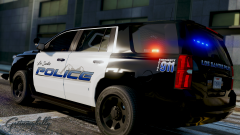 ''Worse'' Looks good, i like it!
 -
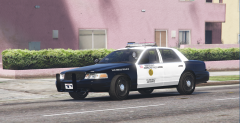 I don't like the bottom. :(
 -
No, it's Sergeant America's Finest. Gosh, get it right.
-
Same doode!
-
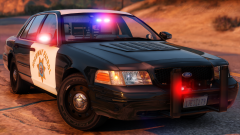 Tamn Taddy! Nice sceenshots dad.
 -
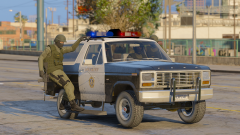 Alright, I'm not a older car person, but i love this a lot.
 -
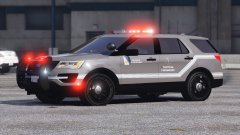 Are your wheels good, lmao?
 -
-
 I think so, for a explorer.
 -
Alright, let me know if you need any pictures, i got tons!
-
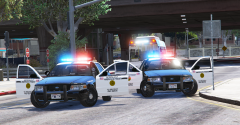
Looks great! You plan on making anymore San Diego Police Vehicles? I plan on making a San Deigo County Area Pack soon.
-
Oh you'll get it soon. :P
-
He is talking about the 2016/17 CHP Slicktop Charger PP that was posted above his comment.
-
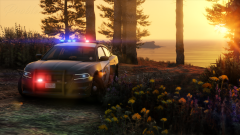 Yeah the PPV wheels are a bit to small, now for the SSV wheels, they are perfect since the tire itself (Mostly a Goodyear Wrangler for Departments) is bigger than the Goodyear RSA. I also think how big or how small they are depends on angle, how much the Tahoe is weighed down and what tire they have on.
 -
They are proper size for the Tahoe (Talking about the real life one?) Same size for the past two generation Tahoes. They do look odd since since its lifted (Most police cars are lifted due to weight being put on them when being outiftted. )
-
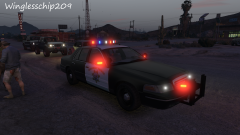 Looking minty!
 -
Moutain Patrol and Desert Patrol, the only ones are in Southern California. Will soon get them in Northern California like Truckee or Lake Tahoe where 4WD vehicles are needed.
-
-
Looks good dad.

.jpg.416672db769c349584b0711d48ce8806.jpg)
