


DogShoe13
Members
-
Joined
-
Last visited
Everything posted by DogShoe13
-
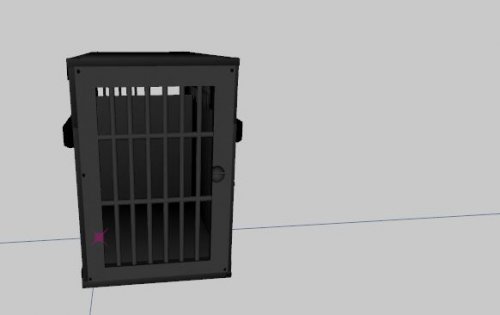 Thats where it got me, Then i will have to scale this up a bit more in zmod, pretty small for a dog in that area irl in that video.
 -
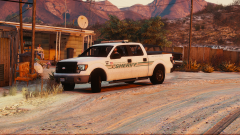 Nice F150! Do you have plans on making a SSV version? I would love to see that. btw nice bed cap.
 -
Cool stuff, but this is more for a trunk of a car, a k9 insert is more for the back seats area. Good work none the less, will be using this!
-
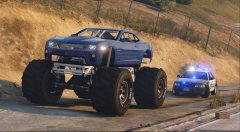 Hot. I like it.
 -
So i think its a car mod someone made on another website. Look around on other GTA V modding websites.
-
Make sure you dont buy a setup just for GTA V, even though it may be the only game you play now, you might buy another game down the road. Do the best parts you can for your budget. :) Hope that helps -Dogshoe13

