


Joe C Wilson
Members
-
Joined
Everything posted by Joe C Wilson
-
For context, ScriptHookVDotNet is not a requirement for LSPDFR or Ultimate Backup modifications, but I am glad you found out the cause of the issue with your game.
-
I suggest opening a new support thread in GTA 5 support as your issue is no longer about Ultimate Backup. I don't use that car pack, but in my experience, if installing a car to my game, it's usually because of a botched vehicle meta or a corrupt model which is extremely rare.
-
Does your game crash without installing Ultimate Backup?
-
Add the vehicle name with all capital letters in the Ultimate Backup XML and see if that works.
-
You should install the 1.9.2 version on GitHub where it says RAGENativeUI.zip under assets. https://github.com/alexguirre/RAGENativeUI/releases Your log didn't indicate any crash errors, so I can only speculate what may cause your game to stop working properly.
-
Have you updated RageNativeUI?
-
If you replace the textures in OpenIV, any changes will automatically apply to XMLs. My modification does not require you to edit any XMLs if you replace the uniforms directly in OpenIV EUP or SUP folders.
-
-
-
GTA 5 LSPDFR #74 - Grand Theft Auto | LSPD Metro K9 '20 Explorer via @YouTube
-
-
-
-
No, I do not use the paid versions of EUP for LSPDFR, so I likely won't be updating it to that version. However, Tom has a version of Ultimate Backup that supports 9.7 here. If you call the units and rage plugin hook does not report any errors in the log, perhaps you are calling those units during foot or vehicle pursuits. I believe they only work during traffic stop and felony stop incidents. Try calling a canine unit SAHP CVE or FBI Police K9 during a traffic stop and see if the canine model spawns.
-
The only issue I see is Stop The Ped having an issue loading PedAnswers.xml. Try reinstalling STP and see if that fixes the issue with Ultimate Backup. Other than that, I unfortunately do not see any other issues in your log.
-
If you upload your rage plugin hook log maybe I could figure out why you do not have canines spawning in your game. In my experience, I never had an issue with the canine spawning as backup, so I do not have a solution for you, but I'll try to see based on your log.
-
No dog model spawns at all? Or are you referring to them not having tactical vests? Could you install the vests by martinct?
-
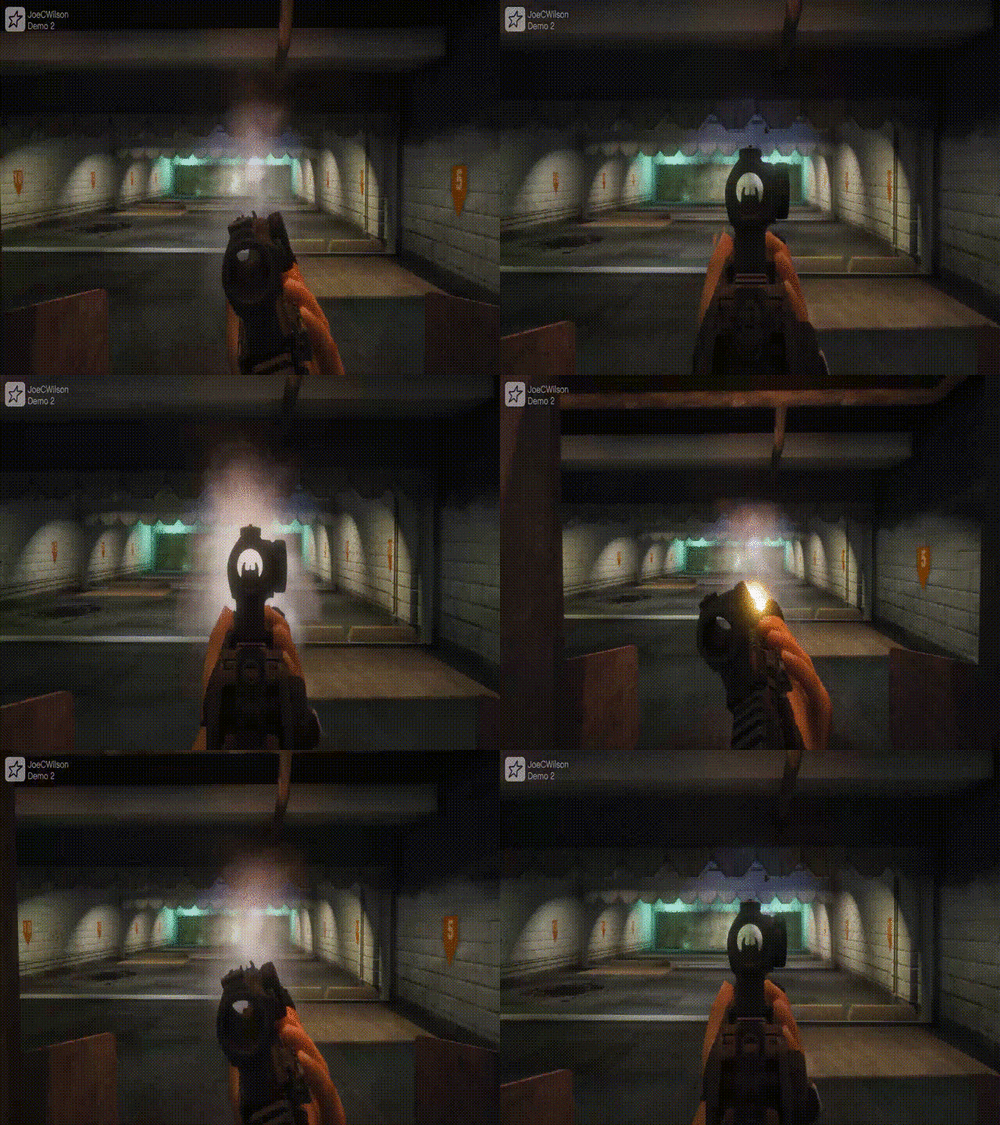 My file exclusively deals with weapons, so it will require additional work as it contains its own set of animations. This file already incorporates weapon animations by trash8.
- 56 comments
- 2 reviews
-
-
-
-
-
-
GTA 5 LSPDFR #73 - Active Shooter | LSPD '20 Explorer via @YouTube
-
Can I see your ragepluginhook.log file? You can find it where the GTA 5 exe file is in your game directory.




