Lapd Code 3
Members
-
Joined
-
Last visited
Everything posted by Lapd Code 3
-
-
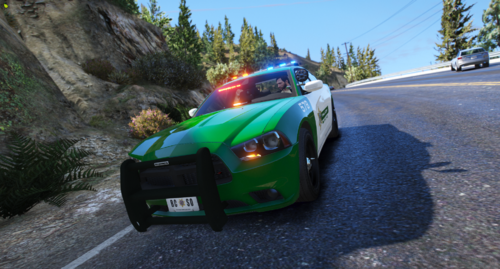 any other Designs on the Way ? im looking for something for Airport Police Non Els
-
 Anyone know if Add on Vehicles used by Ultimate backup reinforcements can use Siren Mastery's Pre set Sirens From The Vehicles Folder if some sirens in the Folder are Customized?
- 853 comments
- 108 reviews
-
use console command from ragepluginhook to spawn it to your weapons wheel Giveweapon MarksmanPistol hit Tab Then Enter
-
so i got the car to work but its crashing when i go near it from what im told my veh Meta in the add on folder is accurate can someone read this and see if this was copied right
-
-
-
it tempting but im looking for Pierce Arrow Engines similar to LAFD
-
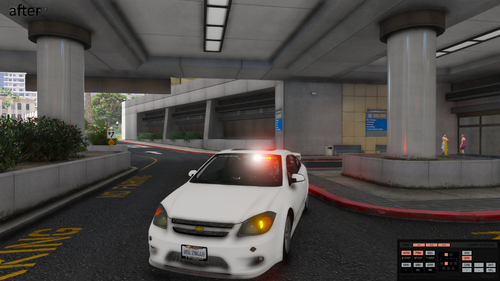 will this work with FiveM vehicles?
-
-
idk i was tweaking the content.xml and then that happened
-
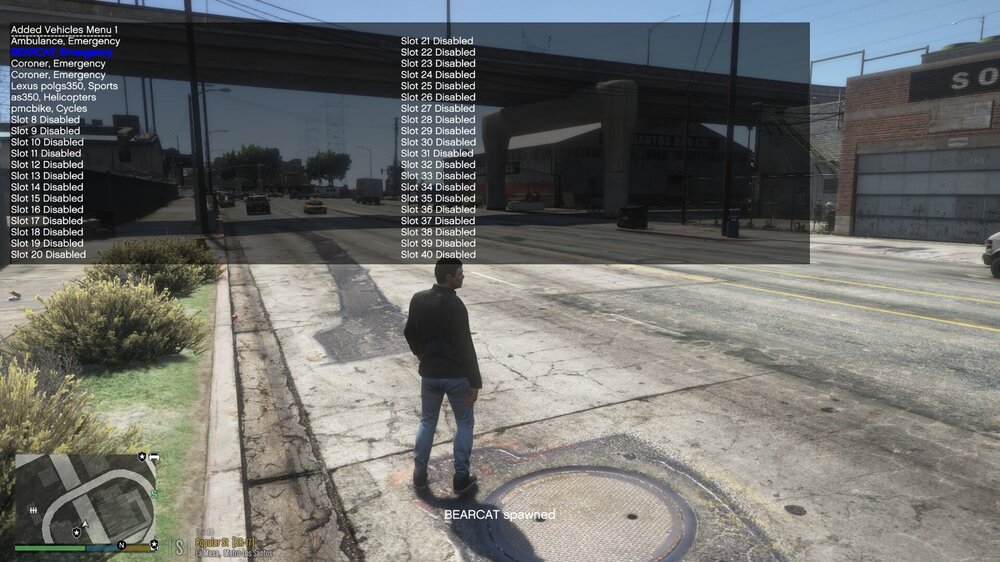
BASTION I FIXED THE SPAWN ISSUE But THERES NO CAR its invisible look
-
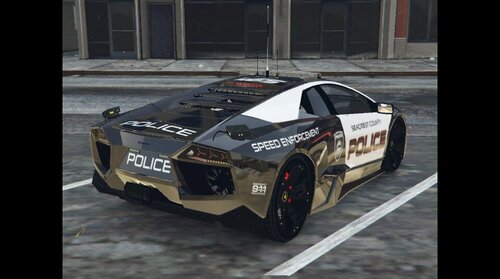 i could use a template for the lambo like to make my own skin not a fan of NFS skins
- 21 comments
- 4 reviews
-
already did hes gonna contact someone for advice also what if it was a five m vehicle before it was changed to just an add-on
-
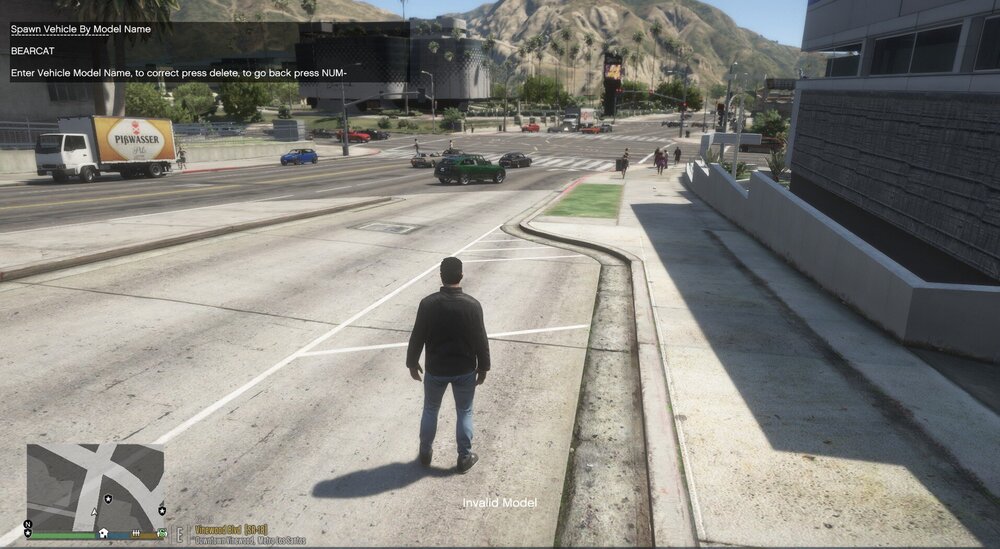
standby SAYS INVALID
-
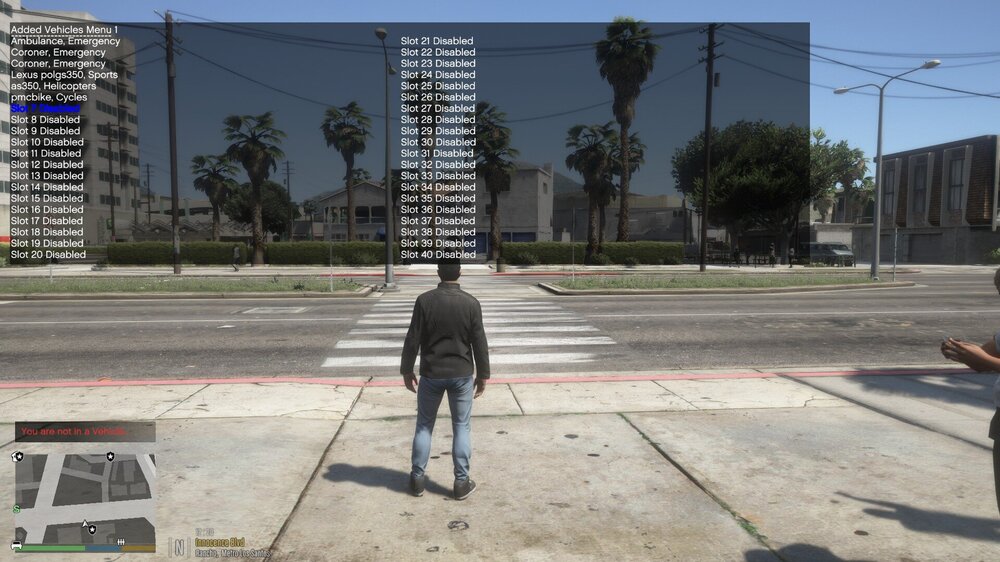
ok i will hold on a min NOT POPPING UP ON THE LIST
-
-
no i used a script called spawn addon vehicles and it listed all my vehicles that i can spawn except for that one
-
-
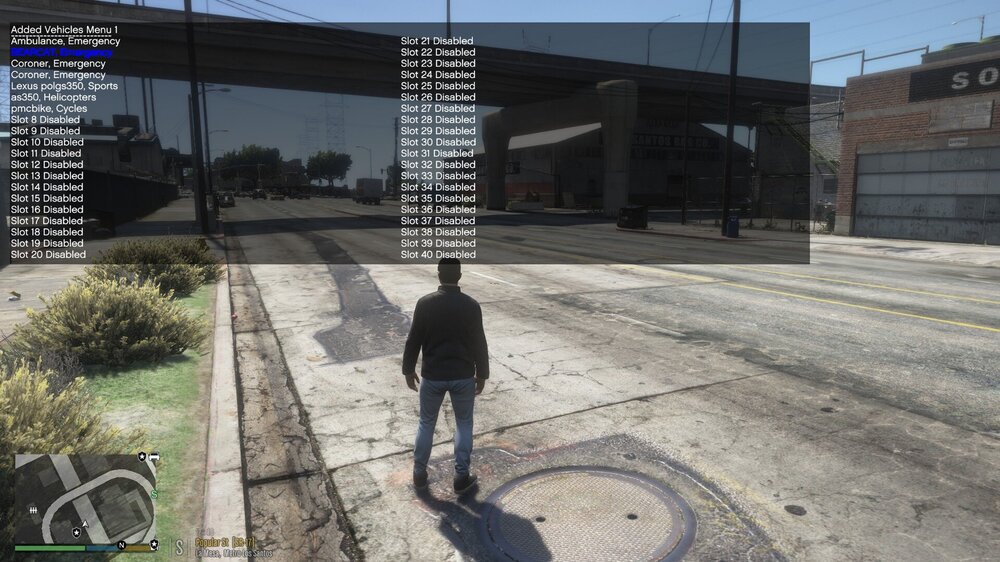
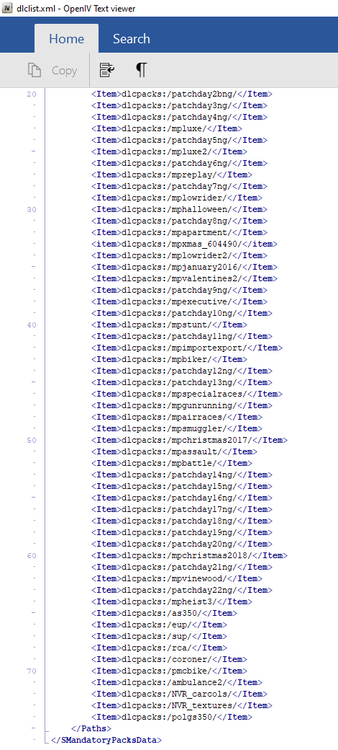
that pic was taken after i removed it i had it under the polgs350 as <Item>dlcpacks:/bearcat/</Item> but i reput it back in
-
cant it was a purchased mod from a discord user this is what my path looks like for the bearcat (model thats having issues) for metas this is there path Dlcpacks>bearcat>dlc.rpf>Common>data> levels>gta5> Vehicles.meta this below is whats on data path | V Caraddoncontentunlocks.meta carcols.meta carvar.meta dlctext.meta vehiclelayouts.meta on the model itself path Dlcpacks>bearcat>dlc.rpf>x64>Levels>gta5>vehicles>vehicles.rpf bearcat.yft bearcat.ytd bearcat_hi.yft bearcat_hi.ytd in the common i have setup2.xml Content.xml
-
i tried that hours ago didnt work @UnknownBastion so i treated it as a replaceable vehicle i put it in latest patchday as Riot now it wont spawn with lighting or its Lightbar i edited the metas all but the vehiclelayout meta but idk where to put that one i never seen that meta before
-
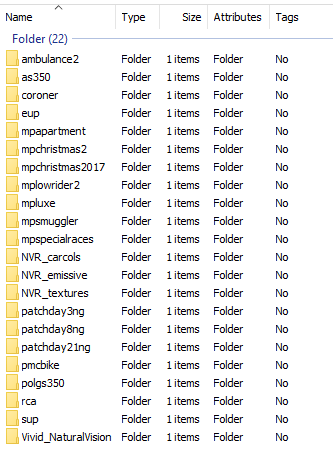
dlc list xml ALL MY ADD-ONS AND DLC PACKS
-
-