Lapd Code 3
Members
-
Joined
-
Last visited
Everything posted by Lapd Code 3
-
 oh i agree
-
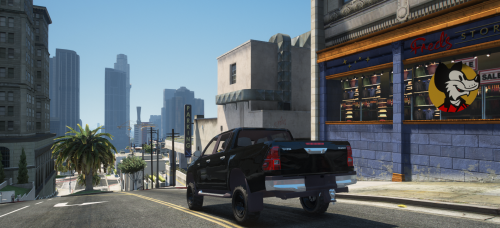 Something on your Mind?
-
Great We could always use more trucks 🙂 too many chargers and explorers not enough trucks
-
cop version Next??
-
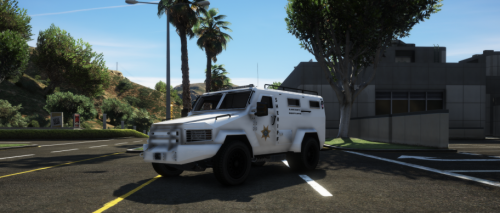 k no prob
-
we could use a bearcat like this with these wheels
-
-
-
 need a demo video 🙂
-
-
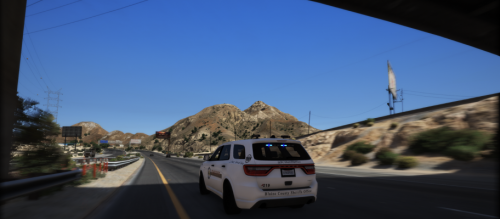 2009
anyway you could make one like this?? seen too many '18 durangos
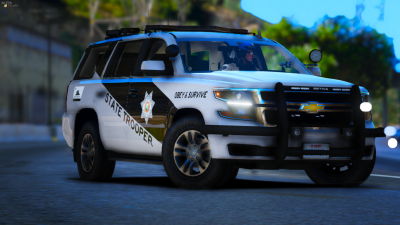 nice look forward to it down the road & ill be your first to download 🙂
I SEE YOUR 2020 .....2021 TAHOE PLANS DOWN THE ROAD?
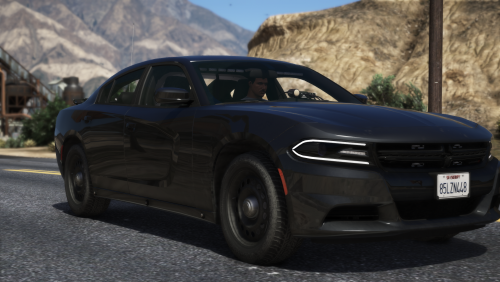 Not Bad for a Start be sure to put in the Title or description that it's an Add-On so no Misleading is involved 🙂 overall Great Charger looking forward to more content Keep it up
- 21 comments
- 4 reviews
-
-

- 1
-
that could be the culprit sorry for the 3 week late response ill try to use very older version of weapons which is prob the culprit it happened a while back when i was patrolling ...it only happens during patrols not off duty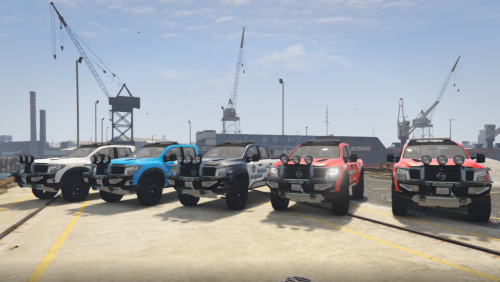 it works as a replace vehicle all you have to do is just edit the Vehicle meta and set handling to Baller and it will work on any vehicle it worked for police 4 for me and the els xml file just name it to police 4
- 8 comments
- 1 review