CiscoFan
Members
-
Joined
-
Last visited
Everything posted by CiscoFan
-
-
Looks fantastic!
-
 Looks pretty good
 -
Yes you can.
-
I forgot about that, you are going to need to add that, and use the siren you that you have set up in the model. or hell you can add siren ids (obviously)
-
you need to add the YFT and YTD files into RDEVehicles.rpf, if you are adding vehicles as add-ons like fbi3 or policeold3 then you need to make a new entry in the rde vehicles.meta and a new handling line if you need to use that as well.
-
-
 what is the name of the script?
 -
That is odd. May I take a look at it and try to port forward it for you?
-
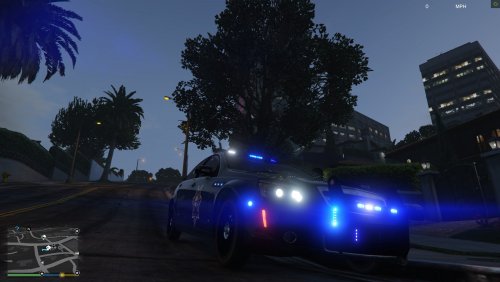 We don't need to install Let the coronas be gone as we can edit the siren setting ids to be all blue coronas.
- 15 comments
- 1 review
-
-

- 1
-
-
Yes there is one new update, we are working on getting the lights to sync up with the real life counter part.
-
It most likely will.
-
https://goo.gl/photos/w8UX2MKrh2N5RMVZ9 https://goo.gl/photos/WWPEHqmmH3agAt9D6
-
http://www.ktnv.com/news/construction-worker-injured-at-tivoli-village A construction worker killed by a fall from a broken scaffolding
-
 jeez got enough lights?
 -
So then it should be possible to make the LAPD pattern when they bump down to code 2 when they arrive on scene basically like this [FRONT] XXXXXXXXXX [BACK] XXXXXXXXXX XXXXXXXXXX
-
what hardware do you have in your computer.
-
i third this
-
Hey Lt.Caine, thanks for the update.
-
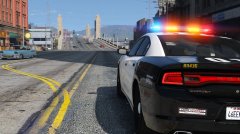 All you need to do is UV map it.
 -
I could fix it for you, whos light bar is that?
-
The red and blue are on the wrong side. Thought I let you know.
-
That we don't even know either... so it is not classified nor can we do an estimate.
-
It will, I just have to wait until Desmond98 gets it working... He will continue working on the interior when he gets back, I am merely working on the lights which I have successfully set up.
-
Thanks :D