


Reddington
Members
-
Joined
Everything posted by Reddington
-
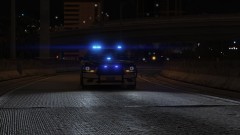
From the album: Red's LSPDFR chaos
-
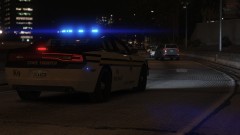
From the album: Red's LSPDFR chaos
-
-
Skip to 7:02 to hear a bit of info about Palm Bay PD. Skip to 7:37 to begin the actual tour of the vehicle. As badass as that looks, I don't think a military vehicle is practical for urban environments. The Bearcat is more than capable.
-
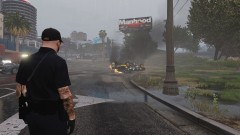
From the album: Red's LSPDFR chaos
-
-
 When you're done with the current additions (I know you said you were contemplating adding the rest of the Fort Worth pack), can you please add T0y's other pack? I'm in no rush.
- 7 comments
- 1 review
-
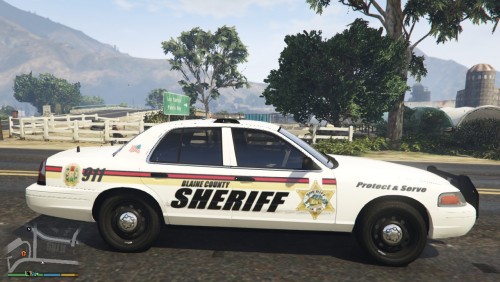
I had said I was only going to use dark or black themes from now on, but this livery is really nice! It just has that "Sheriff" vibe to it, like it was meant for the role.
- 7 comments
- 1 review
-
-

- 1
-
-
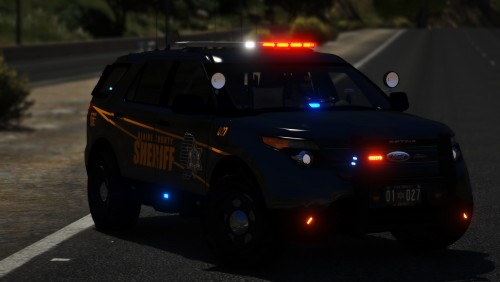 I love all the lights! Really nice model that can be seen for miles. My only wish for the future is adding in takedowns and/or cruise lights.
- 35 comments
- 15 reviews
-
-
- 1
-
-
 I will give it a shot. 🙂 I hadn't even noticed he updated it, lol. I'll get on that now and will hopefully have it updated tonight.
- 269 comments
- 17 reviews
-
-
- 1
-
-
What patchday did you into the vehicle to?
-
From the album: Red's LSPDFR chaos
-
From the album: Red's LSPDFR chaos
-
I get this every so often. The most common time I got it was when I was multi tasking and in another browser while it uploaded. Is it still an issue for you?
-
The only ones who can edit something like this are the vehicle devs who make the models. Thus far, I have not seen any ELS vehicle that has rear light bar lights on only unless it's the traffic advisor. It might be a limitation of ELS.
-
Go into the vehicles.meta. Under "flags", make sure the following entries are there FLAG_LAW_ENFORCEMENT FLAG_EMERGENCY_SERVICE
-
Please check the FAQs, as I covered this. 🙂
-
-
-
From the album: Red's LSPDFR chaos
-
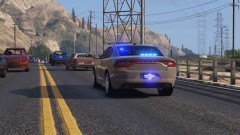
From the album: Red's LSPDFR chaos
-
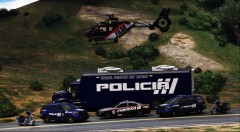 Thanks
 -
Where's it uploaded at?
-
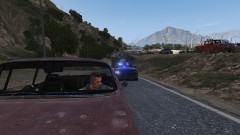
From the album: Red's LSPDFR chaos
-
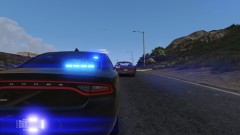
From the album: Red's LSPDFR chaos

