


Reddington
Members
-
Joined
Everything posted by Reddington
-
 Did you ever stop to think why I edited my message, or are you that daft? XanoX edited his caption and removed his rant, so I removed my message. Just because I removed my message doesn't mean I don't think it. I still 100% believe everything I said. Thanks for continuing to cause an issue even though he and I both decided the best thing to do was NOT make a public scene. Then again, you're at the top of the list for people who don't use proper judgment in the modding community.
 -
Skin looks sick.
-
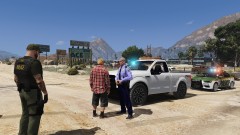
From the album: Red's LSPDFR chaos
-
Or you can use Search Warrant from Darkmyre. This mod is located on his website, just search in Google. I prefer and recommend it.
-
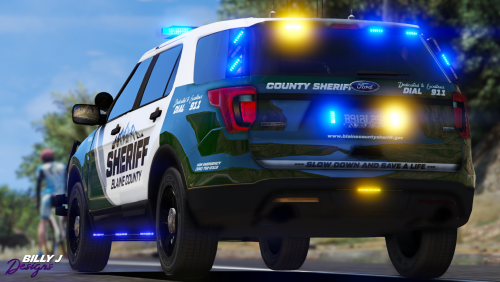 Just to clarify for other people: Some of these liveries will work with vehicles not linked here. Yes, there might be one or two that are model specific, but most of the time, a 16 Explorer skin works on any 16 Explorer. Take the author's disclaimer with a grain of salt and still try it.
- 22 comments
- 6 reviews
-
From the album: Red's LSPDFR chaos
-
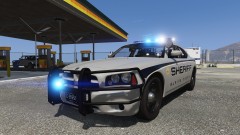
From the album: Red's LSPDFR chaos
-
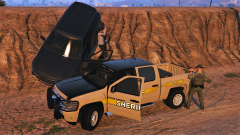 This livery is no longer on his profile, sadly.
 -
From the album: Red's LSPDFR chaos
-
From the album: Red's LSPDFR chaos
-

From the album: Red's LSPDFR chaos
-
Have you tried different images? Your screenshot shows "upload failed", it might be something with the image. I've been able to upload two different images to different galleries.
-
From the album: Random Games
-
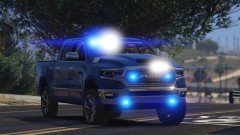
From the album: Red's LSPDFR chaos
-
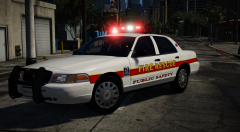 I'm sure you know this already, and maybe you have, but ask Jedahdiah about how to do rotors. He's pretty good at them.
 -
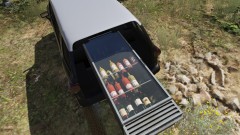
From the album: Red's LSPDFR chaos
-
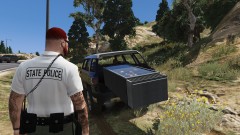
From the album: Red's LSPDFR chaos
-
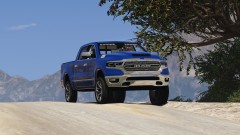
From the album: Red's LSPDFR chaos
-
@kilroy95 is this still planned for release?
-
-
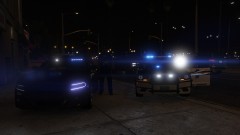
From the album: Red's LSPDFR chaos
-
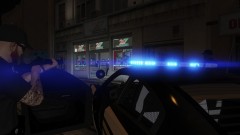
From the album: Red's LSPDFR chaos
-
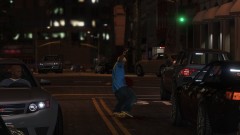
From the album: Red's LSPDFR chaos
-
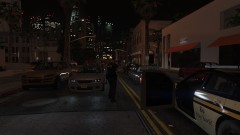
From the album: Red's LSPDFR chaos
-



