Reddington
Members
-
Joined
Everything posted by Reddington
-
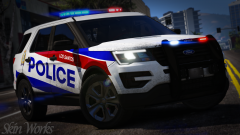 This looks different. Assuming it's UK based?
 -
It's part of the game. There's a transitional period where the lights just look completely terrible, and nothing can be done. Your topic has been moved to GTA V Support, this is not LSPDFR related. Please post in the correct location in the future.
-
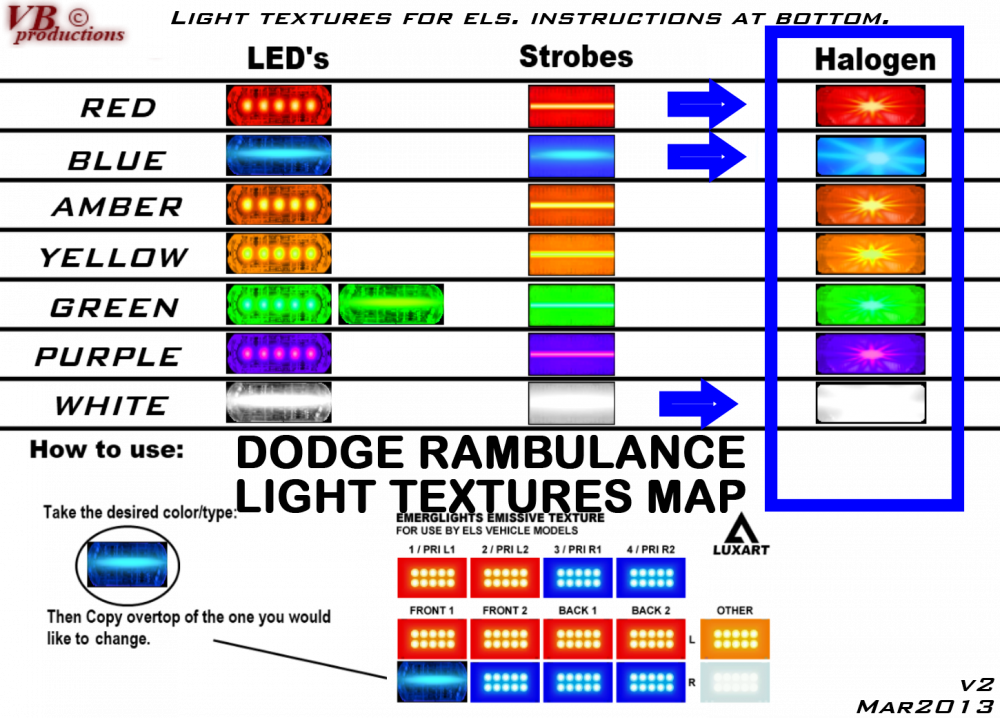
I think this is the closest you'll get to a list of colors, as I'm unaware of any links or images which lists them. You can, however, still change the ELS lights on the vehicle to say, pink and it should still work. The only thing that won't work right is the ELS VCF, as pink might not be a usable color for environmental lighting. This topic has been moved to the appropriate forum. Please post in the correct location in the future.
-
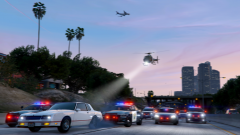 Was the rest of the department bored? Or did he rob a doughnut shop?
 -
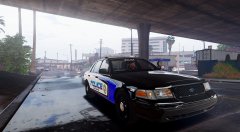 Funny you say that, my favorite thing is how the black on the Vic does look fresh as if it was just painted.
 -
-
-
It's quite alright, I'm just glad you got it figured out. :)
-
I've watched a lot of police response videos from the UK, and have seen plenty of marked police bikes, but never unmarked. That would be pretty damn cool.
-
No. Is this happening on all vehicles, or just this one?
-
The vehicle you're wanting to replace does not have to be in the patchday in order for it to work. If you put the police2 files in patchday17/18 (whichever is the newest), it'll replace and work just fine.
-
You're welcome. :)
-
Yes, it'll work fine.
-
Your question is still where you posted it. If you go on your profile and go to your activity, you can see your created topics. Here it is - Closing since you don't need two of the same topic. If you feel this topic has been closed in error, please report this post.
-
Link what? 0.4 is not released yet.
-
Please define 'not working'. When you turn on the lights, does nothing at all happen? Do the headlights and taillights flash only? Is it only a problem with this vehicle? This topic has been moved to the appropriate forum. Please post in the correct location in the future.
-
Go into the cop holster INI and look for this: [Ped:MP_M_FREEMODE_01] FuncHolster=true FuncIntim=True FuncIntimMesh=7:8 One or both options might be set to false, set to true and save. If that doesn't work, go through and find all FREEMODE options and set to true. Your topic has been moved to GTA V Support, this is not LSPDFR related. Please post in the correct location in the future.
-
From the album: Red's LSPDFR chaos
-
From the album: Red's LSPDFR chaos
-
From the album: Red's LSPDFR chaos
-
From the album: Red's LSPDFR chaos
-
Vehicles that come with a meta file may have one or two changes, such as handlingid, or audionamehash. It's perfectly fine if a vehicle comes without a .meta file, you don't need it. Honestly, you don't even need to install the vehicles.meta that come with the vehicles. You can easily change it yourself.
-
Did you install the VCF XML that came with the car to pack_default?
-
This is what America needs so bad, but it'll never, ever happen due to how our people are.
-
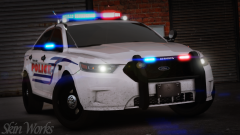 Yes please! This looks so good!